Choosing Wi-Fi and 4G cameras
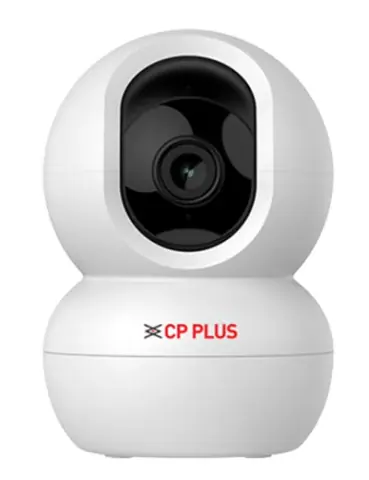
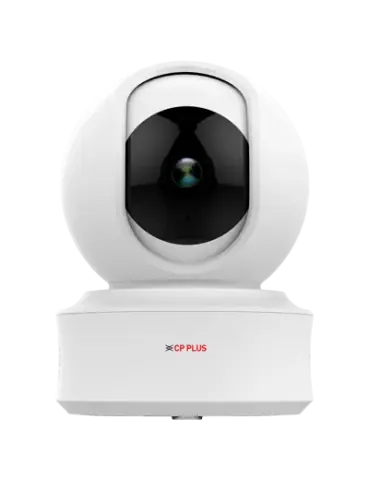
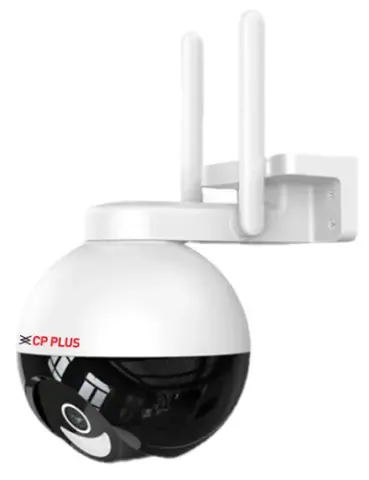
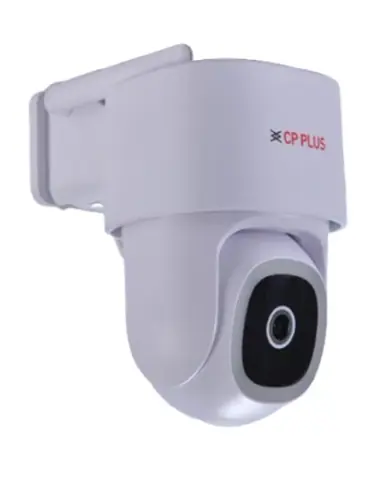
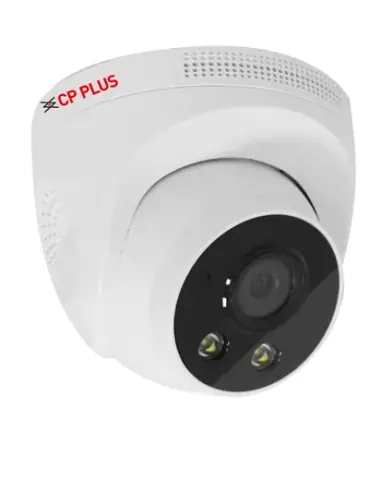
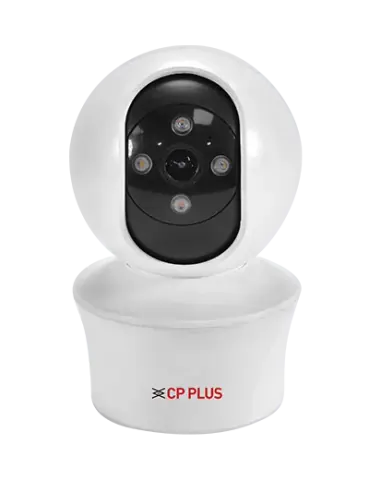
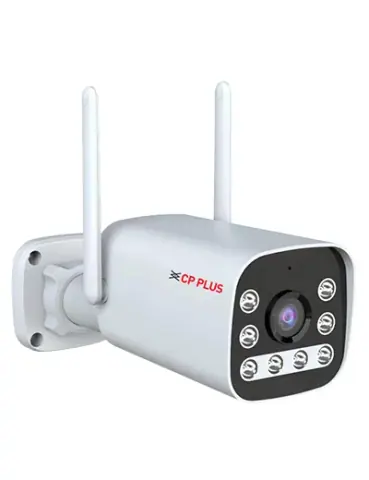
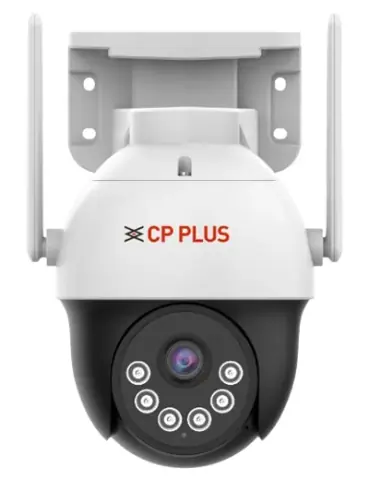
Wi-Fi and 4G cameras are managed from a phone app and need no recorder, which suits homes, small shops and sites where laying cable is not practical. Check the signal at the mounting point and the storage before you choose a model.
- Wi-Fi or 4G
- Wi-Fi models join your router and need a stable signal where the camera will sit. 4G models use a data SIM and suit remote or temporary sites with no broadband.
- 2.4 GHz band
- The Wi-Fi models in this range use the 2.4 GHz band only, so they cannot join a network that offers only 5 GHz. Keep the router close enough for a steady signal, or add an access point.
- SIM and data use
- A 4G camera needs an active data SIM, and video uses more data than most people expect: a 1 Mbps stream sent continuously is about 10 GB a day. Record to the microSD card and view on demand to cut data use, and check the camera's LTE bands against the operator's coverage at the site.
- Local storage
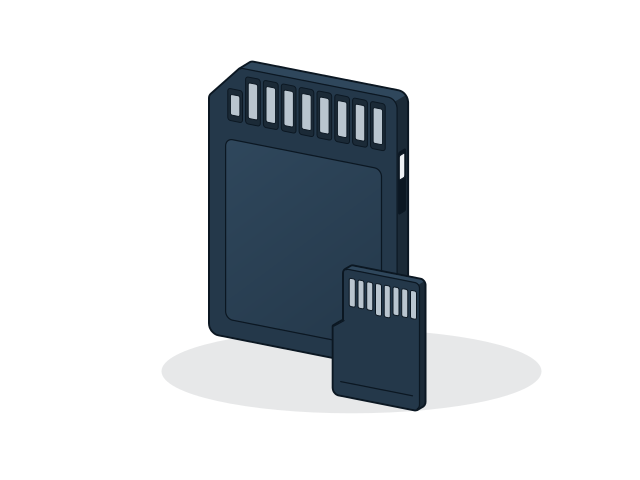
- Recording is to a microSD card, up to 256 GB on these models. Choose a high-endurance card for continuous recording, and estimate how many days a card holds at the camera's bitrate.
- Indoor or outdoor
- Many models are for indoor use only. For outdoor positions choose a model sold for outdoor use, and keep the power adapter and its connector under cover.
- Power and solar
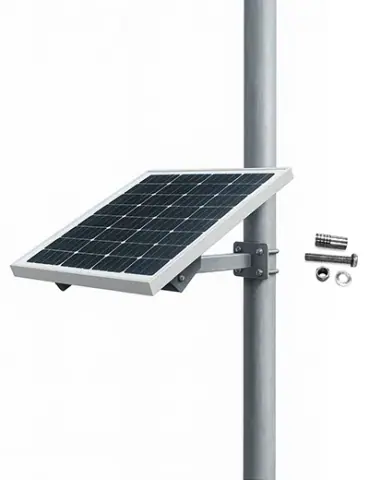
- Most models run from a 5 V USB adapter and some from 12 V. Solar kits suit sites with no mains power: place the panel in direct sun for most of the day and keep it free of shade and dust.