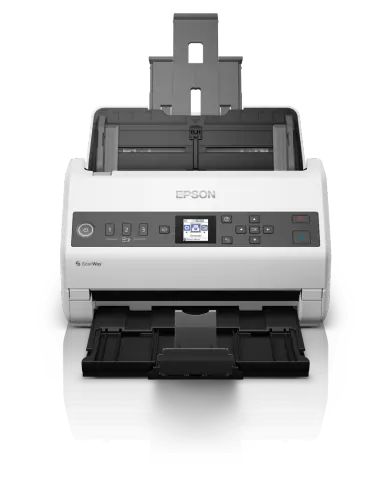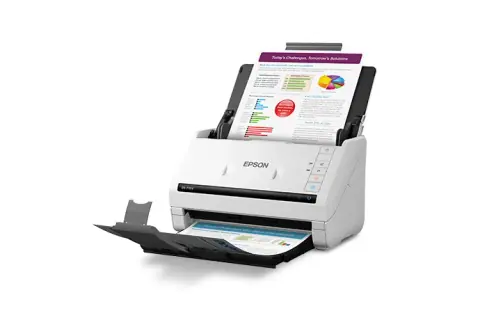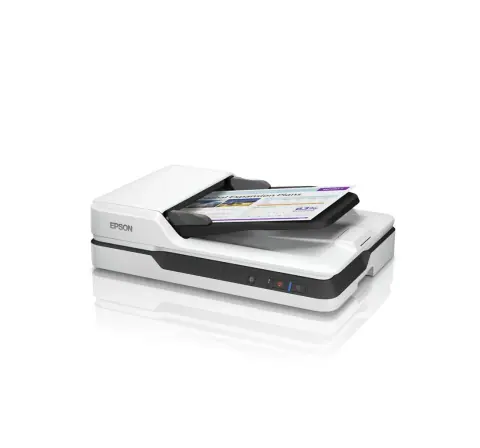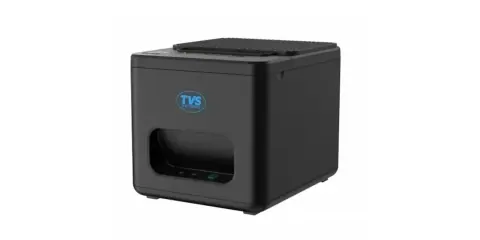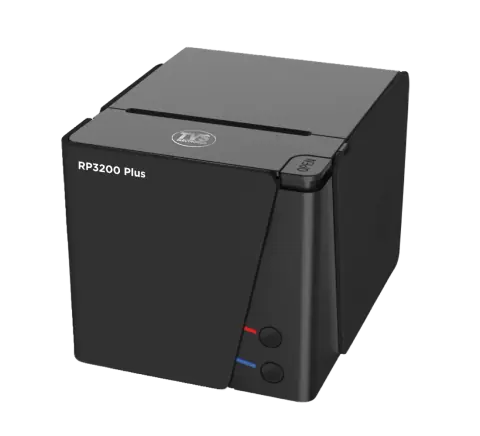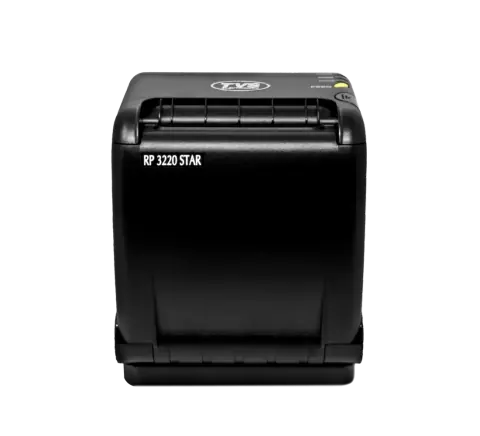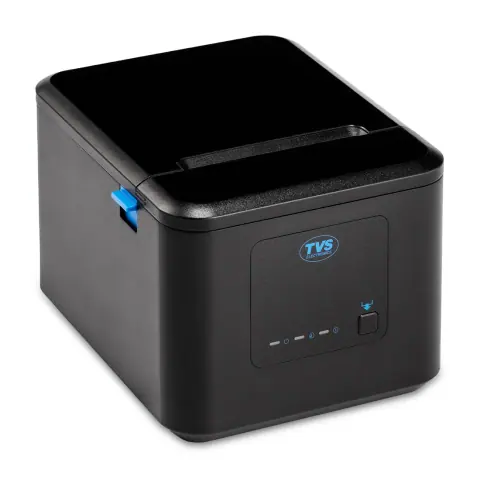
Printers and scanners models

59 models
    Filters

    Choosing printers and scanners

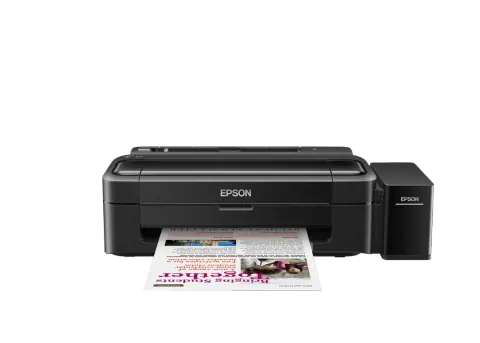
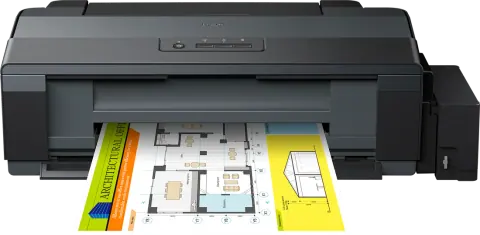
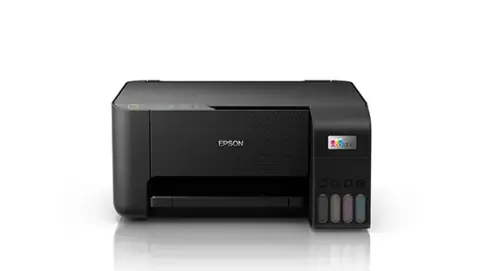
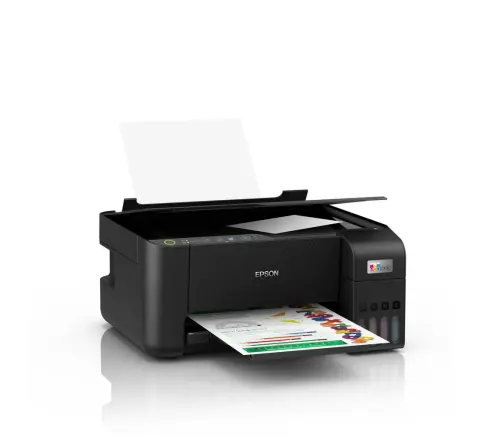
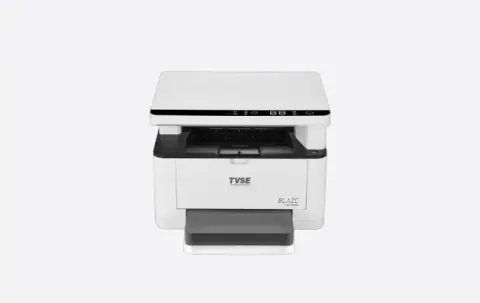
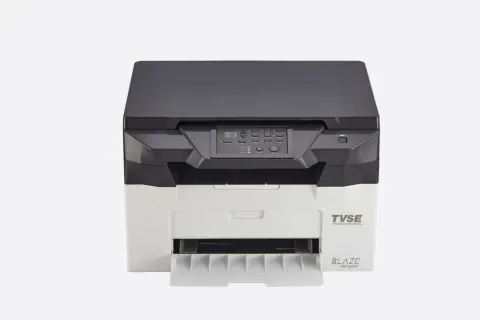
    Choose a printer by what it prints, how much and on what. Inkjet, laser, dot matrix and POS thermal printers each suit a different job, and the availability and yield of consumables belong in the decision.

    Printer type
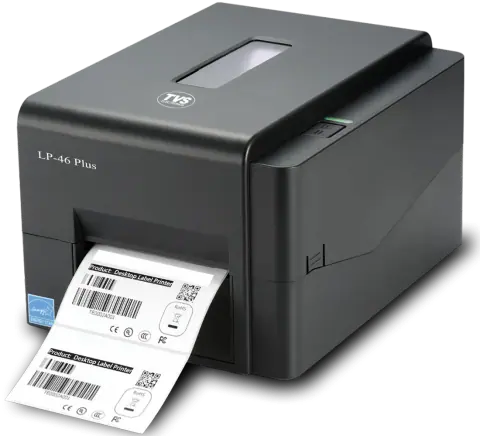
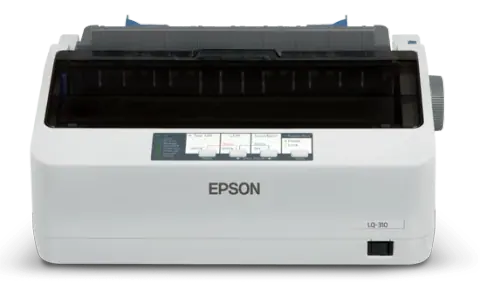
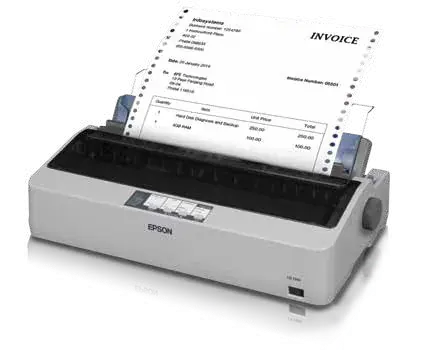
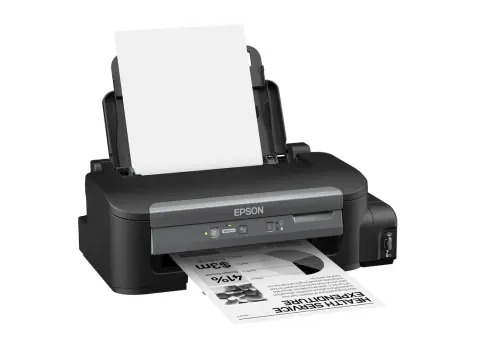
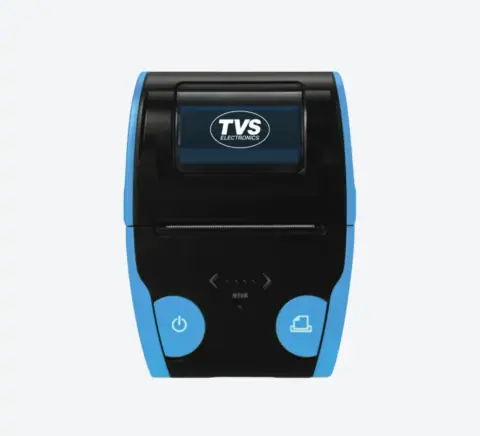
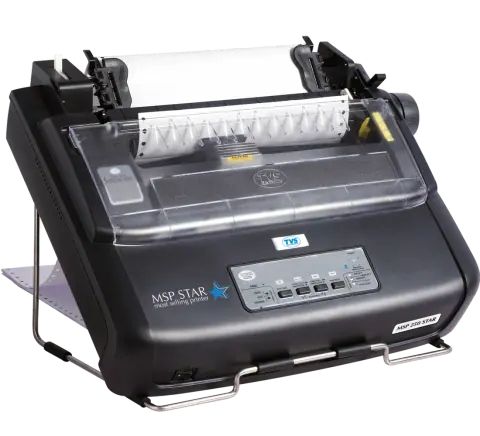
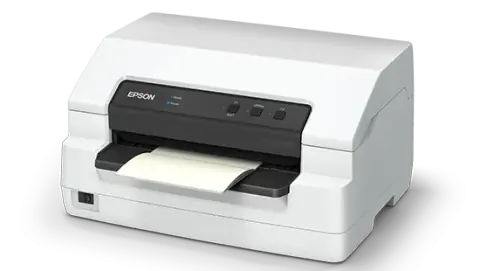
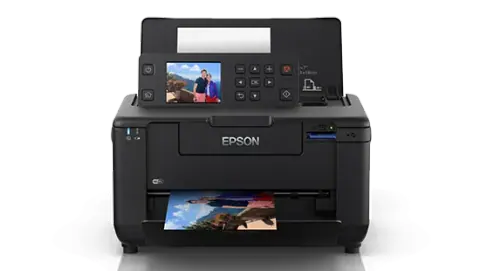
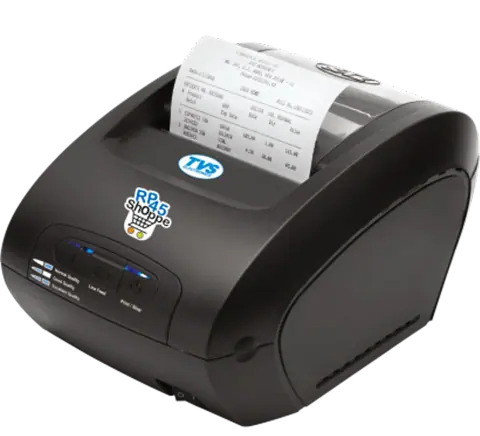
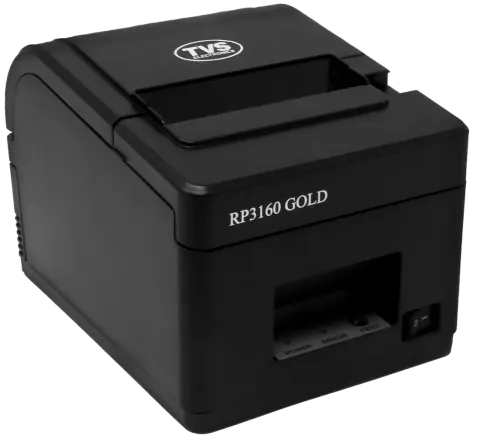
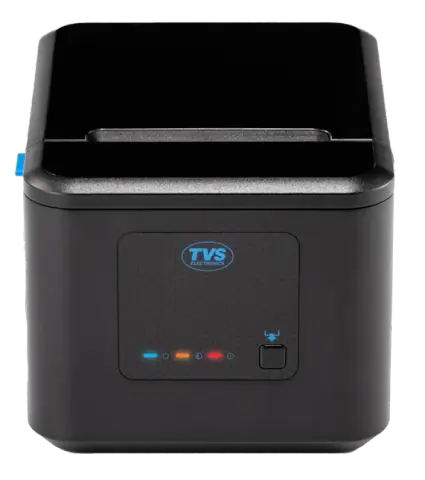
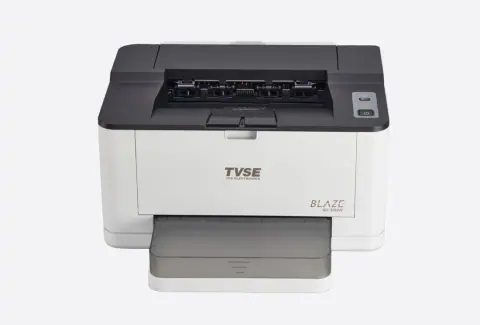
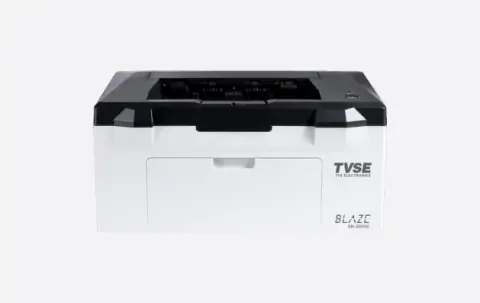
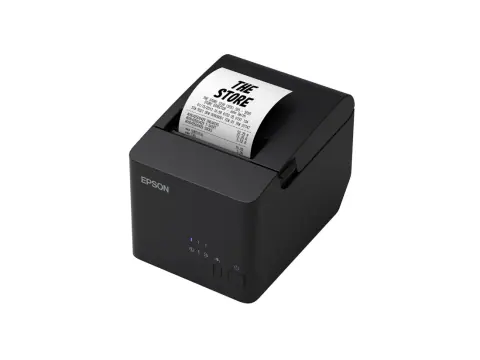
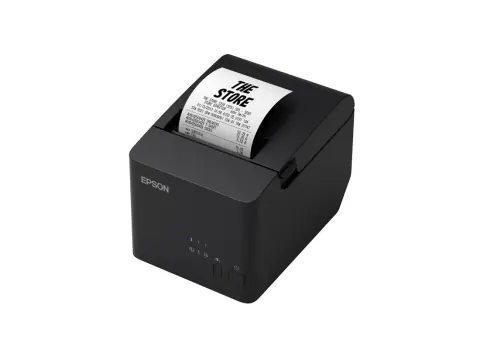
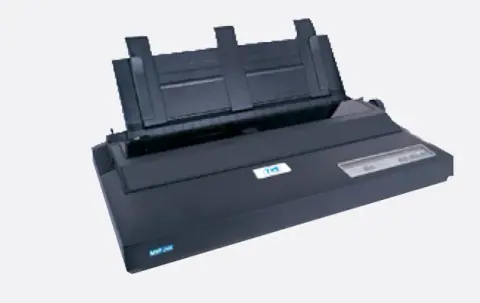
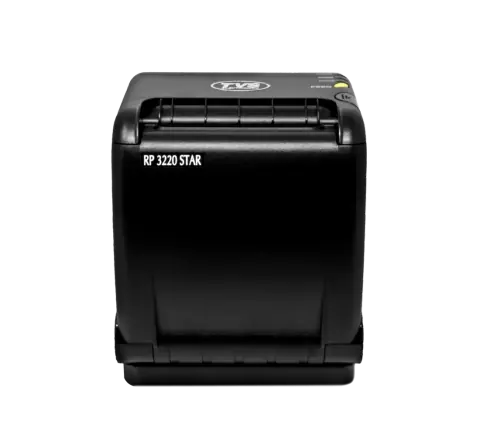
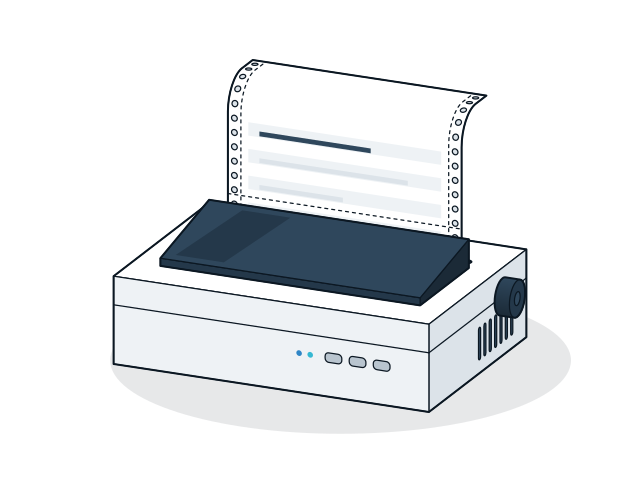
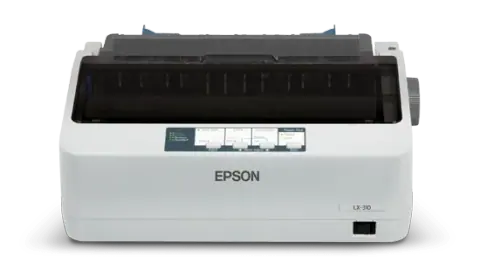
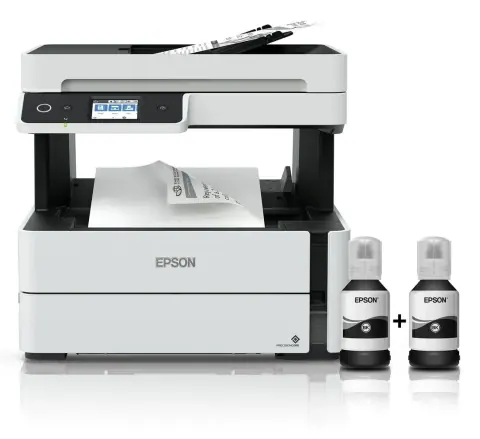
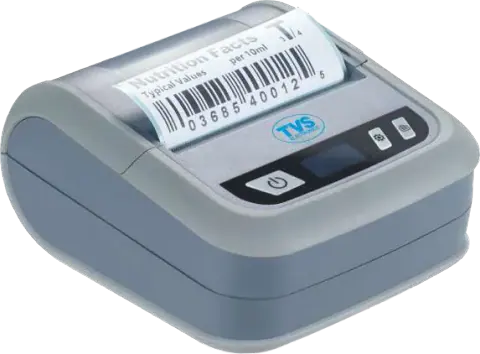
    Inkjet suits colour documents and photos at low volume, and laser suits high-volume black text. Dot matrix prints multi-part forms and carbon copies, such as invoices and challans, and thermal POS printers print receipts on rolls without ink or toner.
    Monthly volume
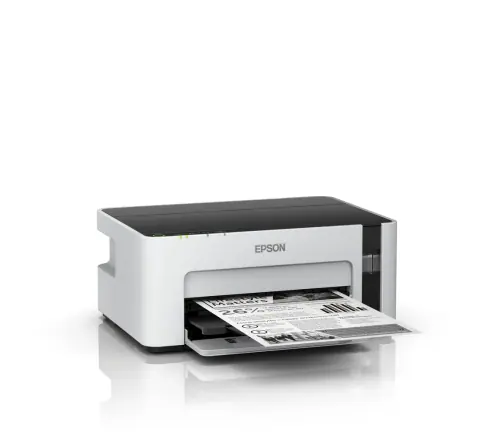
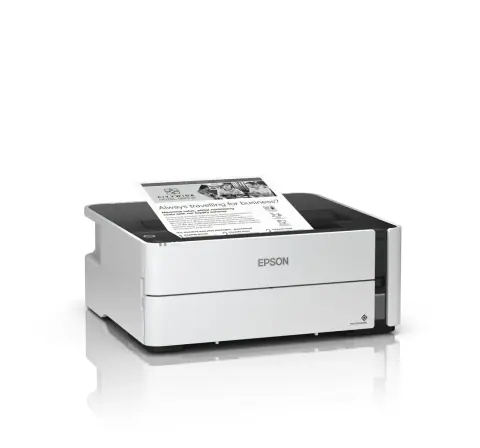
    Compare your monthly pages with the printer's rated duty cycle, because staying well below the maximum extends its life. Ink tank models suit high-volume inkjet use.
    Consumables
    Check the cartridge or toner model number and its page yield, which for black laser toner is measured at 5% page coverage. Confirm that replacements are easy to get before you commit to a model.
    Connections and drivers
    USB suits one PC, and Ethernet and Wi-Fi suit shared printers. POS printers may also have serial or Bluetooth ports, so check that a driver, or ESC/POS support for POS models, exists for your billing software and operating system.
    Paper and forms
    Check the paper sizes the printer takes, A4 or A3, and whether it prints on both sides. Dot matrix printers come in 80 column and 136 column widths, and receipt printers take 58 mm or 80 mm rolls, with 80 mm the usual size for retail receipts.

    Installation and compatibility

    • Use the paper weight and type the printer supports. Thermal printers need thermal rolls, and a dot matrix printer's head gap lever must match the number of copies.
    • Compatible and refilled cartridges work in most printers, but some models reject cartridges whose chip does not match. Check before you stock them.
    • Keep laser printers well ventilated and off a small UPS, because their start-up load is high.

    Also supplied by

    Models from these brands are not listed on the site. Ask for a price list or send the model numbers you need.
    Enquire about printers and scanners

    Send the models and quantities you need, or describe the requirement if the model is not listed. The sales desk will confirm price and availability.
    You are a (optional)

    Sending opens WhatsApp with your enquiry filled in, ready to send to our sales desk.