Time and attendance
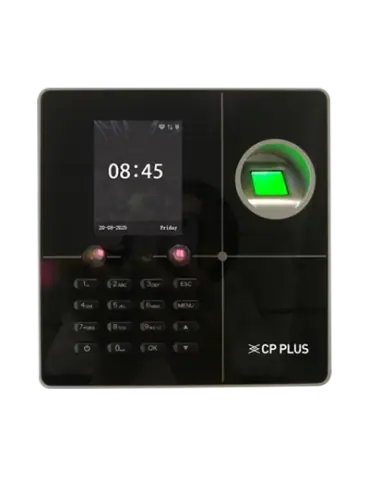
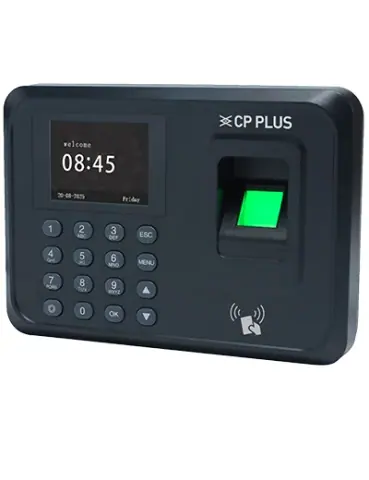
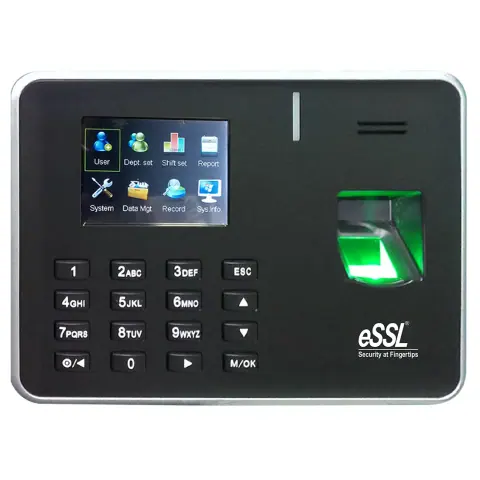
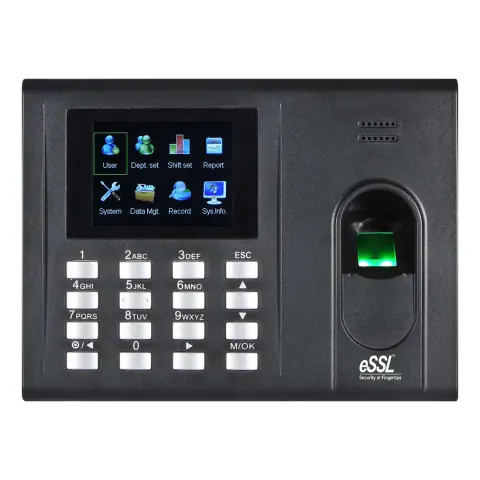
Fingerprint, face and card attendance terminals with USB or network connectivity, including models with door access control.

Time and attendance models
11 models
-
View details -
View details -
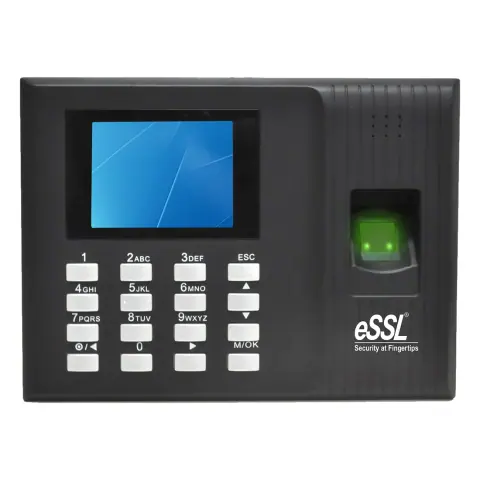
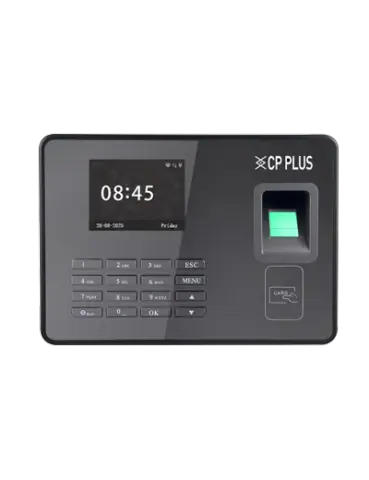
Fingerprint attendance terminal, USB
CP-VTA-T2324-U
- 1:N, 1:1
- 1000 fingerprint capacity
- USB Flash Drive, Host
View details -
Fingerprint attendance terminal with card reader
K21 PRO
- Fingerprint + Card
- 800 fingerprint capacity
- 800 card capacity
View details -
View details -
Fingerprint attendance terminal with card reader
K90 PRO+ID+B
- Fingerprint + Card
- 800 fingerprint capacity
- 800 card capacity
View details -
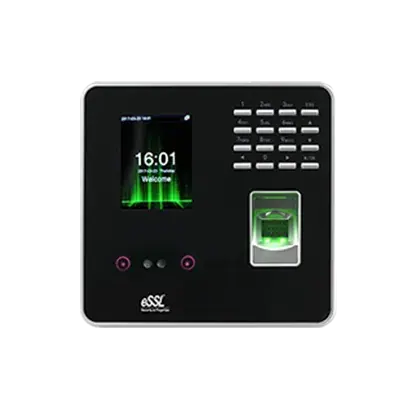
Face and fingerprint attendance terminal with card reader
MB 20+ID
- Face, fingerprint, ID card, password
- 500 face capacity
- 2,000
View details -
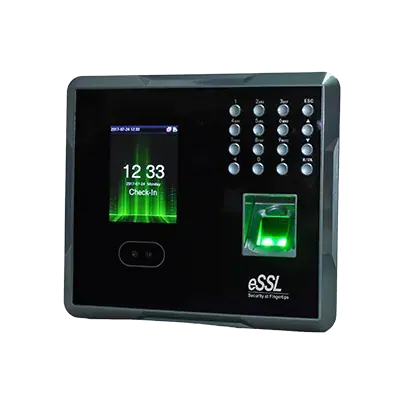
Face and fingerprint attendance terminal with card reader
MB 160+ID
- Face, fingerprint, ID card
- 1,500
- 2,000
View details -
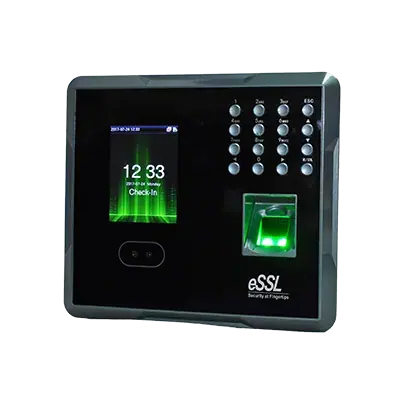
Face and fingerprint attendance terminal with card reader and battery backup
MB 160+ID+B
- Face, fingerprint, ID card
- 1,500
- 2,000
View details -
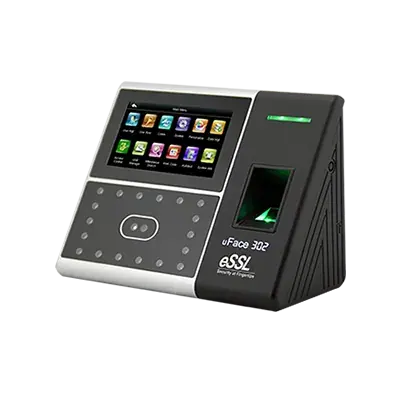
Face and fingerprint attendance terminal with card reader
uFace 302+ID
- Face, fingerprint, ID card
- 3,000
- 4,000
View details -
View details
No models match these filters
Remove a filter or change the text. For models that are not listed, the sales desk can check availability.
Choosing an attendance terminal
Choose an attendance terminal by who will use it, how many people they are and how the records reach payroll. Verification method and connectivity matter more than screen size.
- Verification method
- Fingerprint is the usual choice. Face recognition suits staff whose fingers are often dirty, wet or worn, and models that offer face and fingerprint give both options.
- User and record capacity
- Check how many fingerprints or faces the terminal stores, 1,000 to 10,000 on these models, and how many records it holds, 100,000 to 200,000. Compare these with your headcount and how often you collect data.
- Data collection
- USB models export records to a flash drive and suit a single site. LAN (TCP/IP) models send records to software on a PC or server, which suits several terminals or remote collection.
- Software and payroll
- The terminal needs matching software to turn punches into attendance reports. Check how the reports reach your payroll process before you buy.
- Power and clock
- Terminals run from a 5 V or 12 V supply. A built-in battery on some models keeps the clock and records through a short power cut.
- Environment
- These terminals are for indoor use at about 0 to 60 °C and 20 to 80% humidity. Keep them out of direct sunlight and away from splashes.
Installation and compatibility
- Enrol two fingers per person, and make sure each finger is clean and placed flat and centred. Poor enrolment causes most read failures.
- Mount the terminal at about chest height, out of direct sunlight. Face recognition also needs even lighting without strong backlight.
- Check the terminal clock and back up the records regularly.
Enquire about time and attendance
Send the models and quantities you need, or describe the requirement if the model is not listed. The sales desk will confirm price and availability.