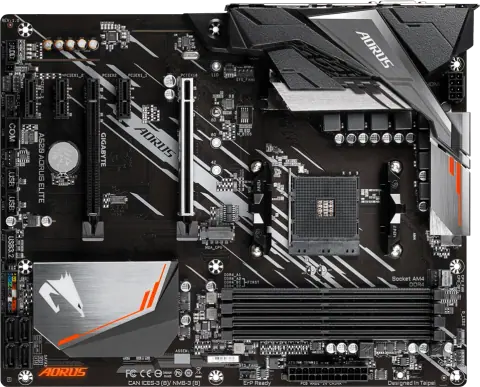
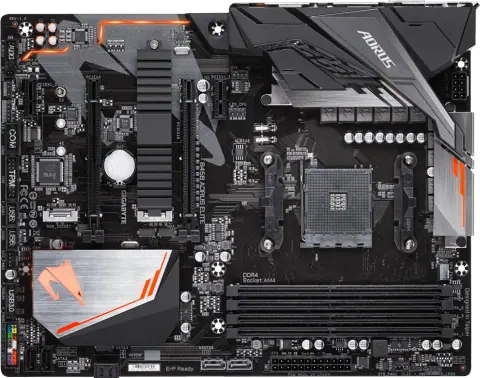
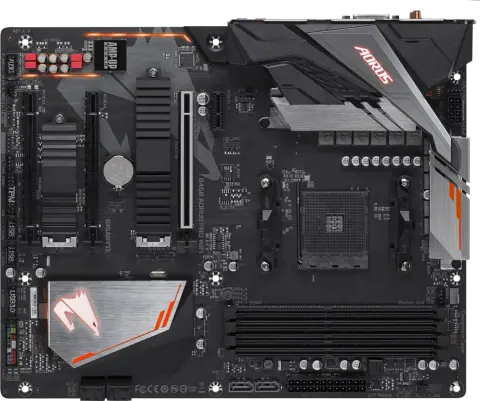
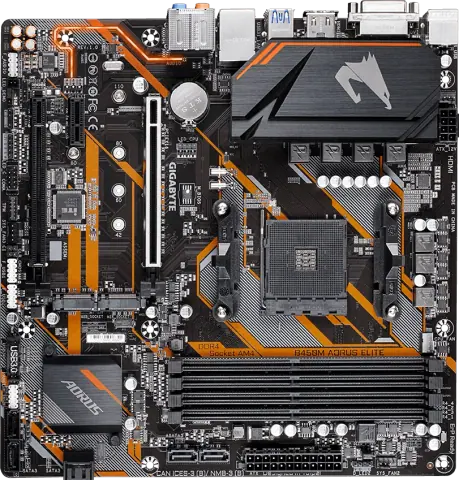
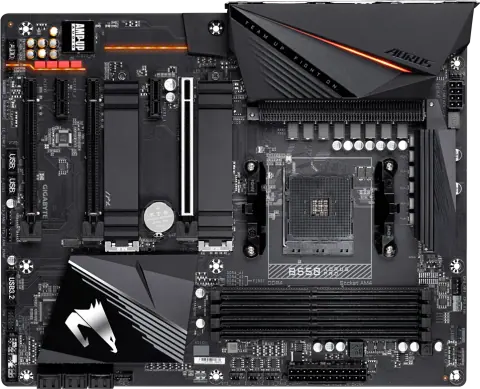
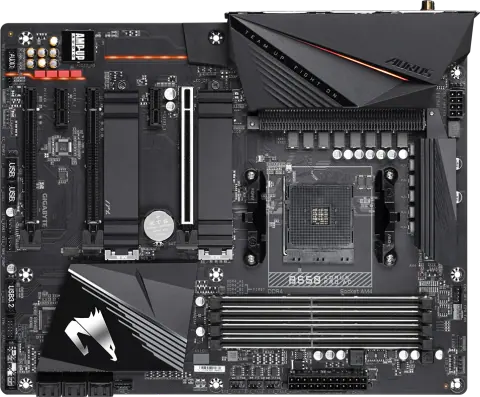
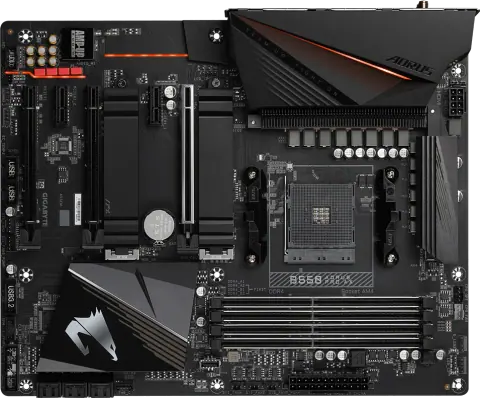
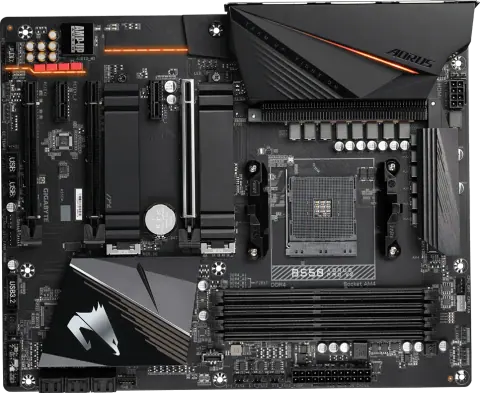
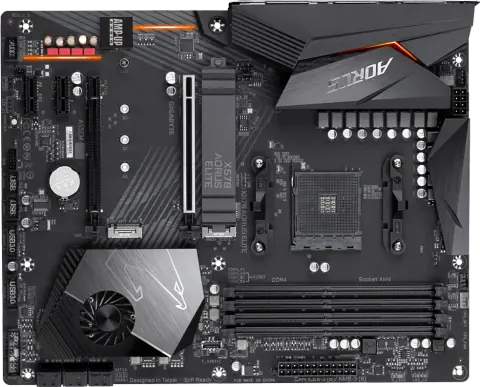
A520 AORUS ELITE
- AM4
- AMD A520
- ATX
View details
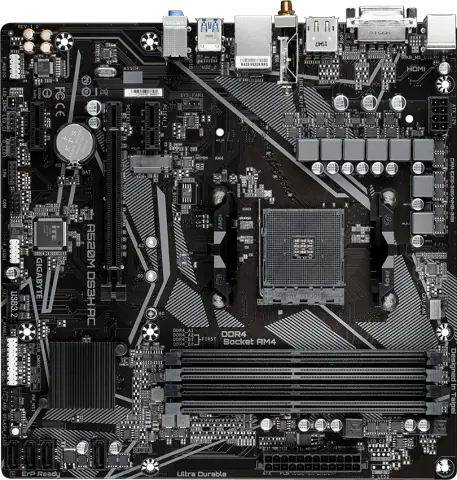
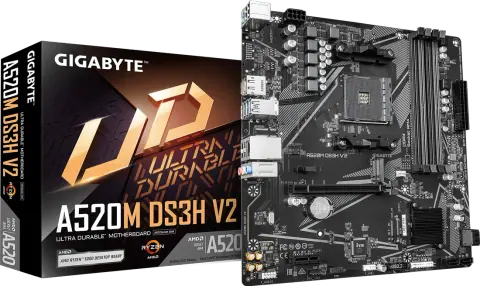
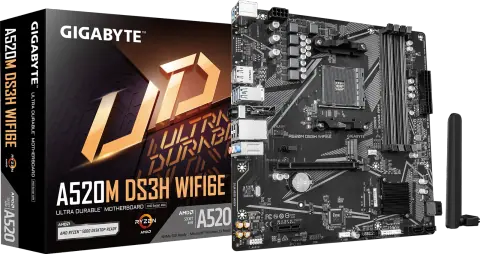
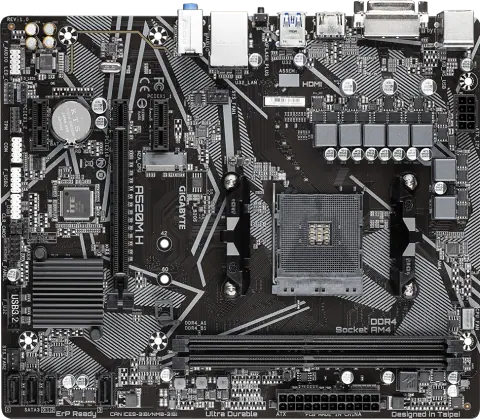
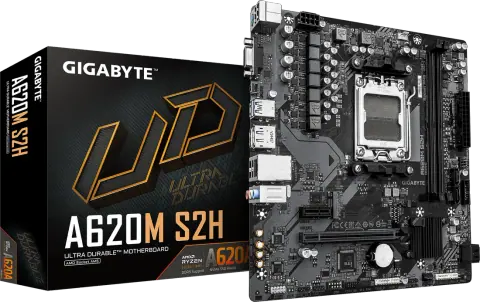
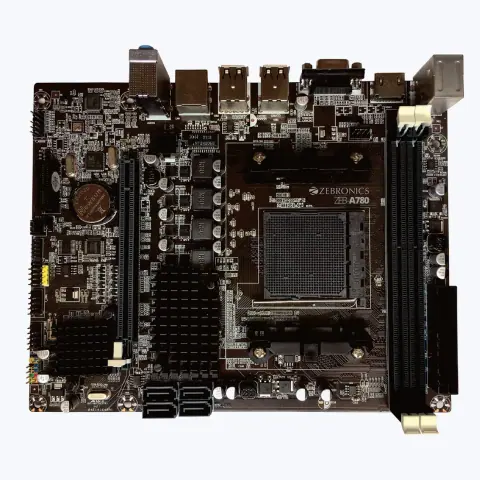
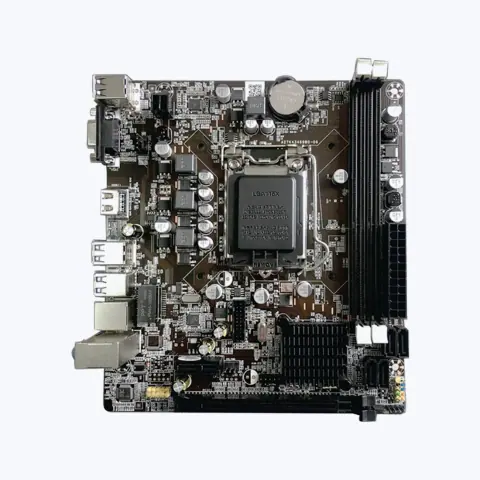
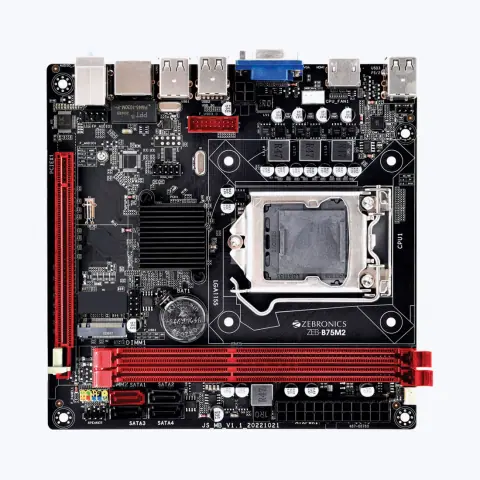
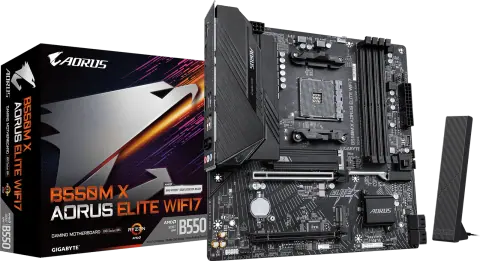
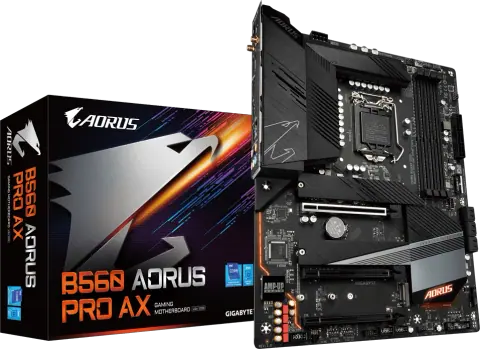
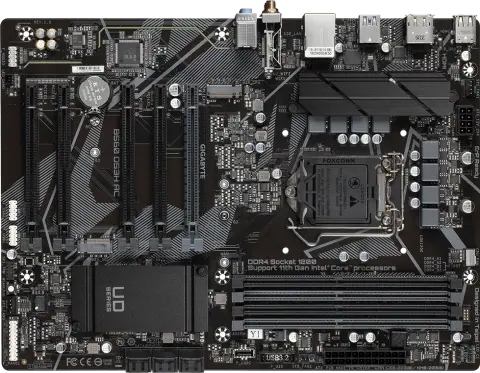
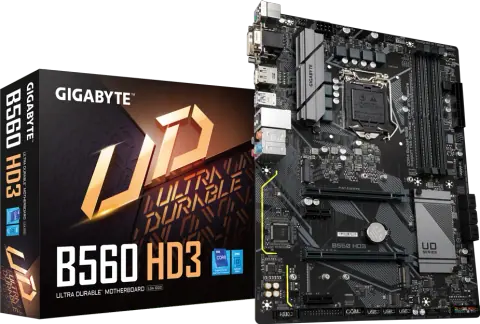
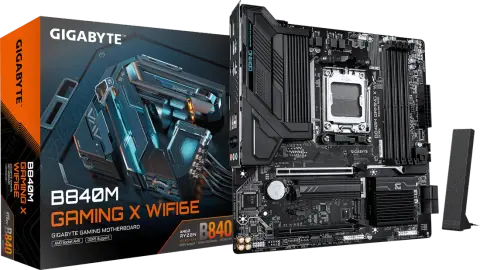
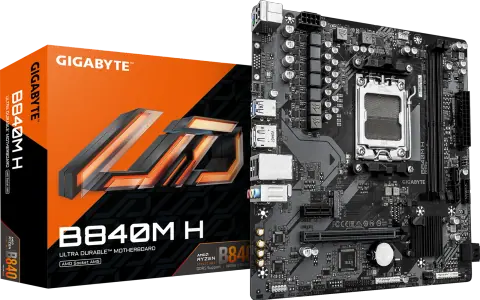
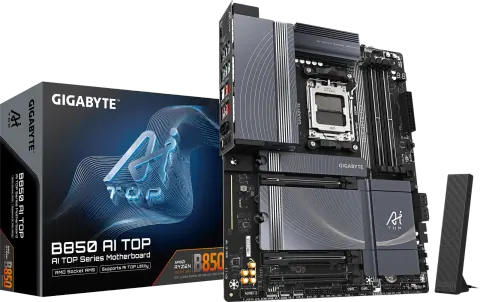
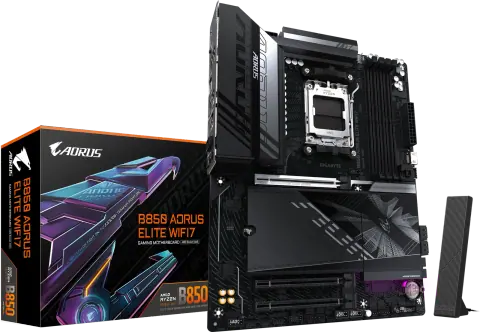
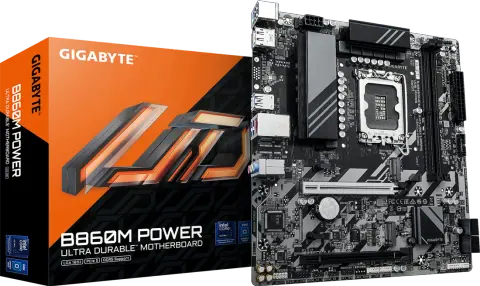
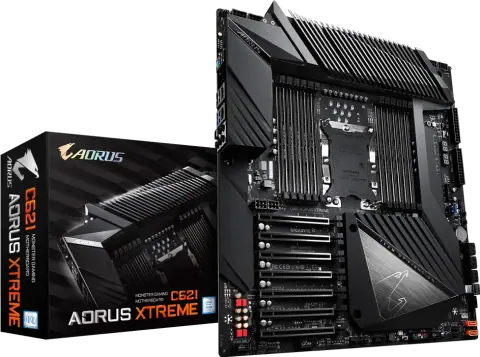
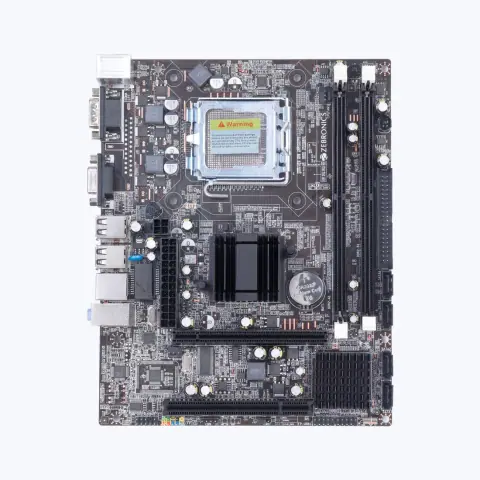
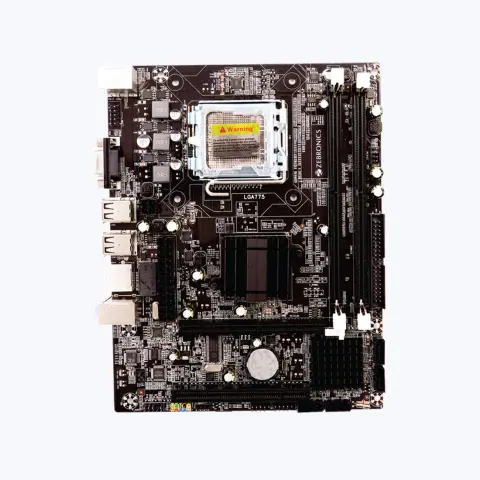
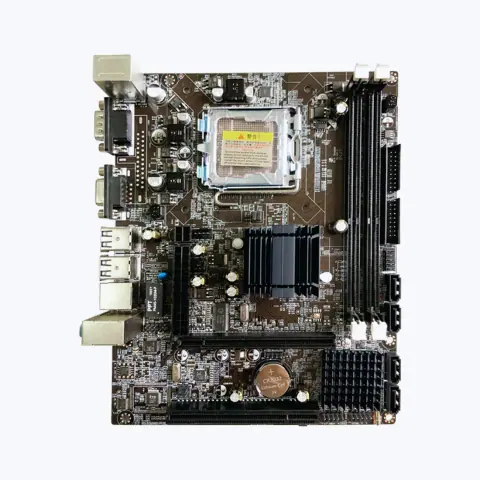
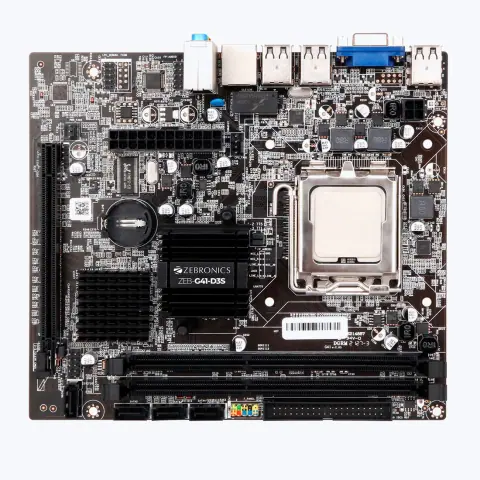
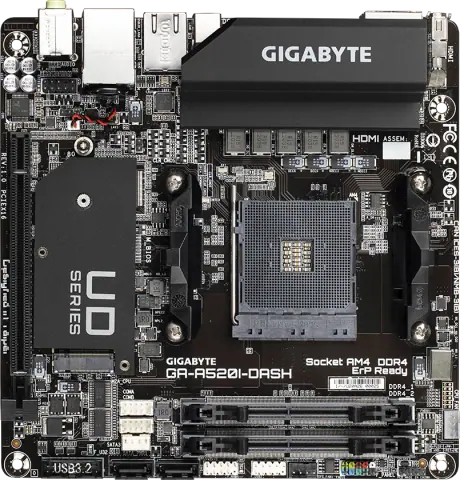
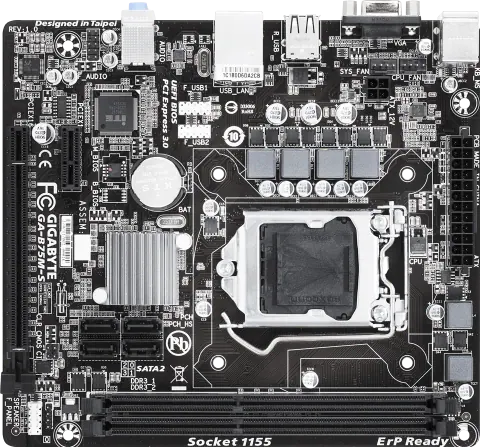
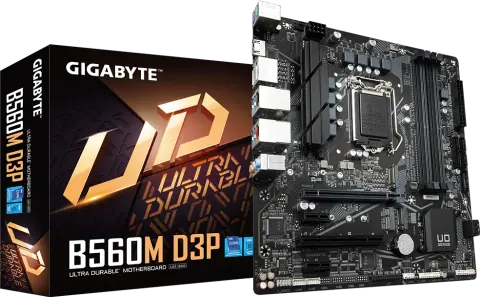
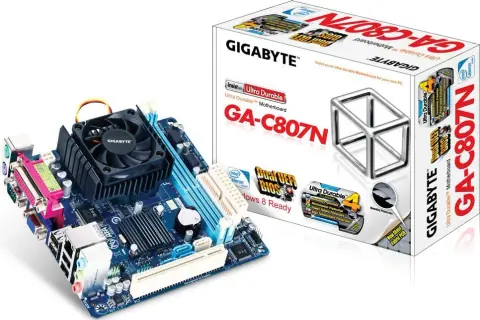
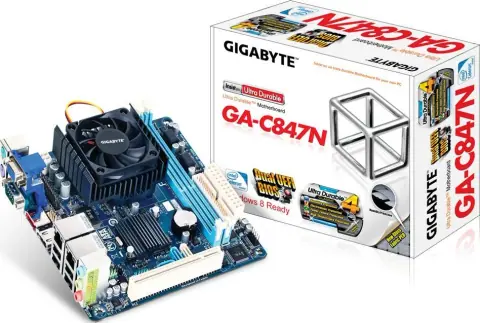
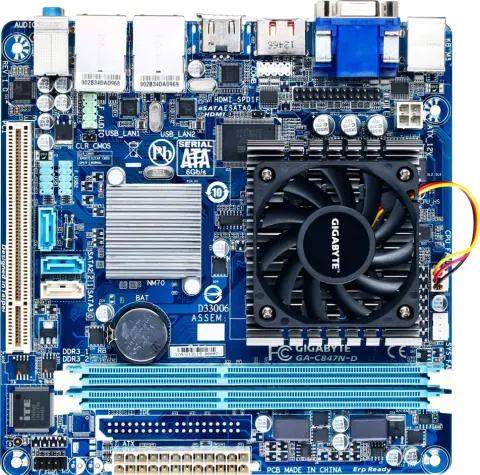
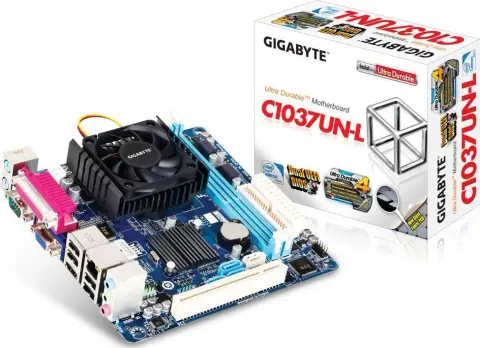
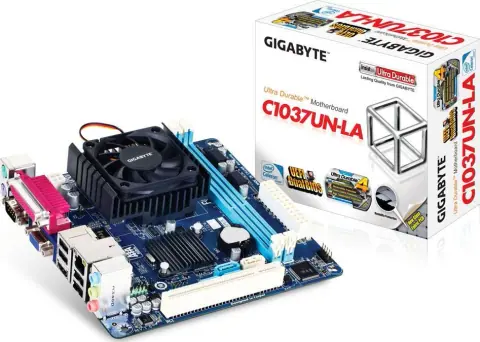
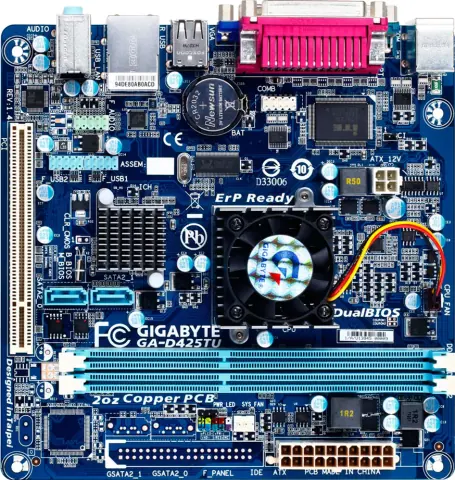
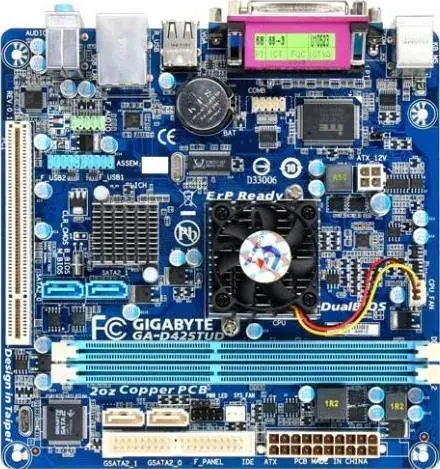
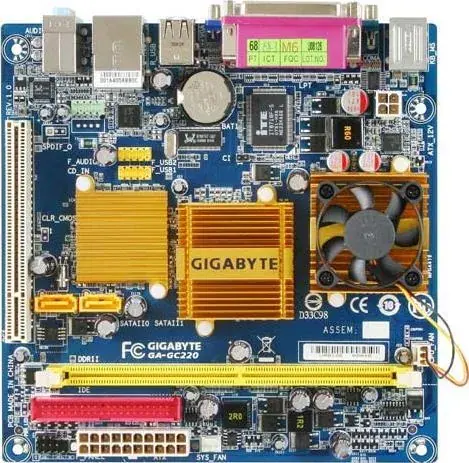
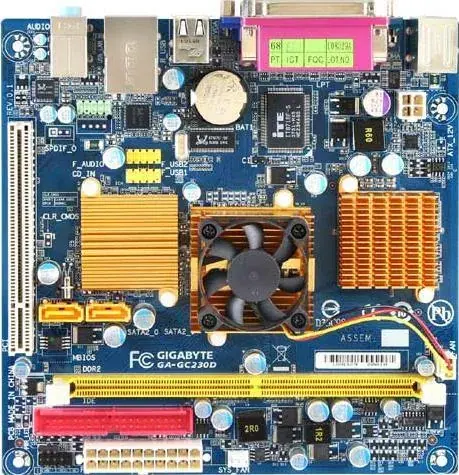
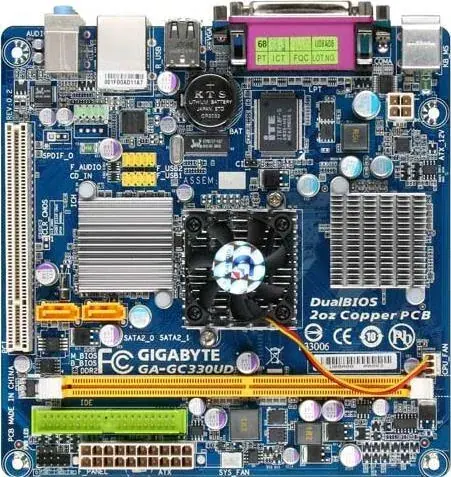
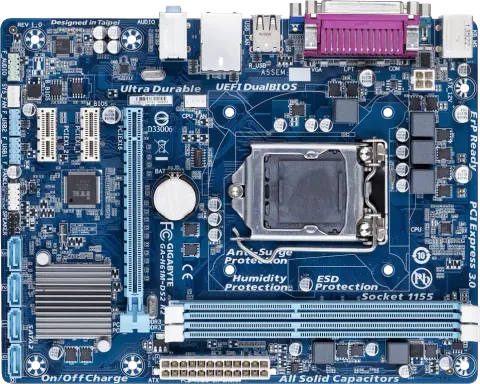
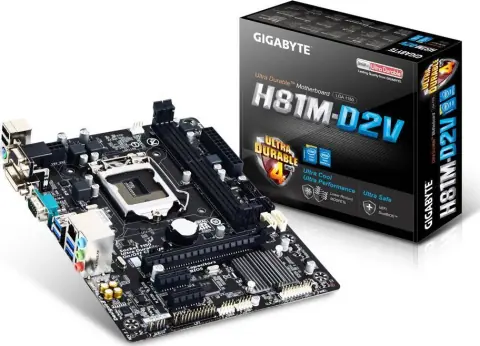
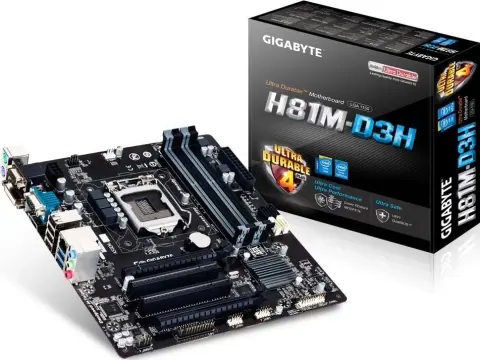
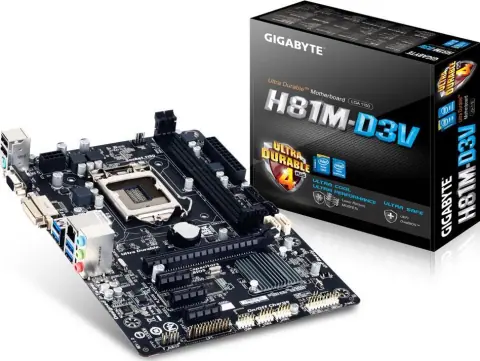
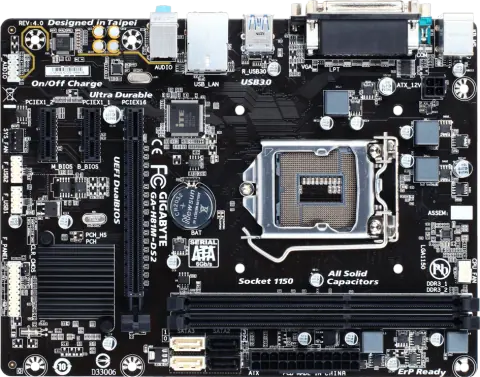
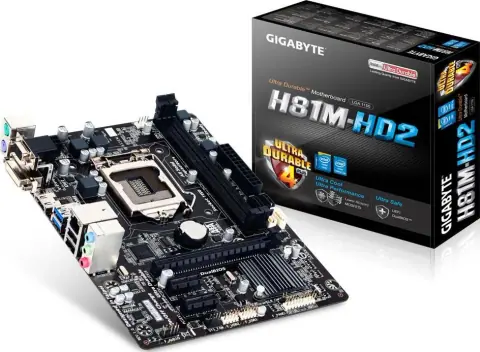
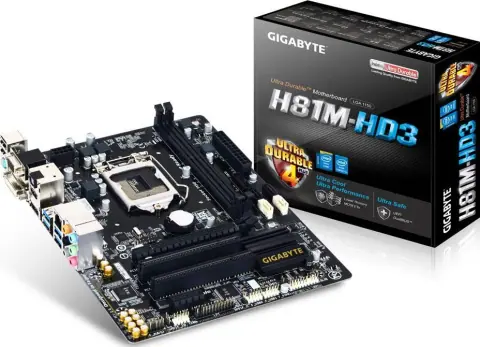
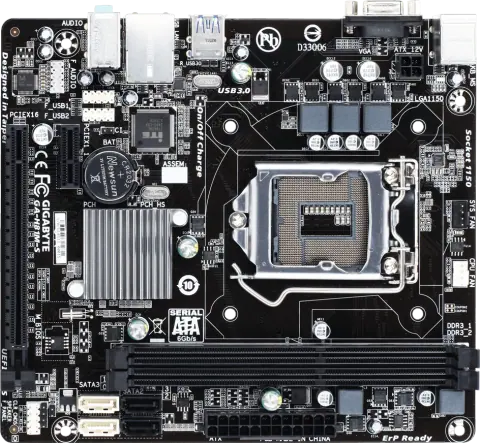
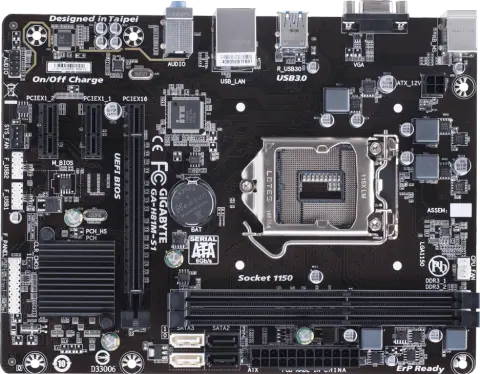
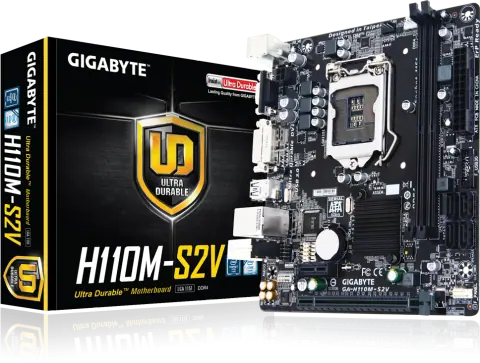
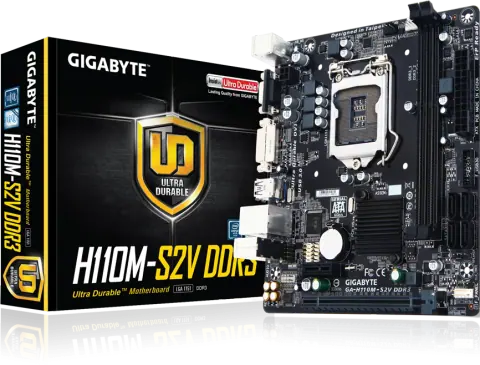
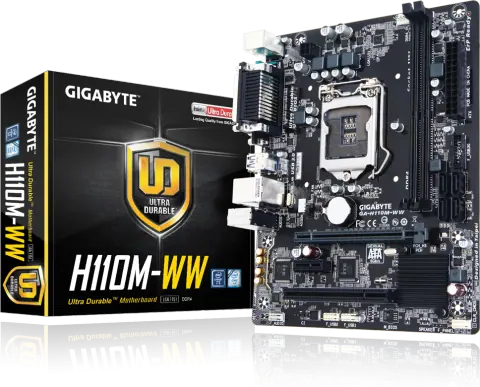
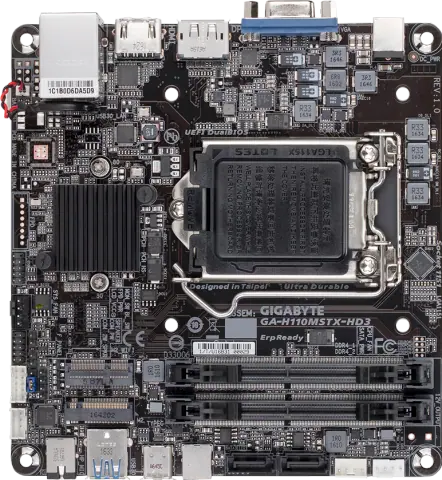
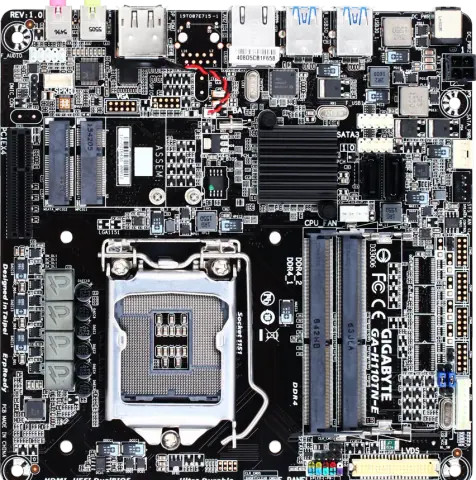
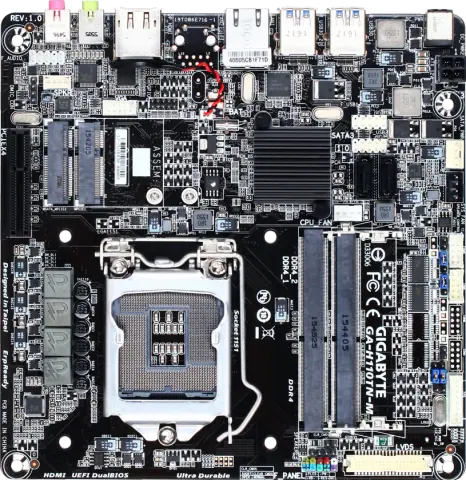
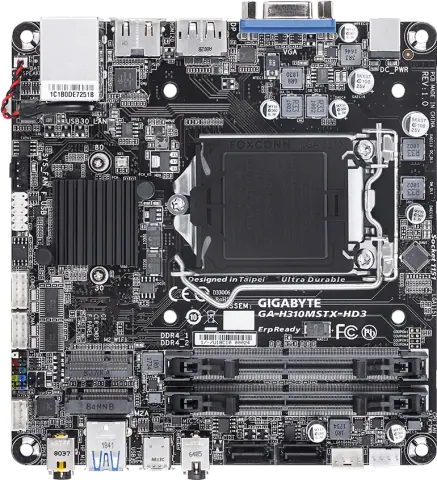
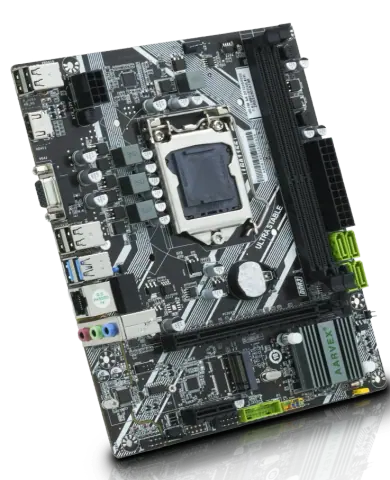
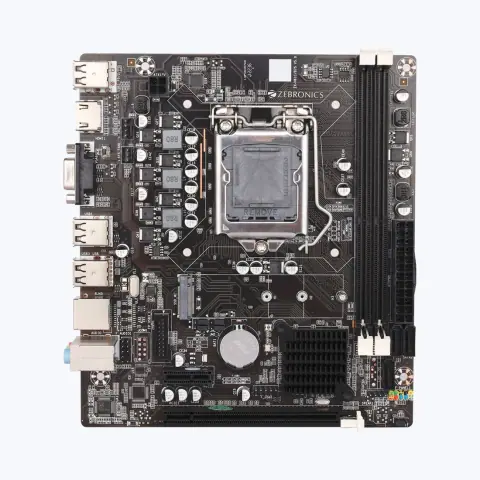
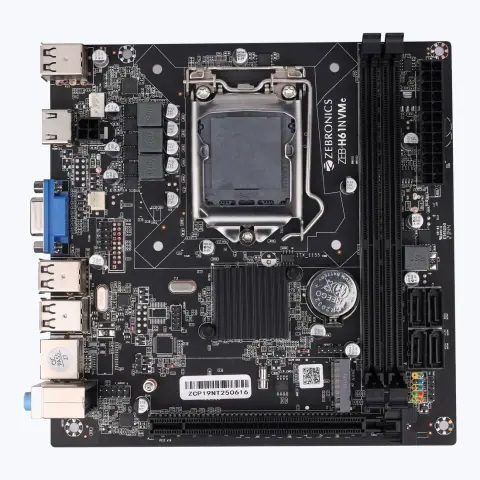
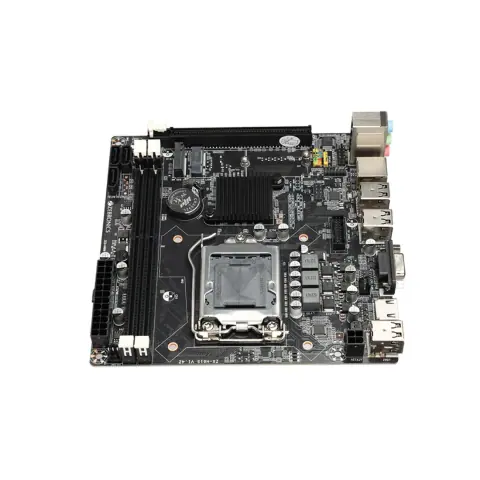
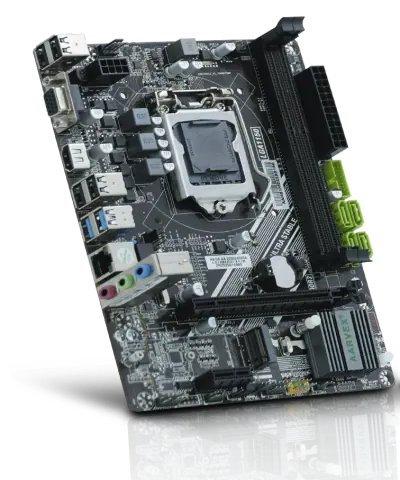
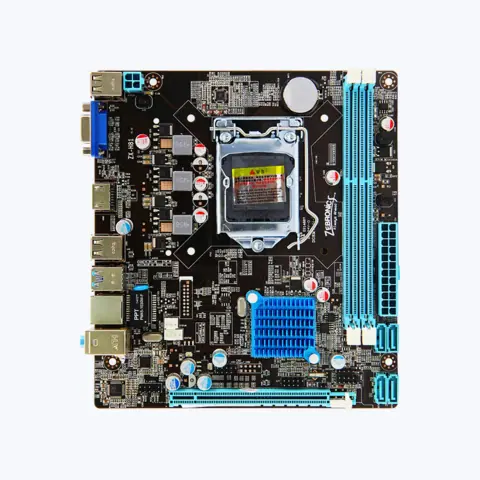
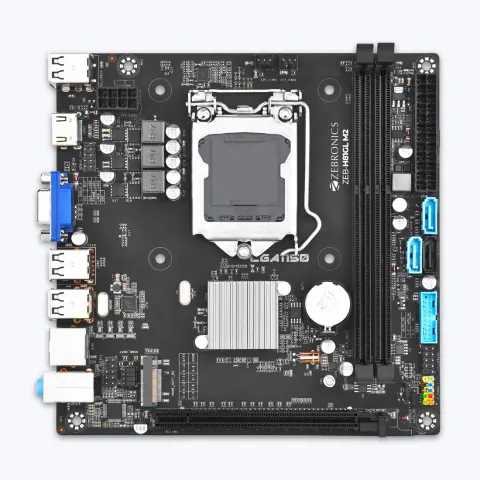
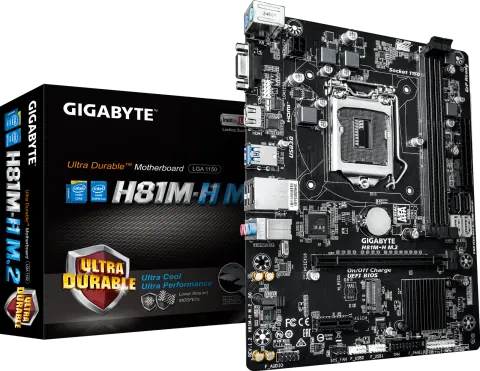
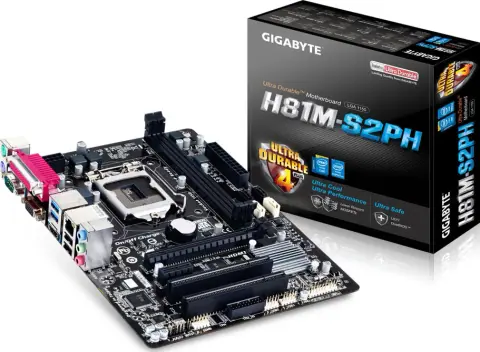
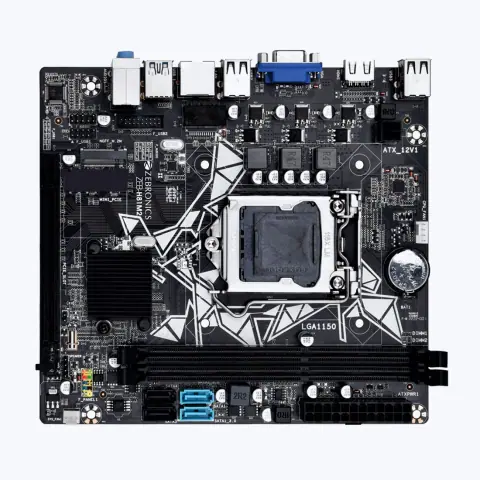
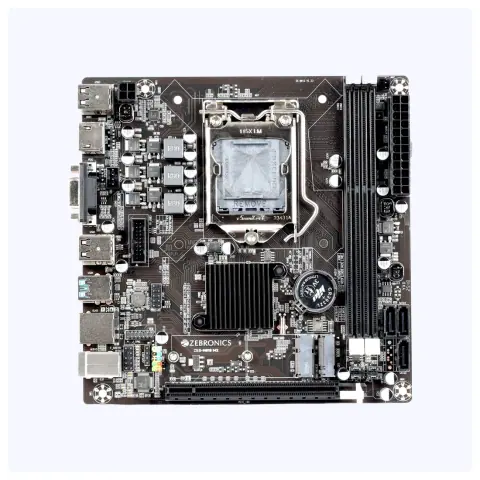
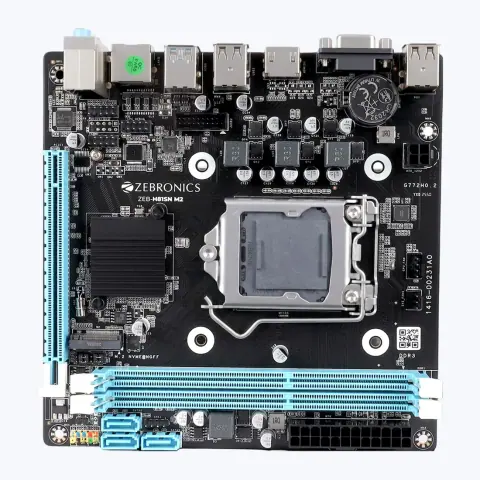
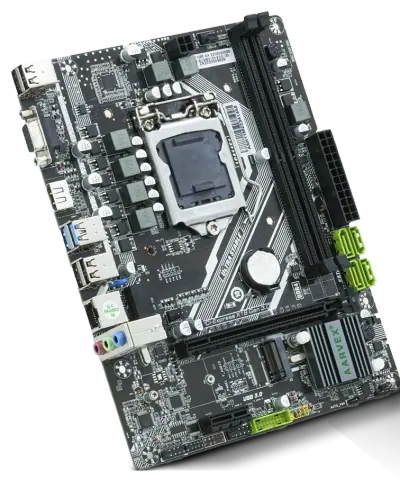
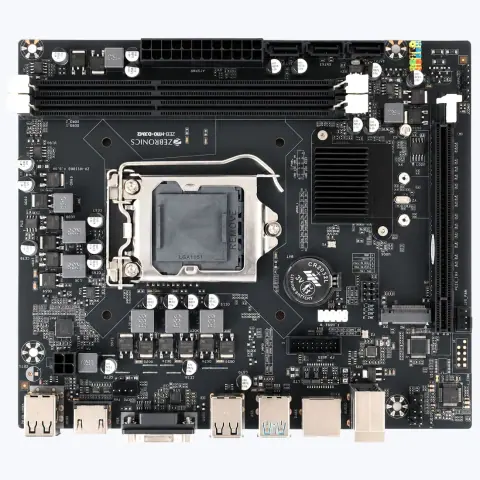
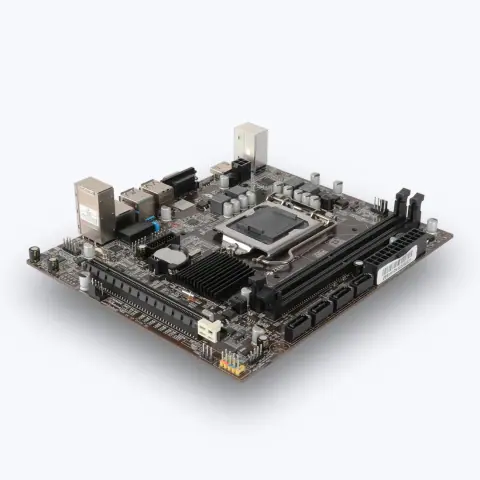
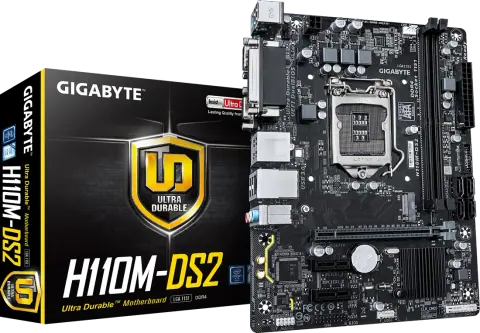
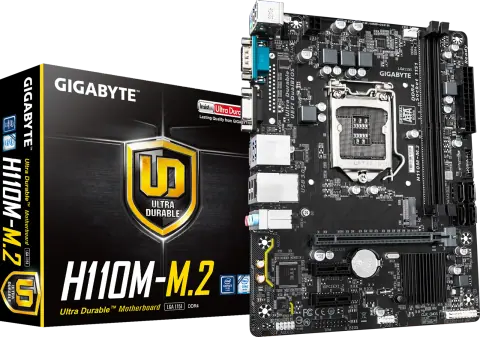
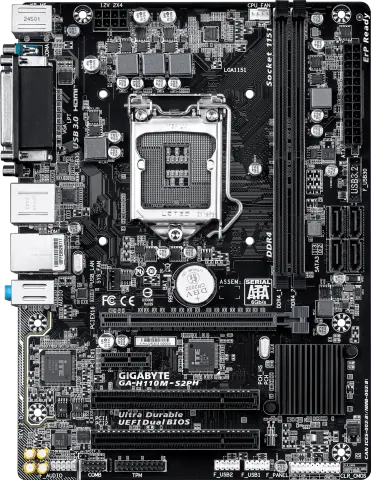
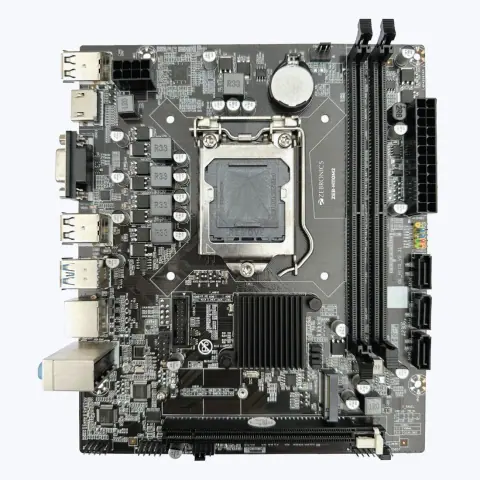
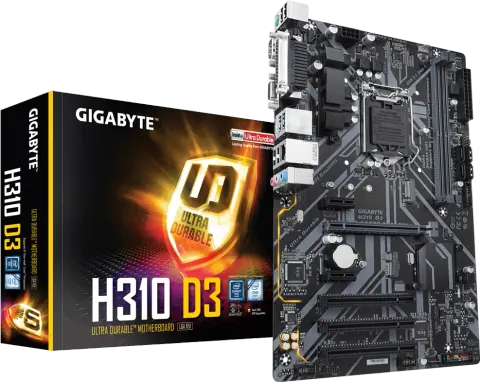
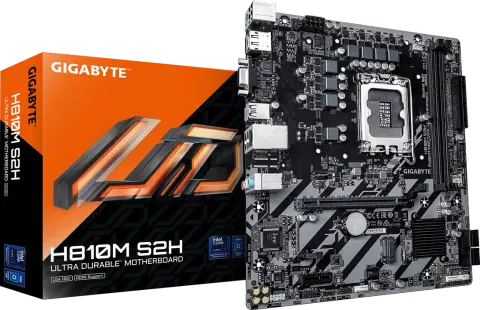
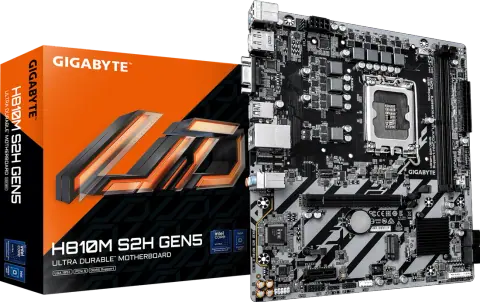
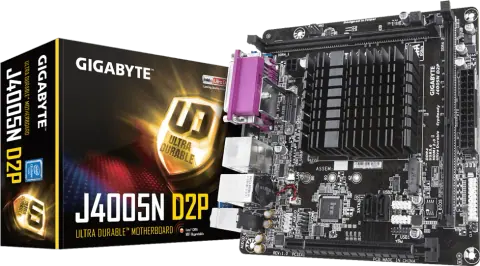
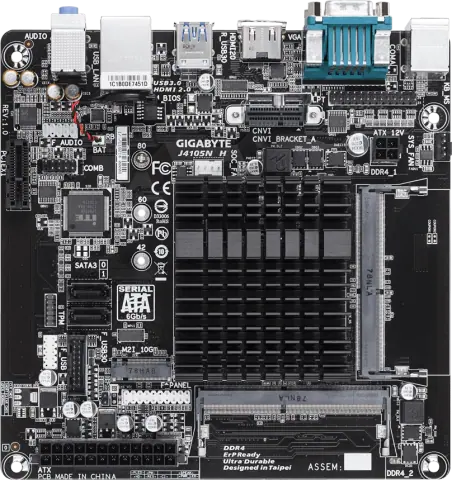
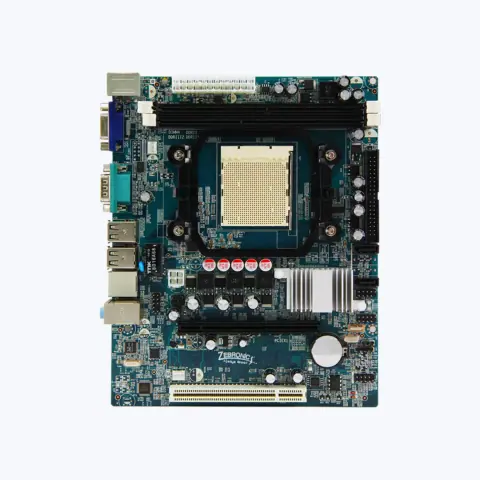
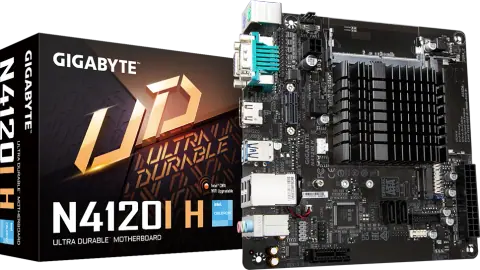
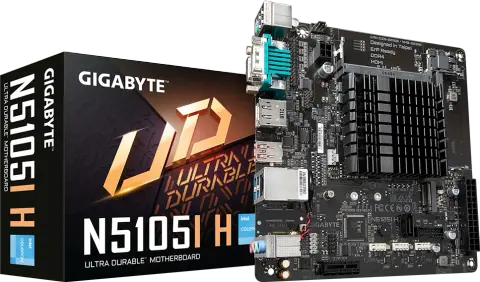
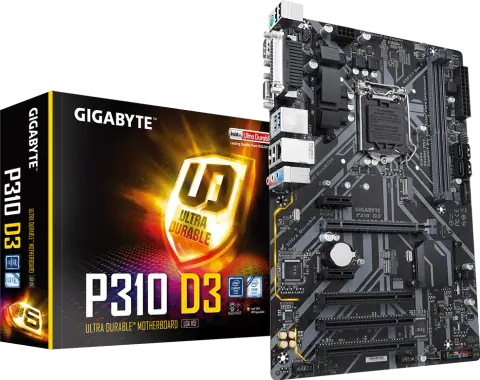
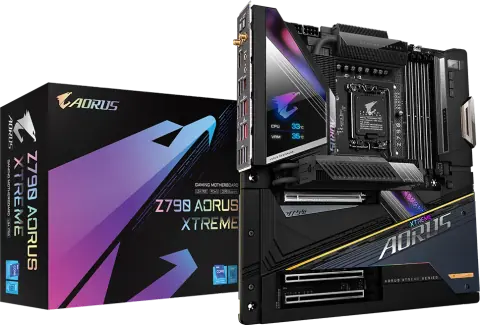
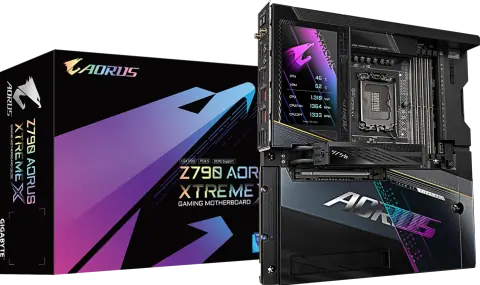
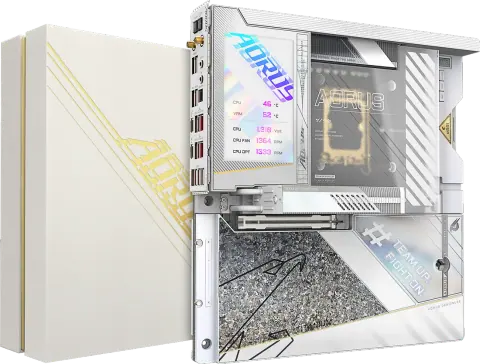
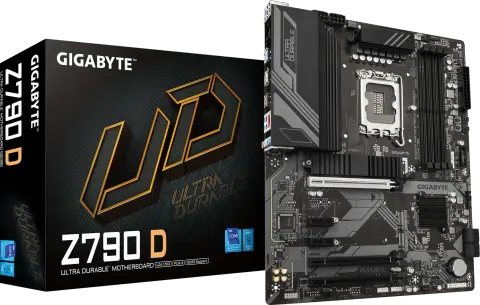
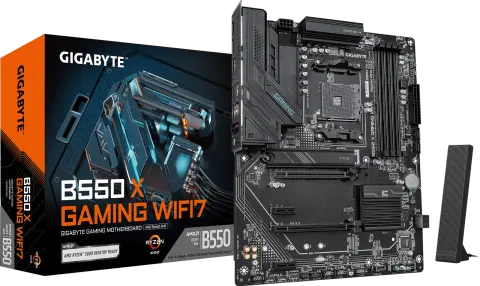
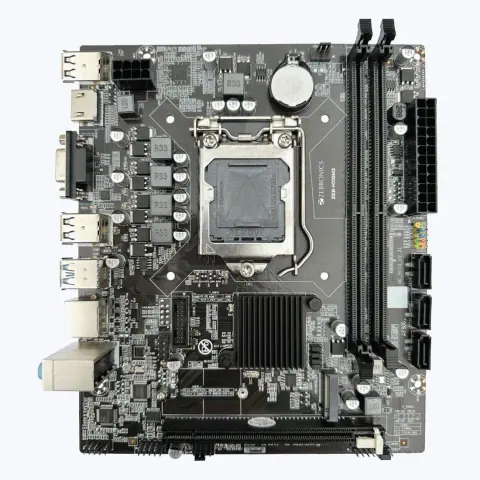
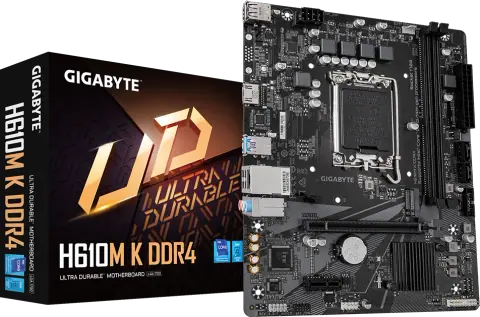
Motherboards for AMD and Intel platforms: the GIGABYTE range from entry Micro ATX boards to AORUS and AI TOP flagships, earlier-generation and embedded boards, and Zebronics and Aarvex boards.



839 models
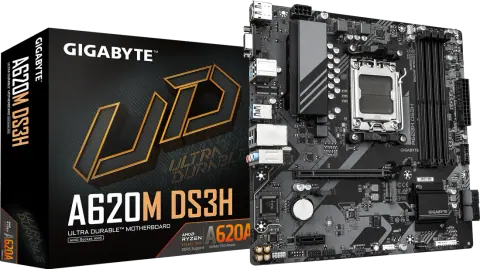
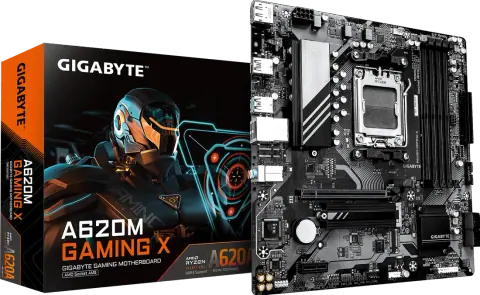
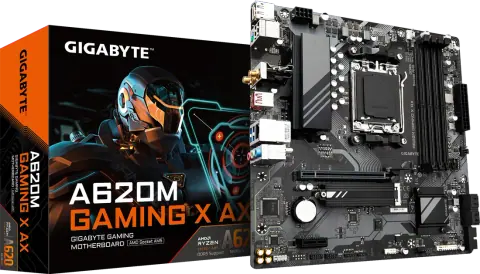
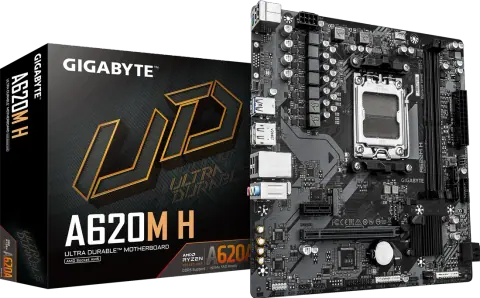
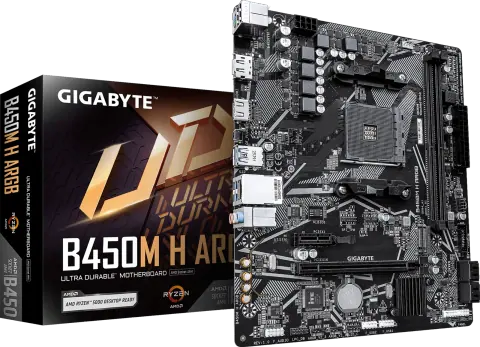
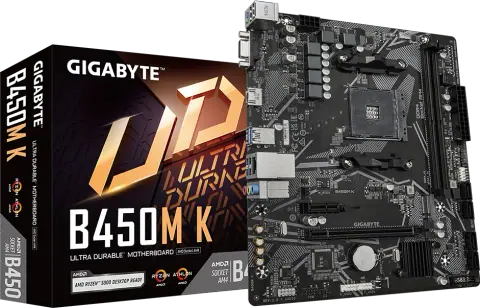
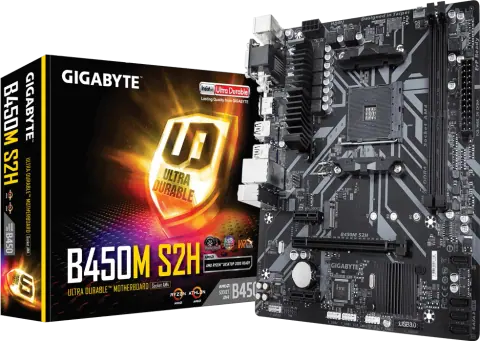
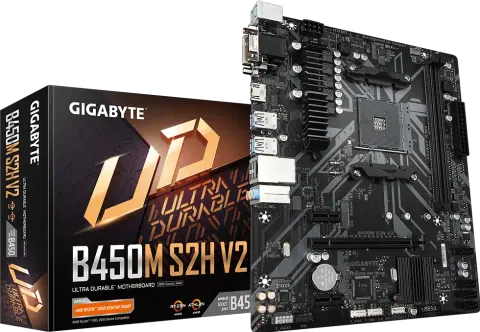
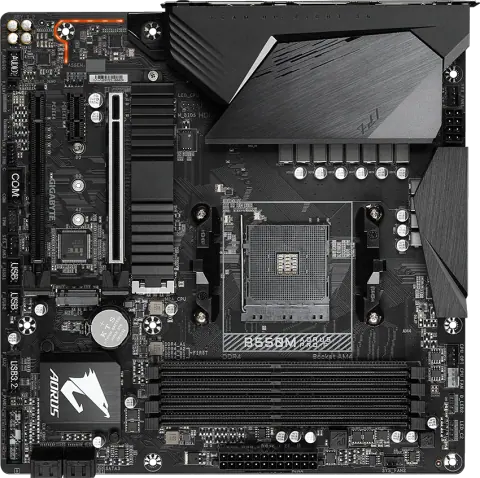
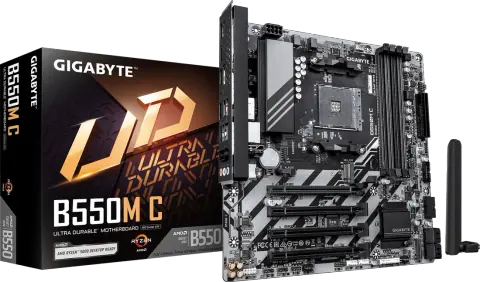
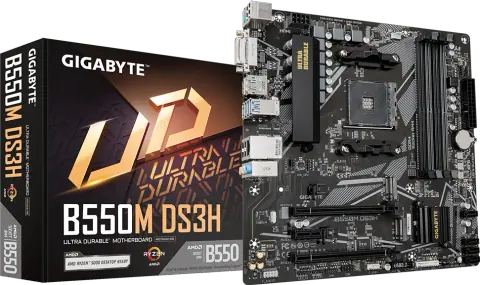
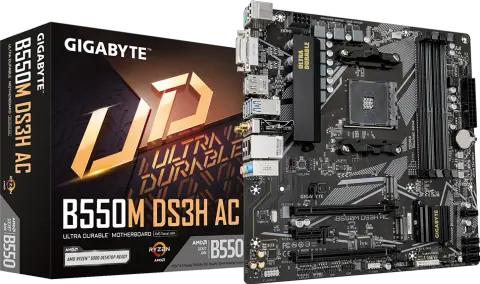
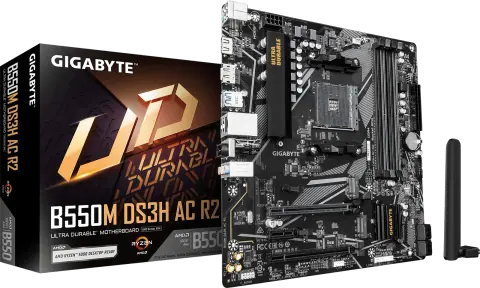
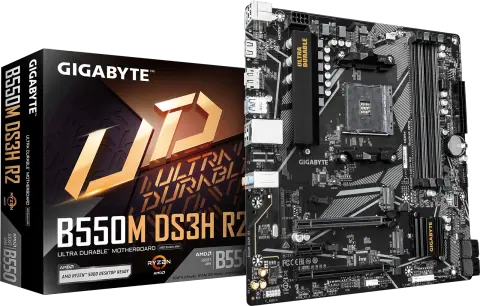
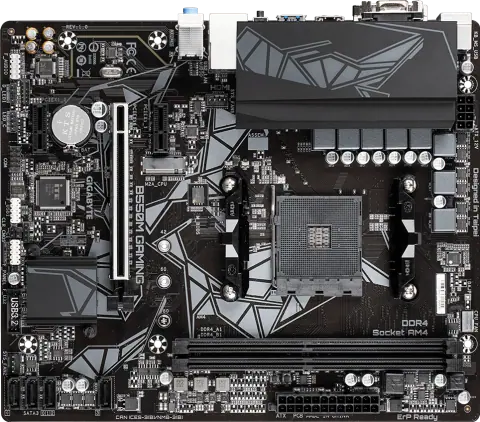
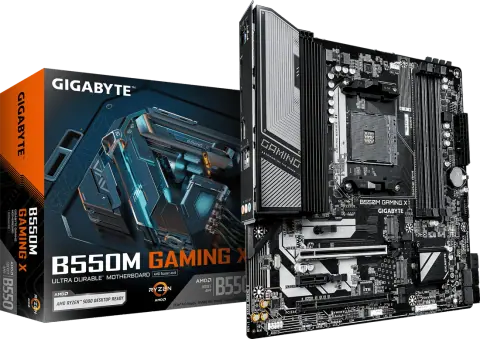
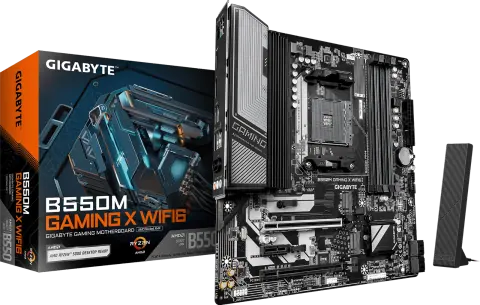
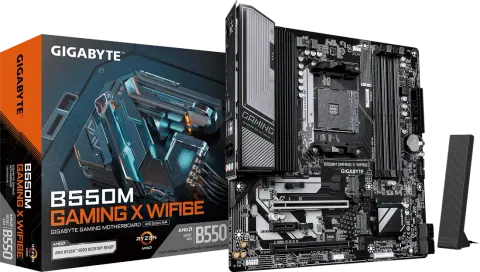
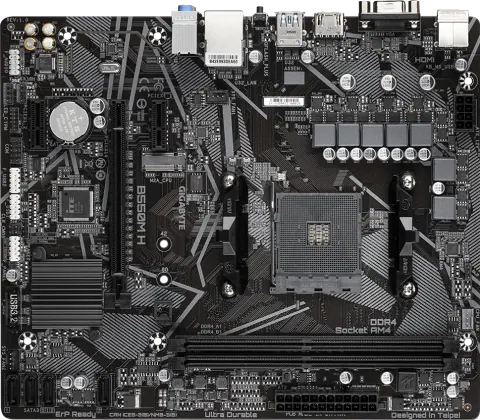
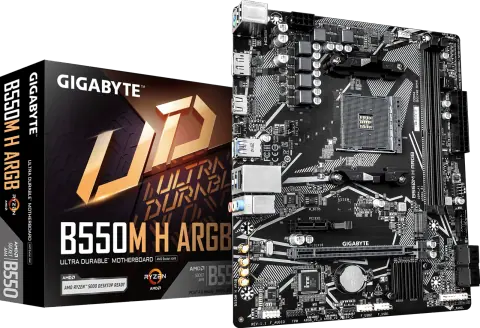
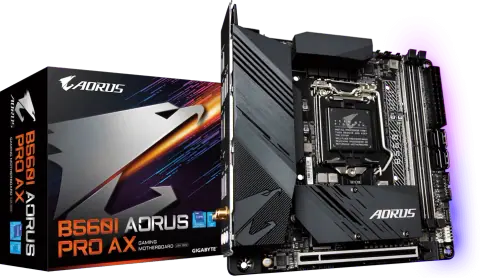
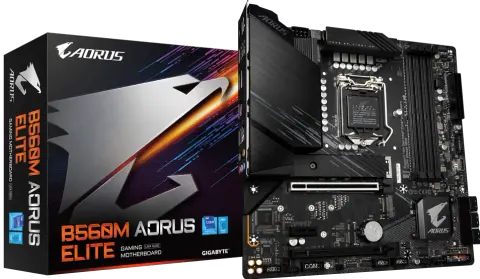
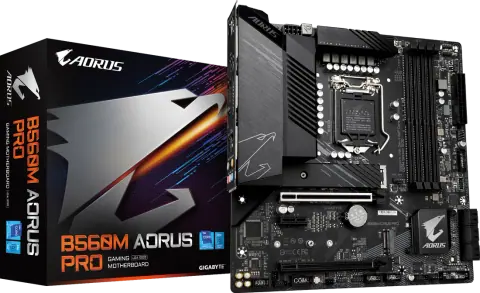
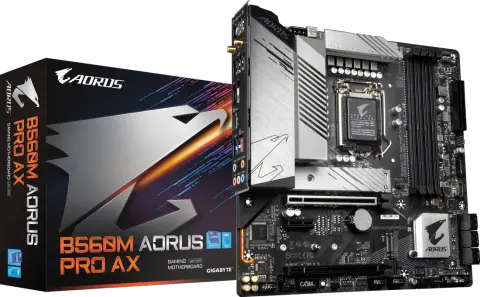
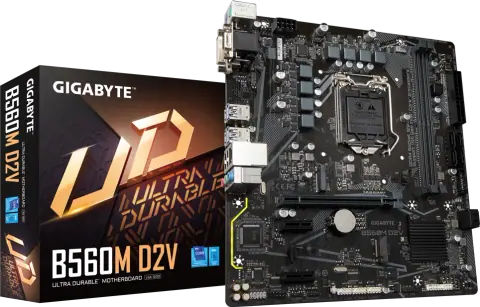
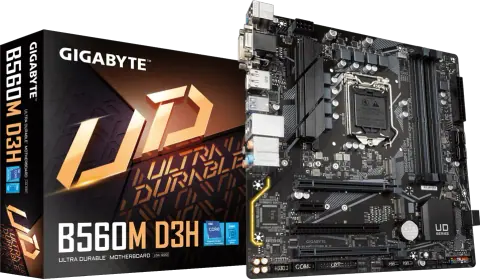
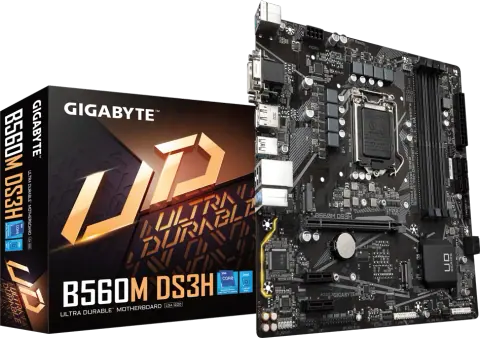
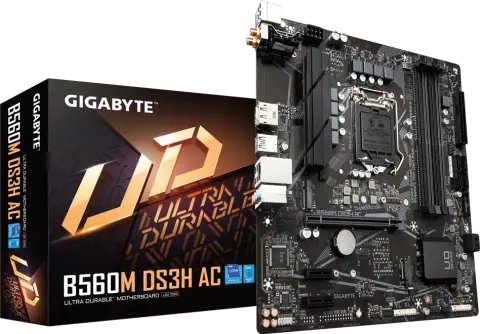
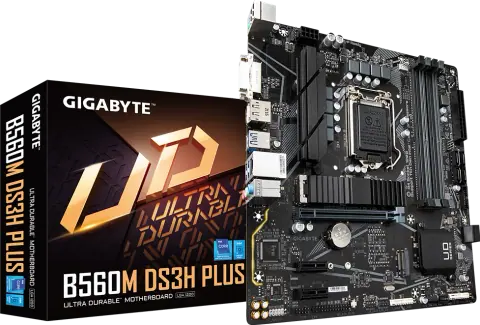
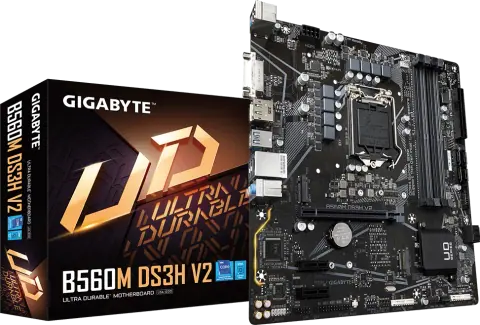
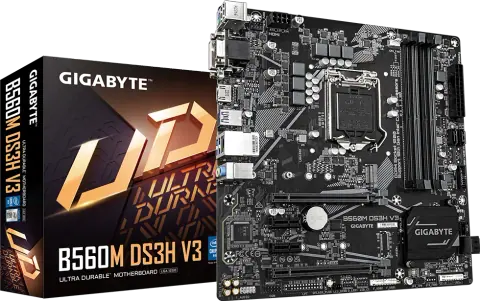
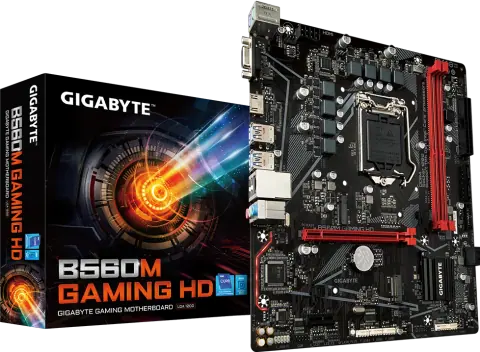
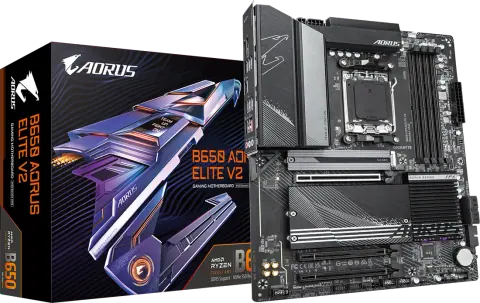
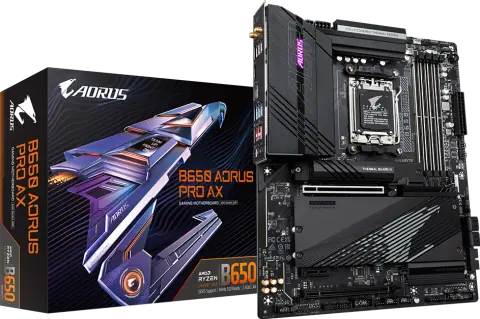
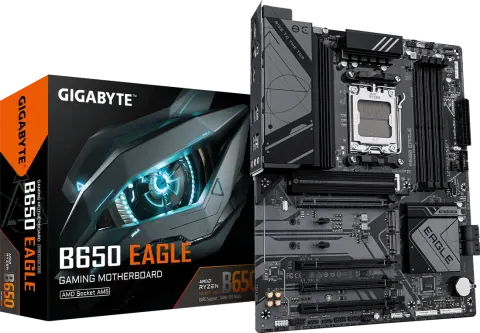
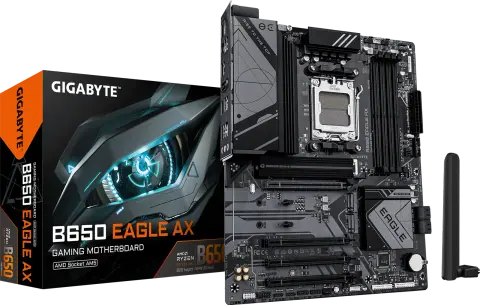
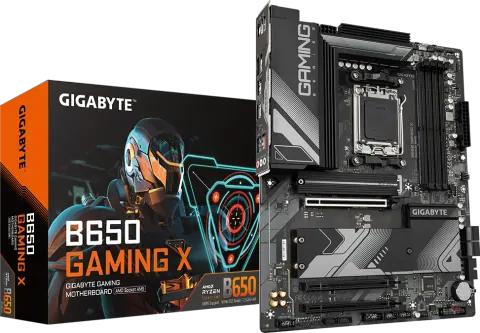
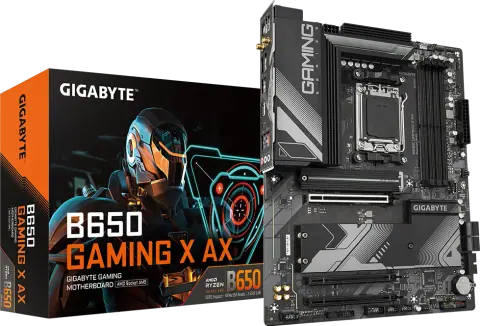
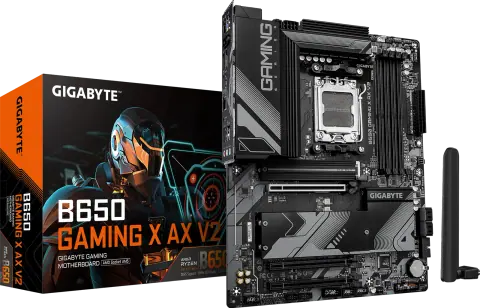
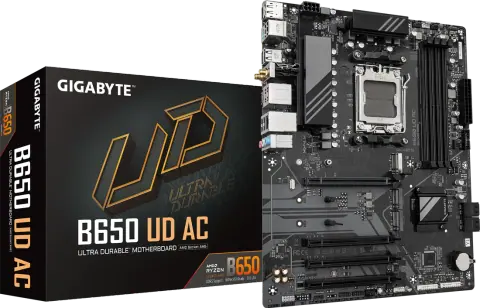
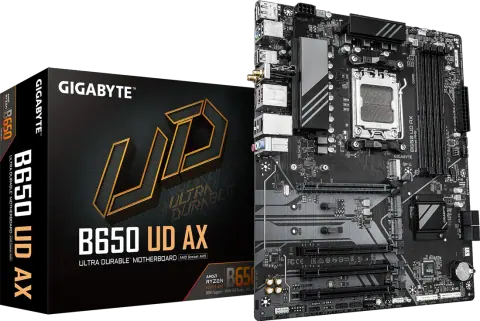
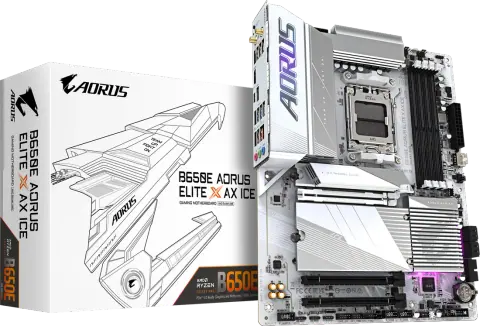
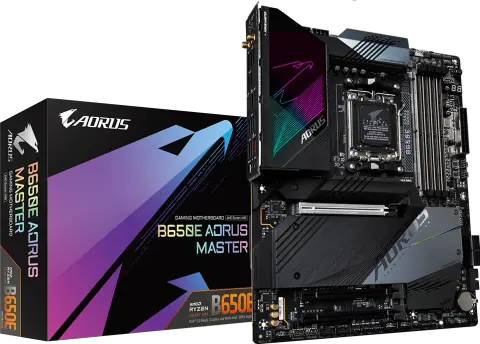
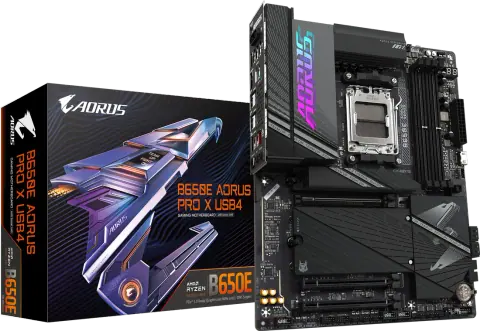
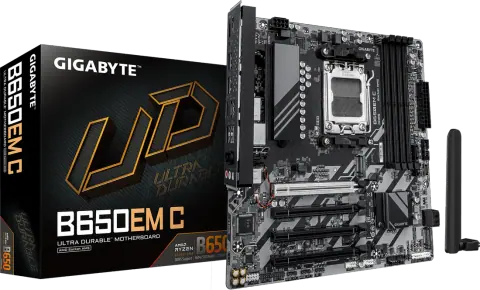
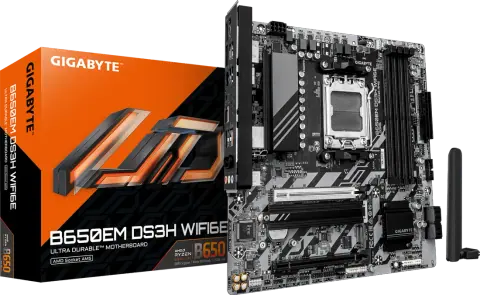
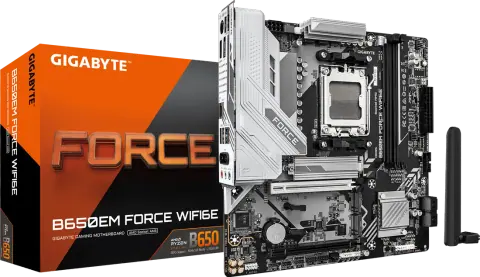
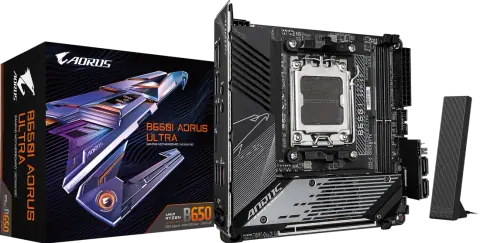
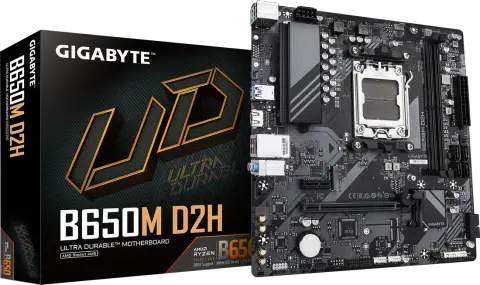
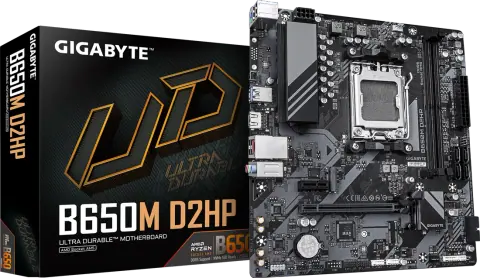
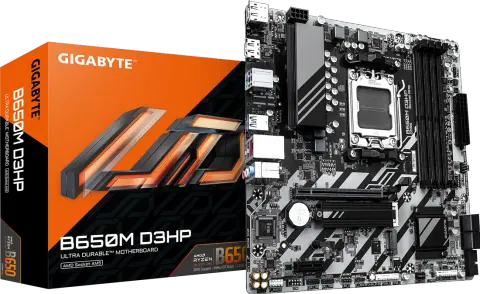
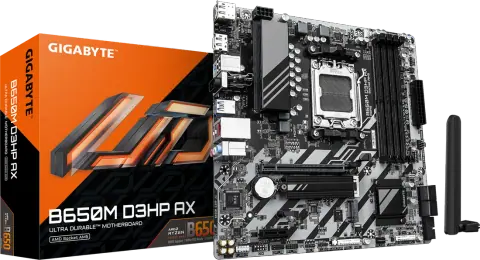
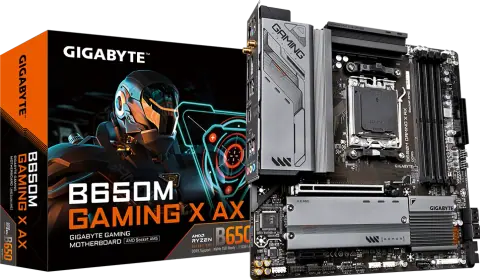
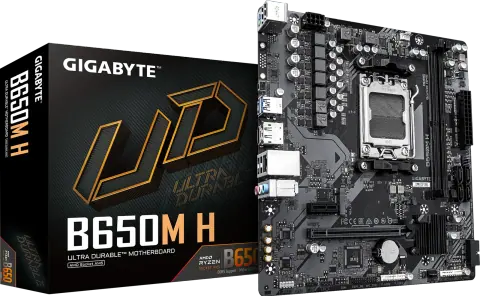
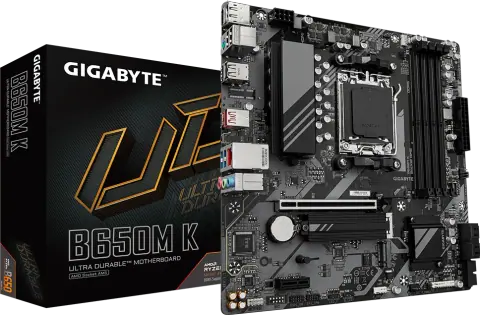
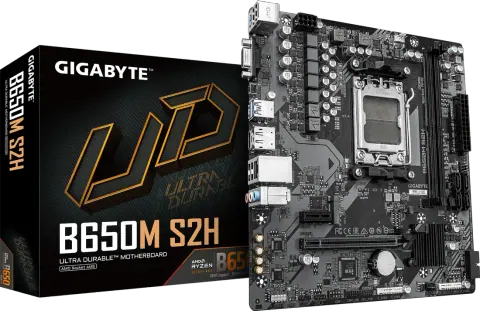
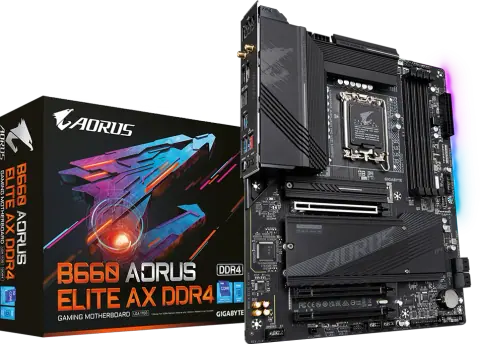
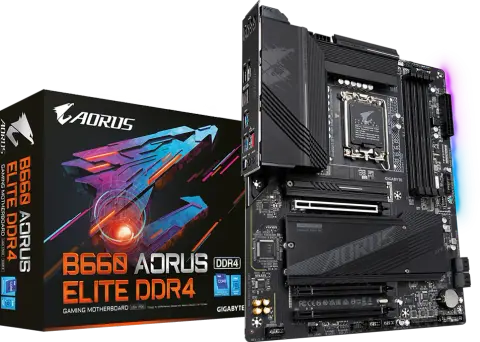
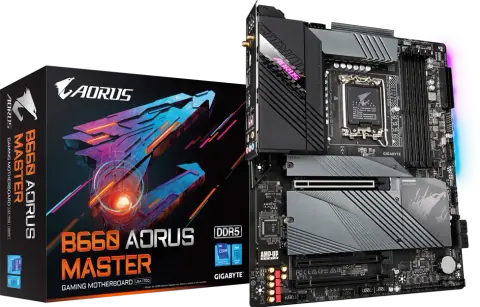
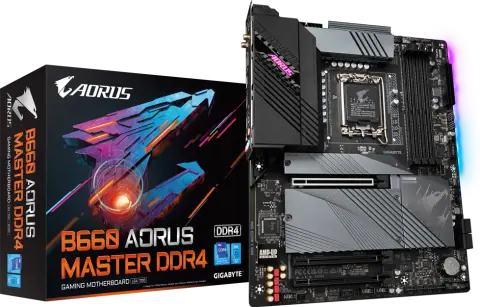
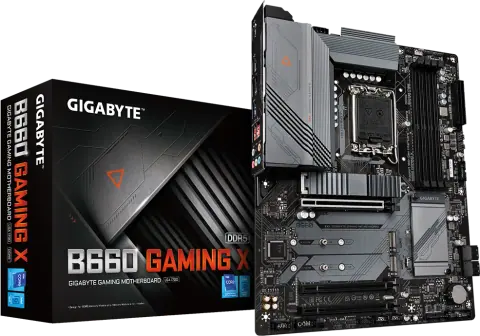
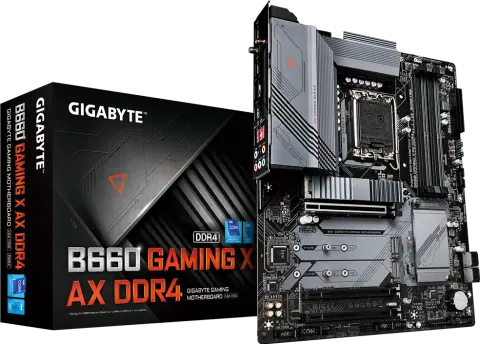
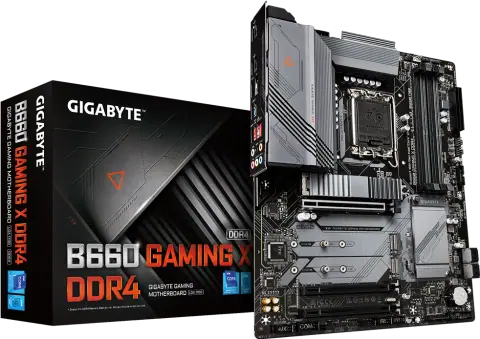
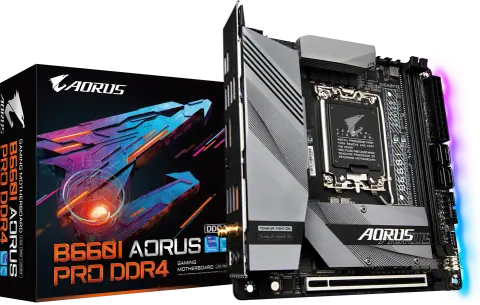
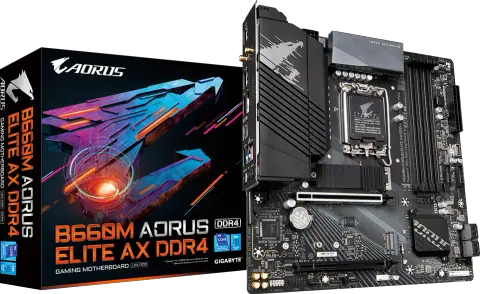
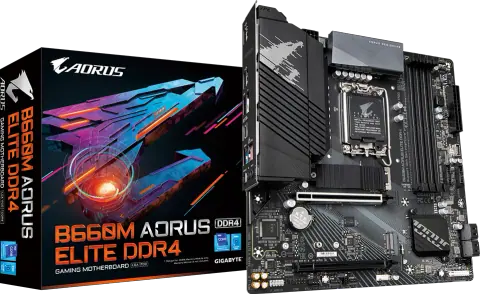
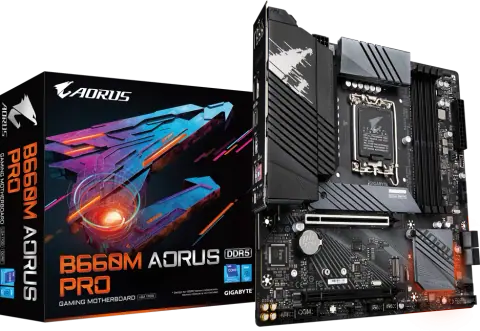
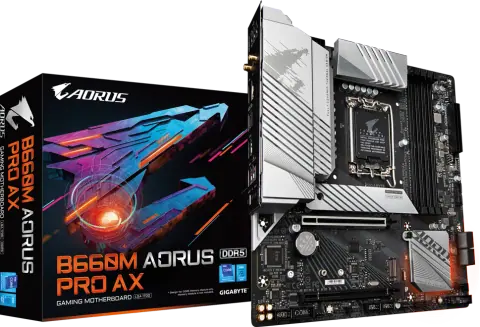
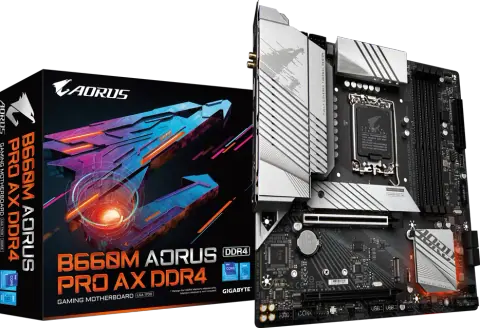
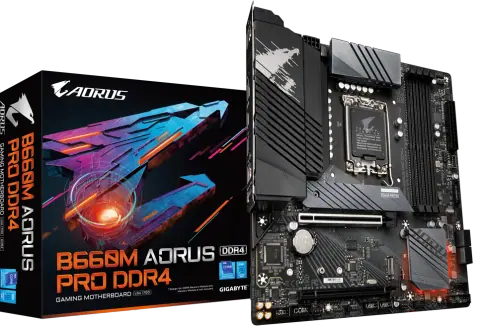
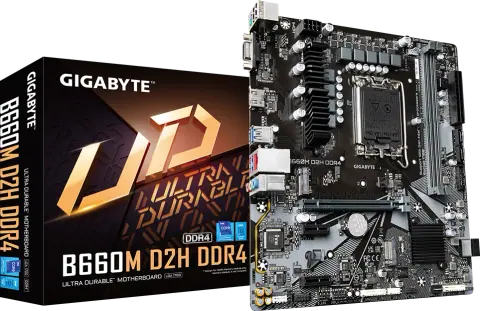
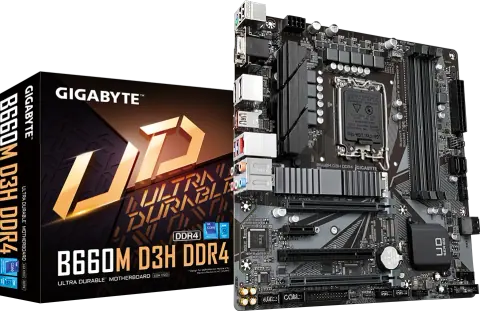
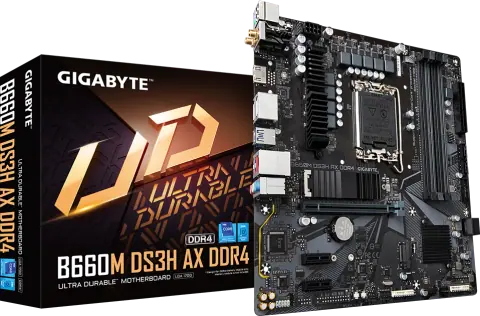
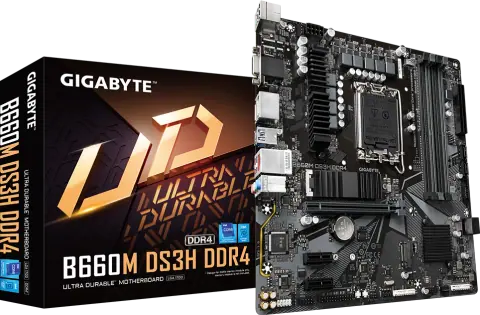
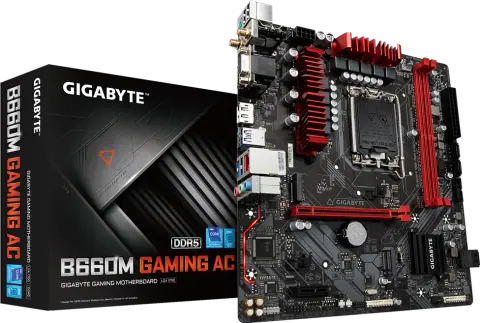
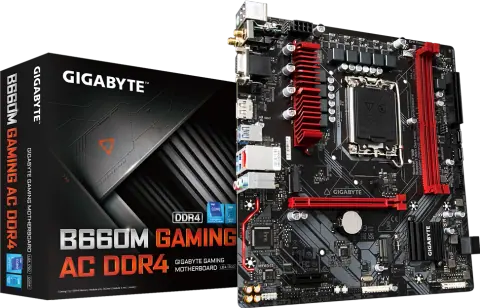
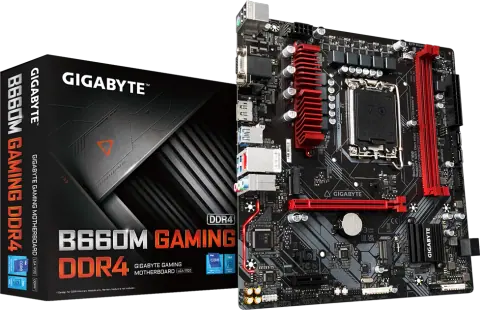
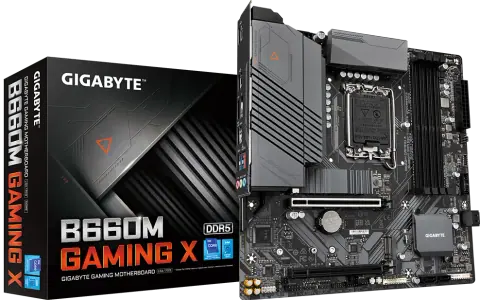
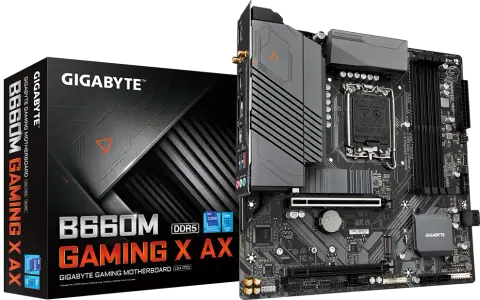
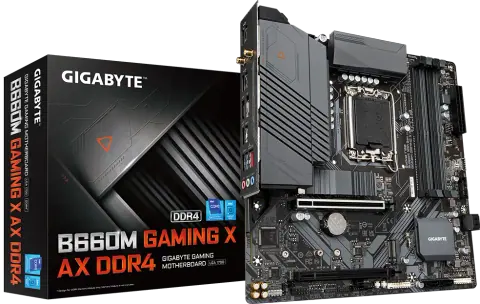
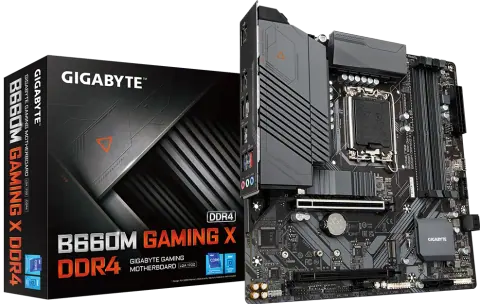
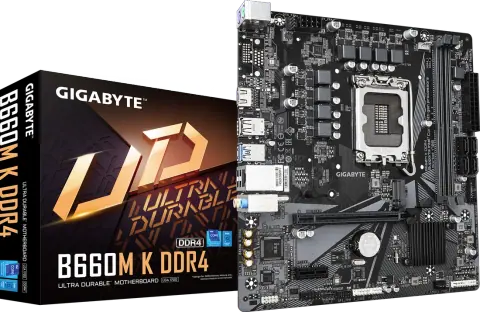
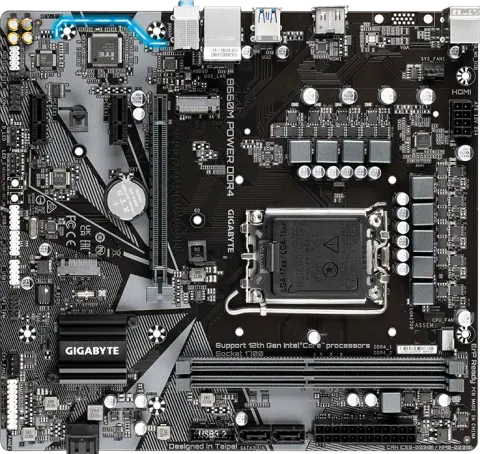
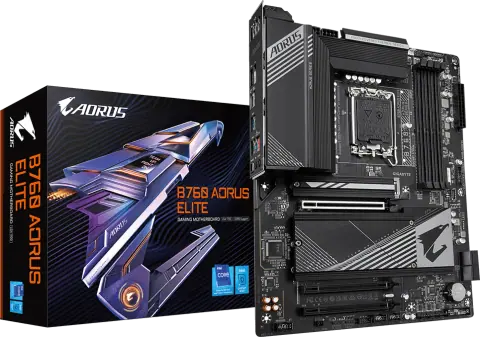
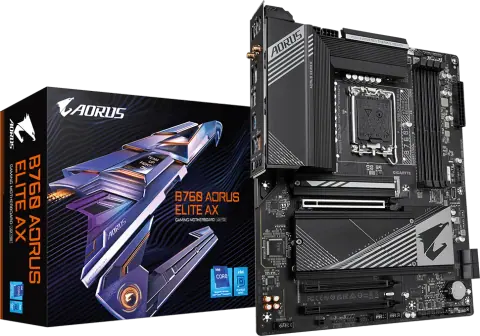
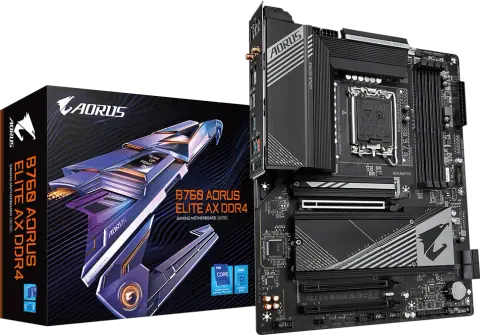
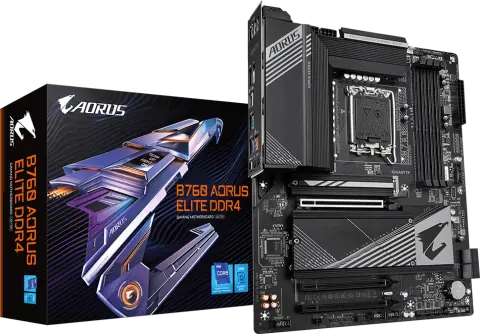
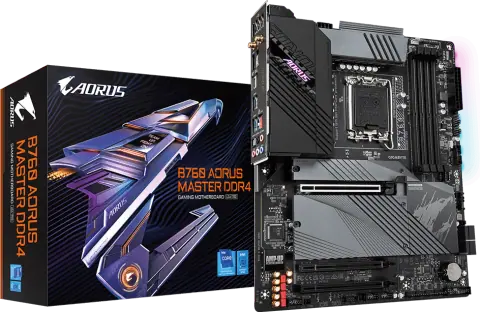
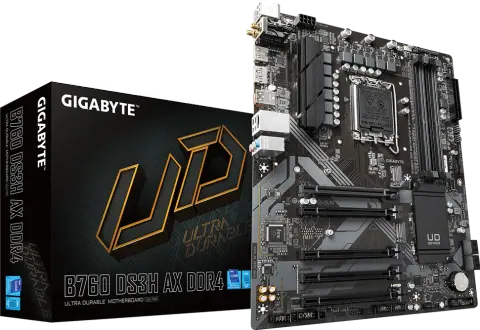
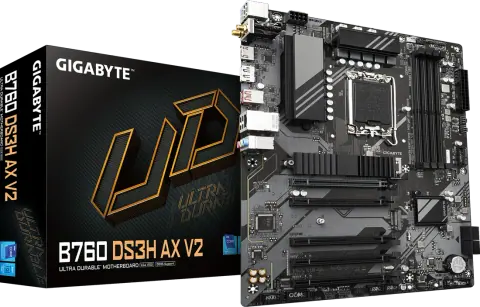
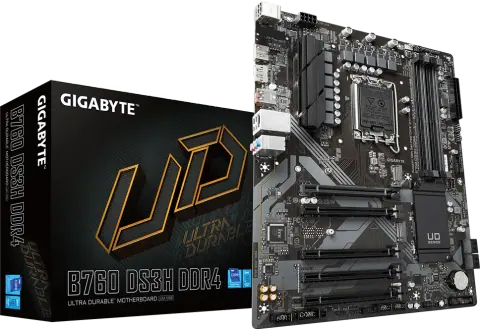
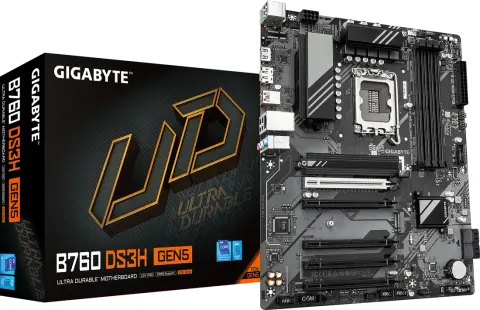
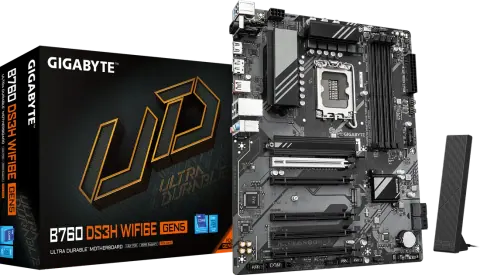
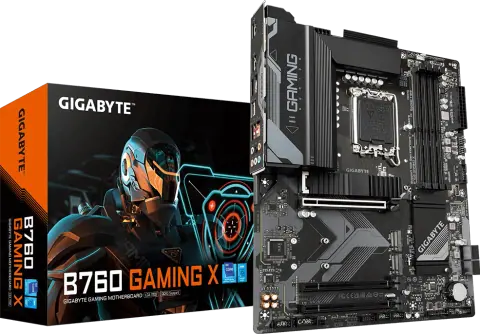
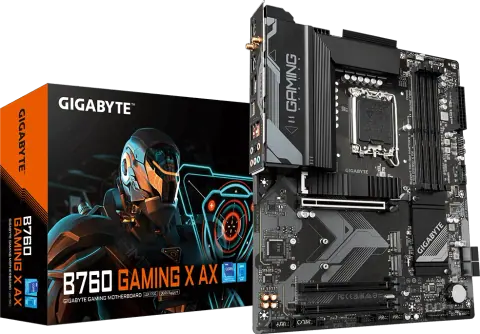
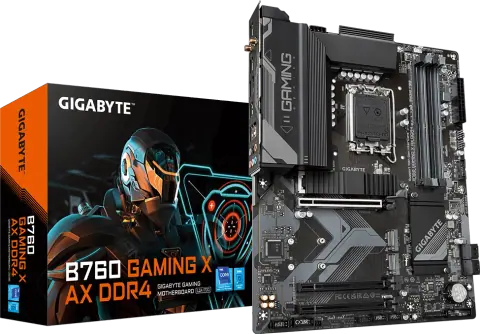
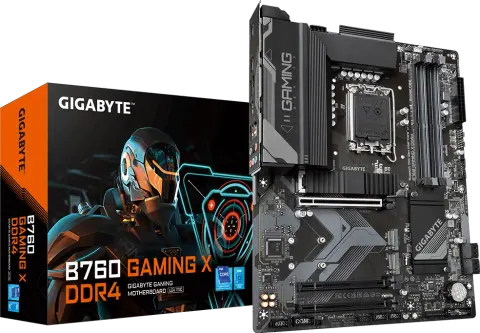
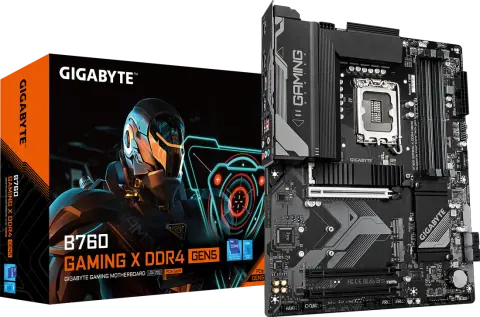
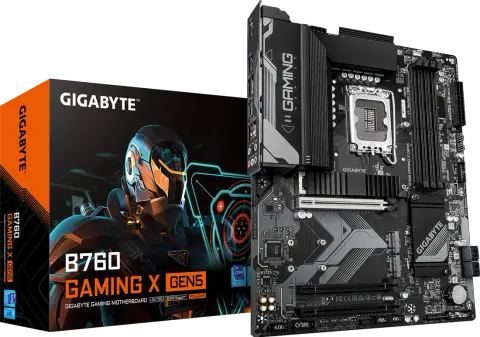
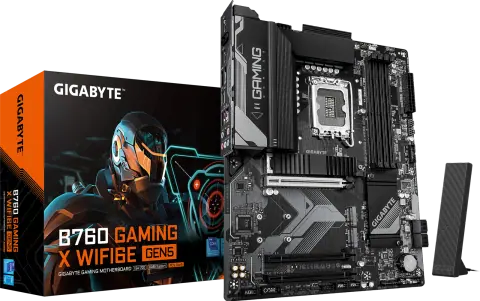
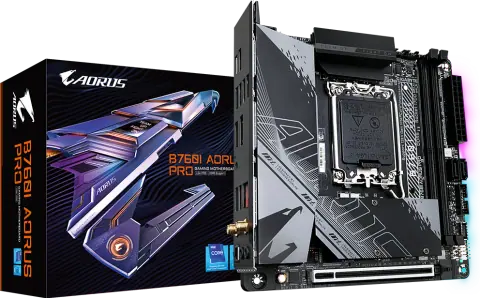
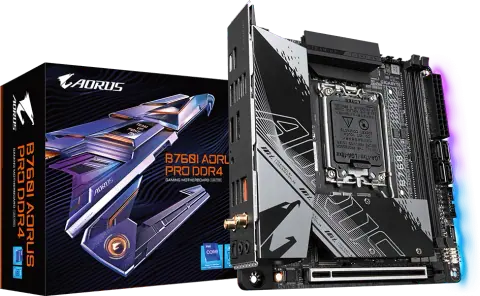
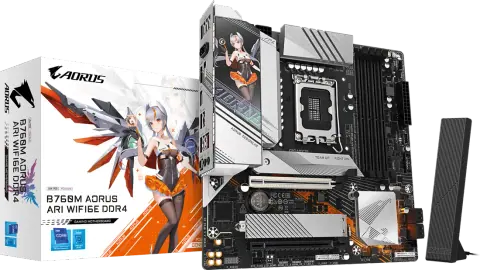
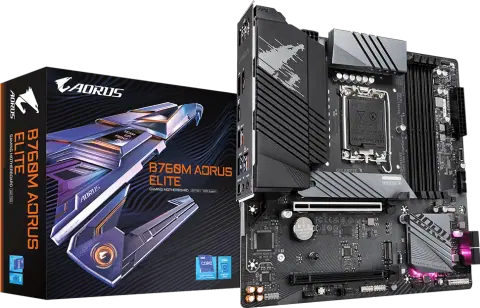
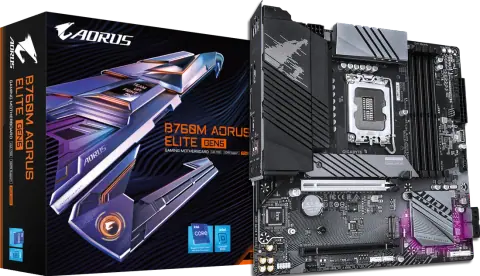
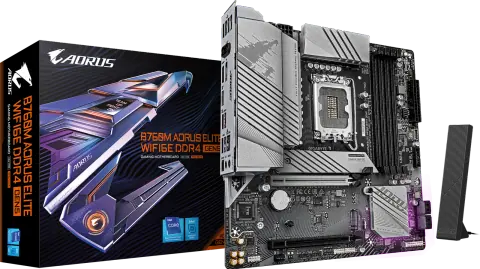
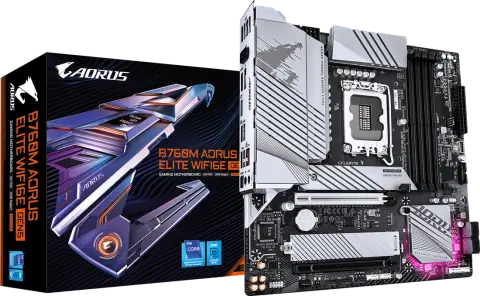
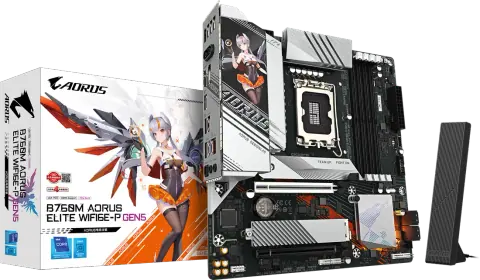
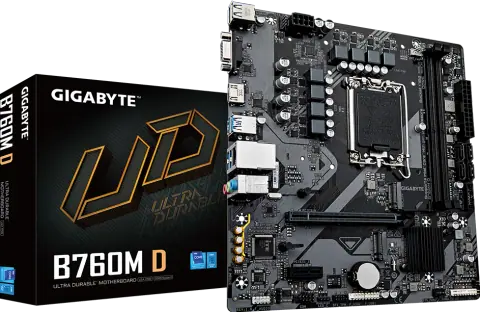
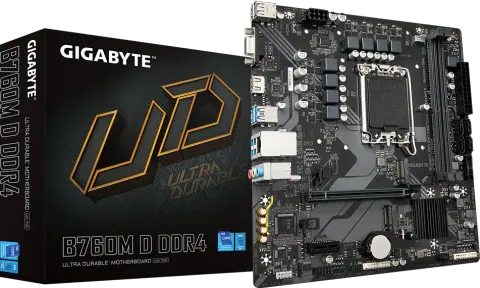
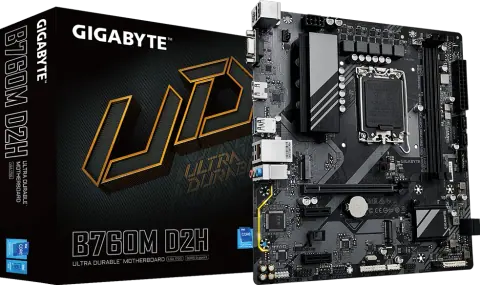
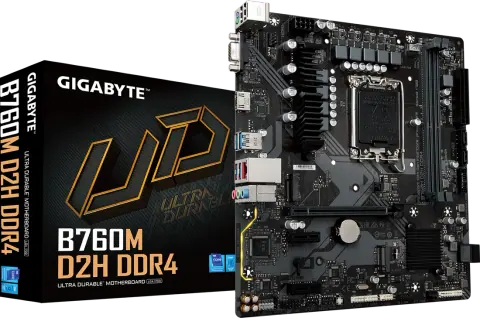
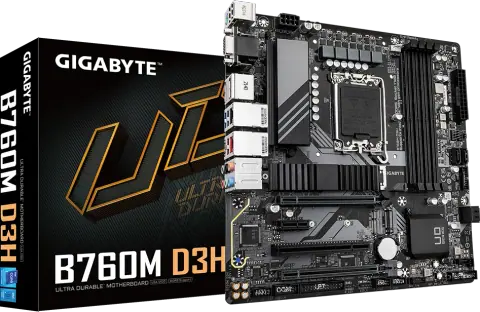
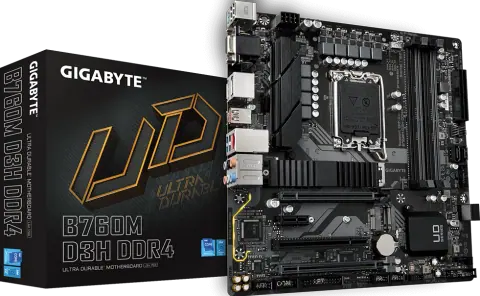
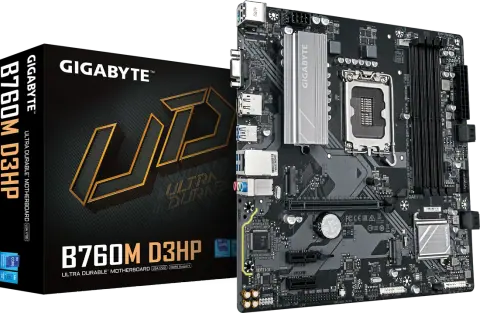
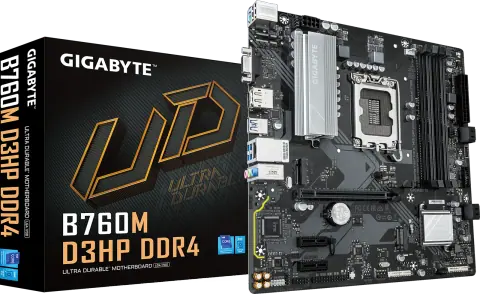
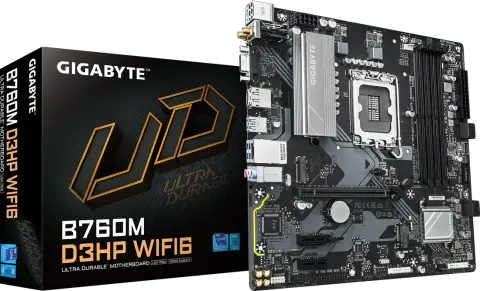
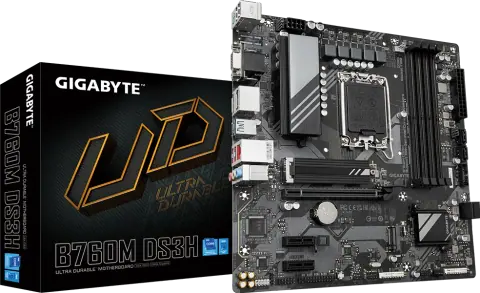
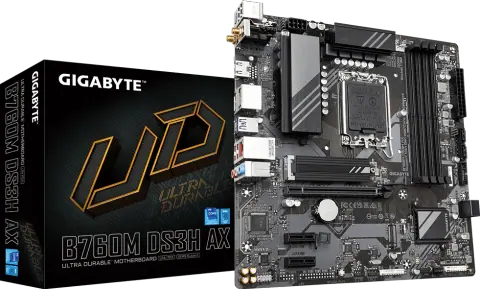
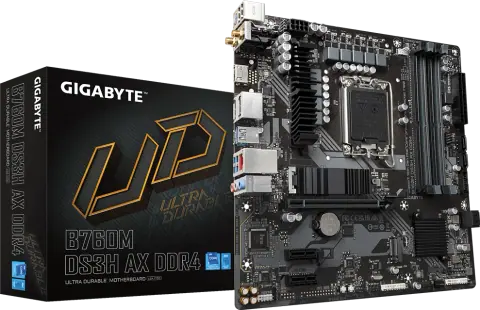
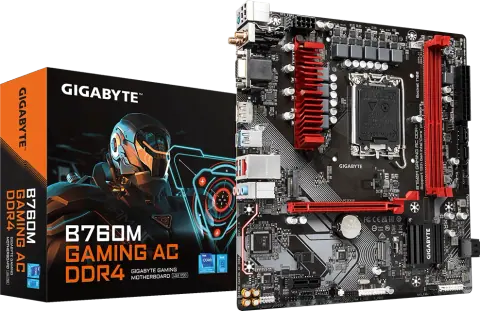
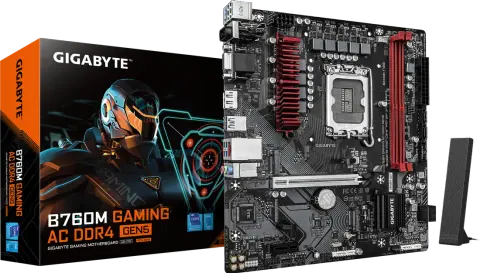
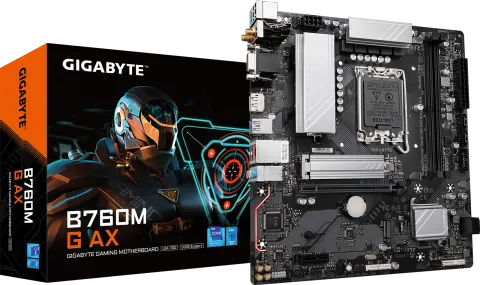
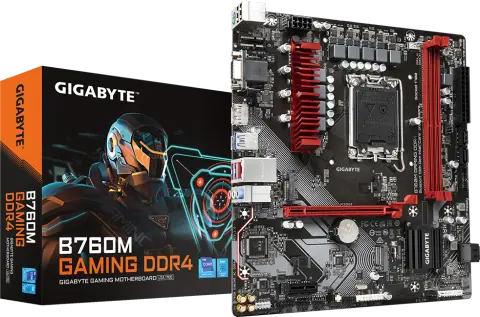
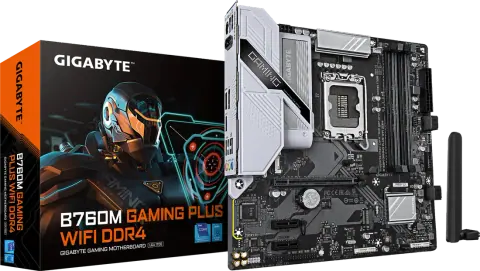
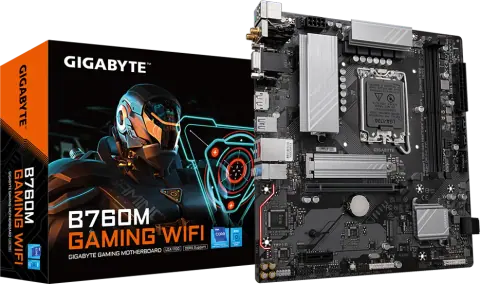
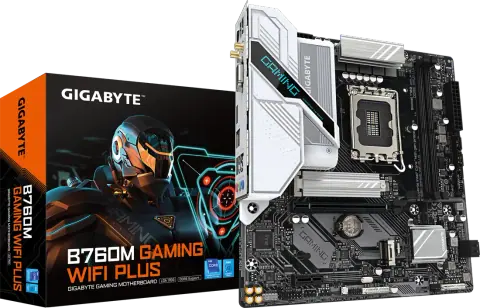
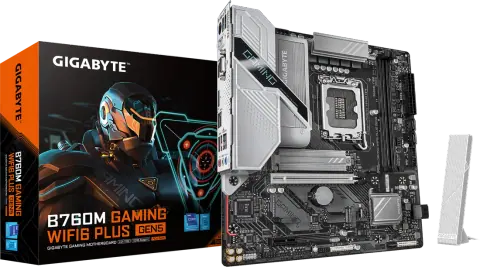
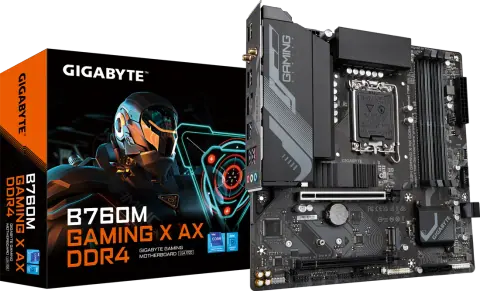
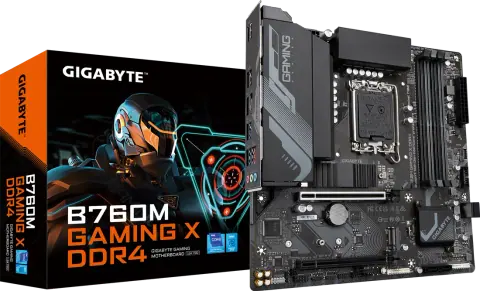
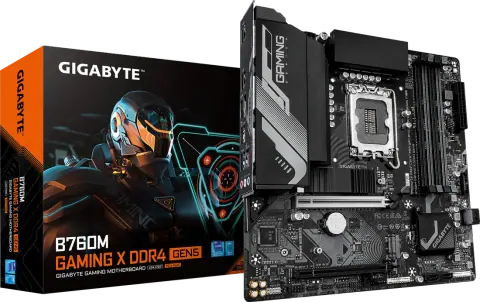
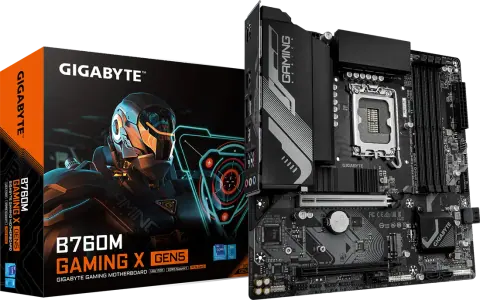
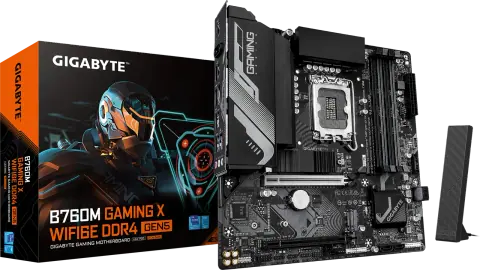
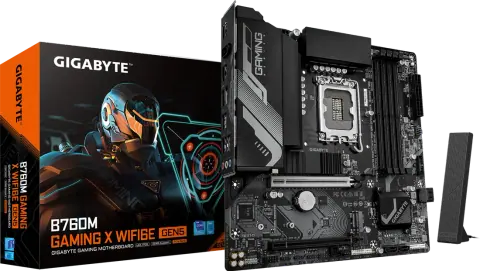
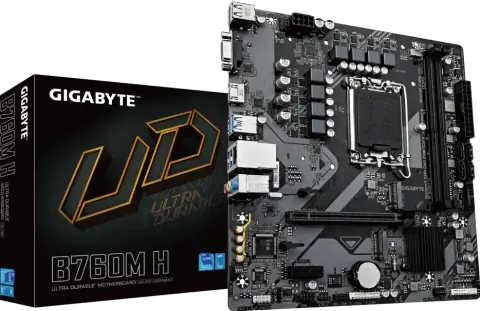
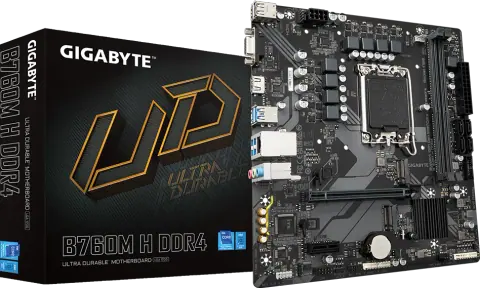
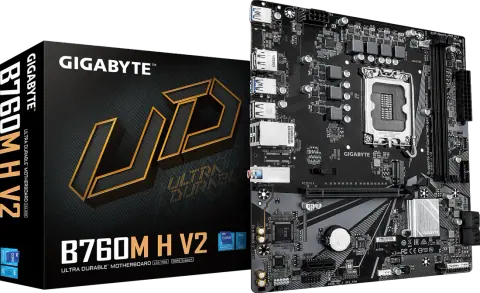
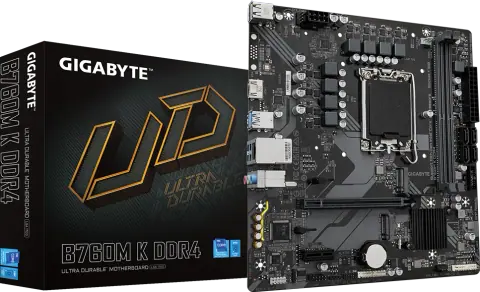
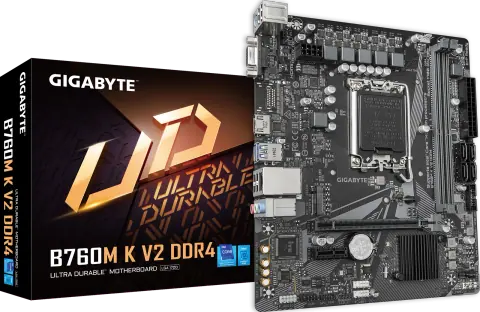
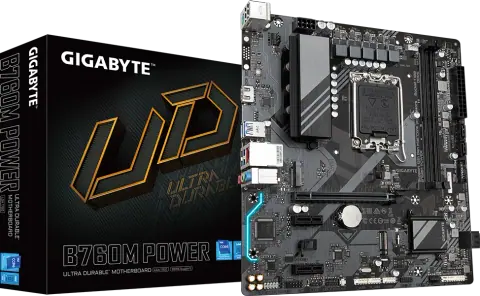
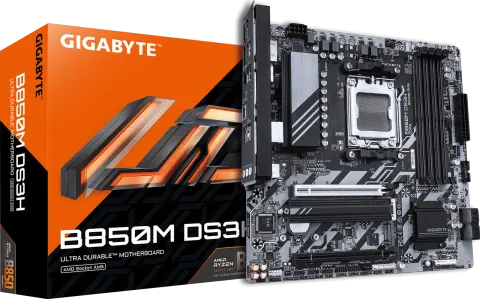
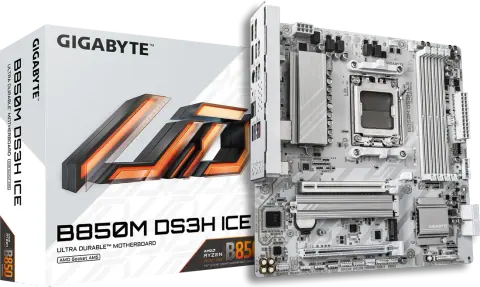
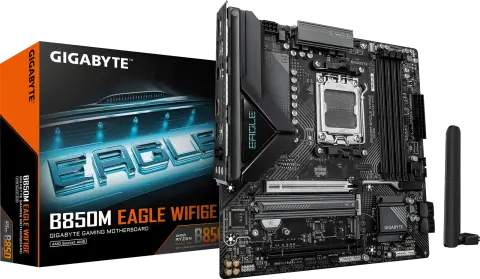
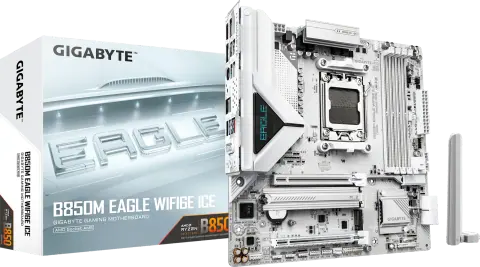
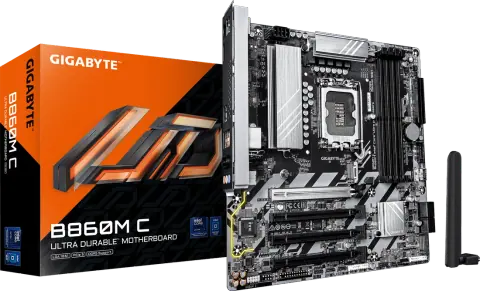
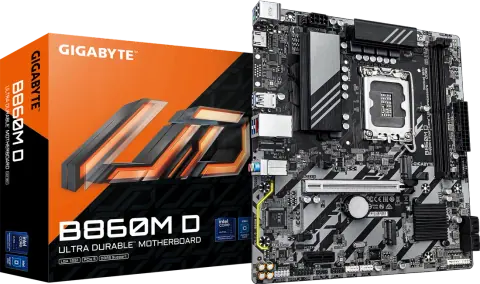
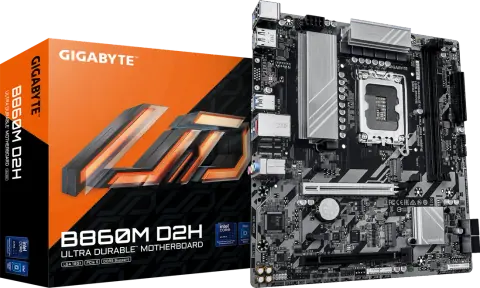
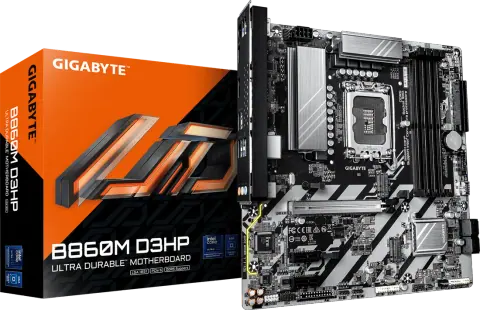
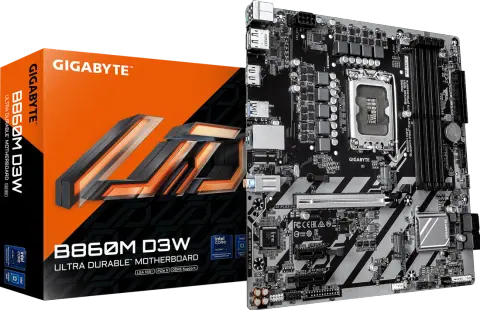
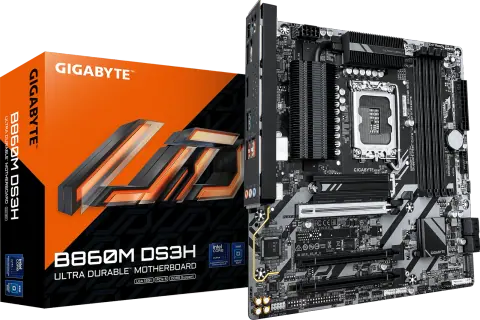
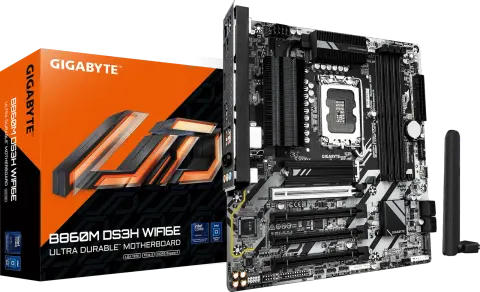
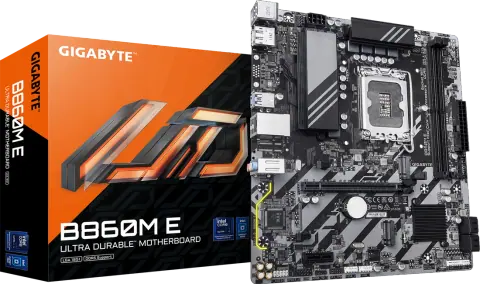
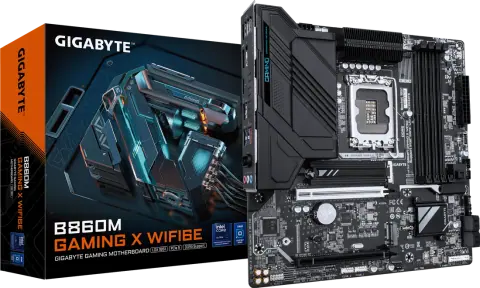
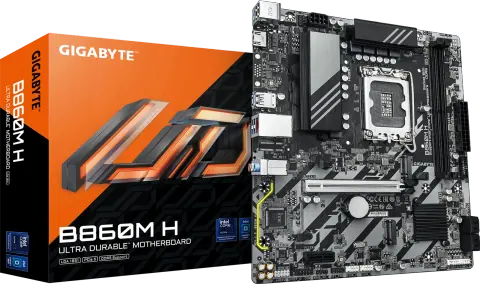
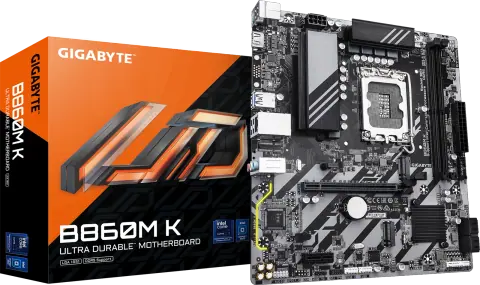
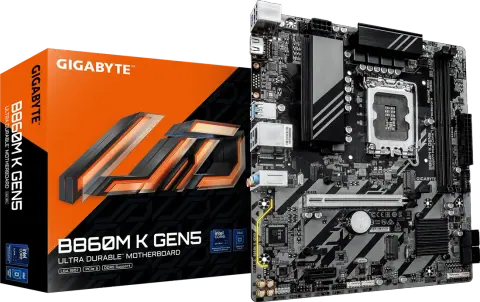
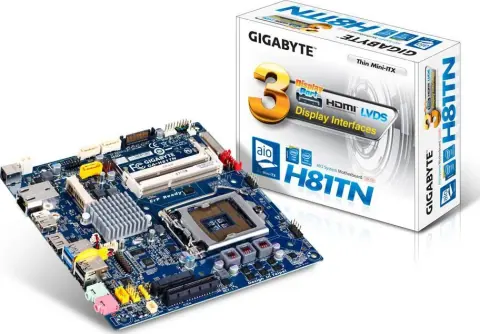
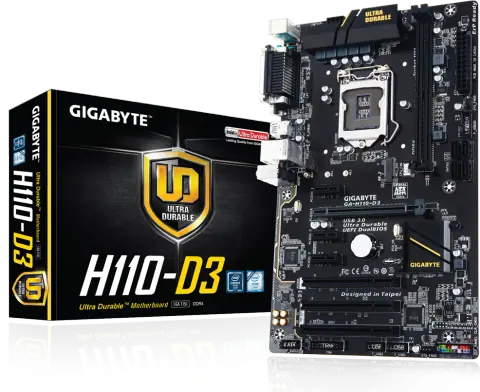
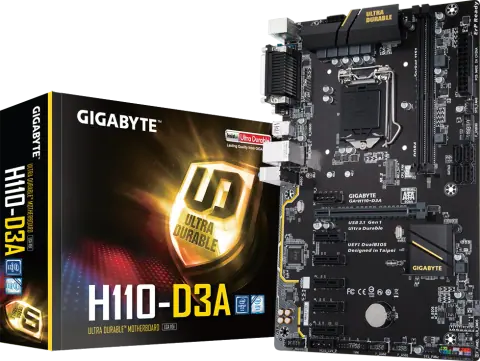
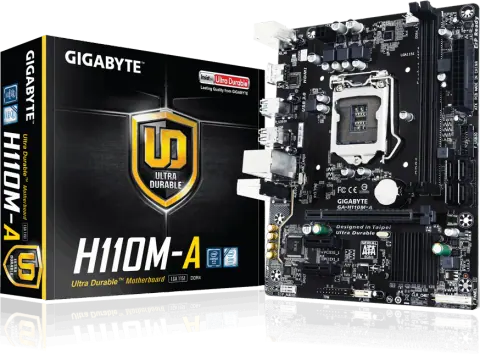
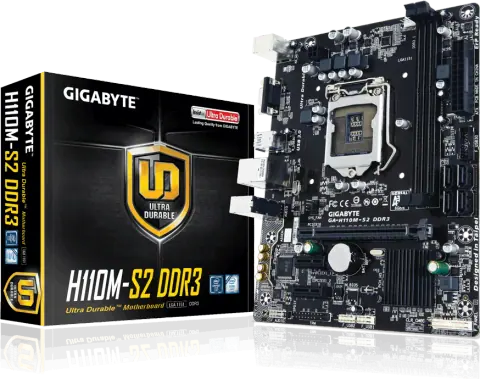
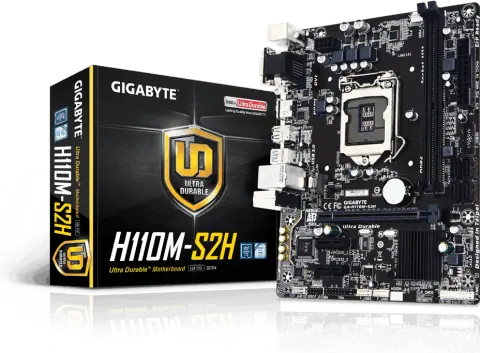
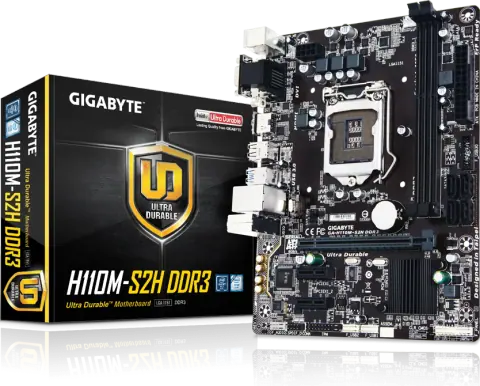
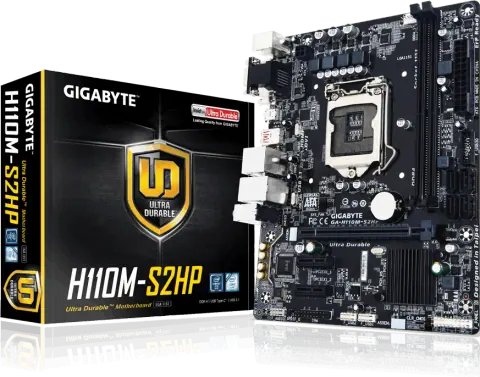
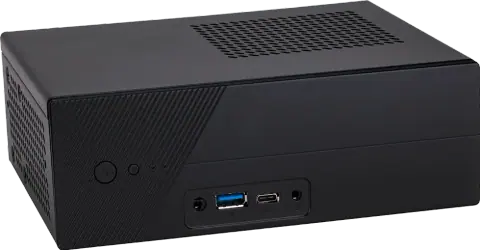
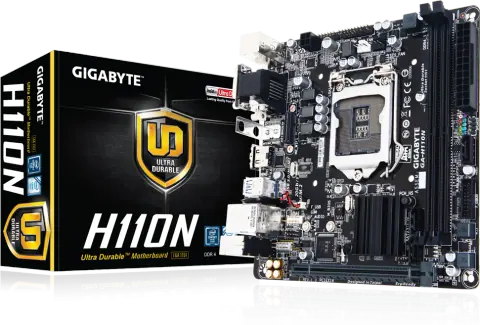
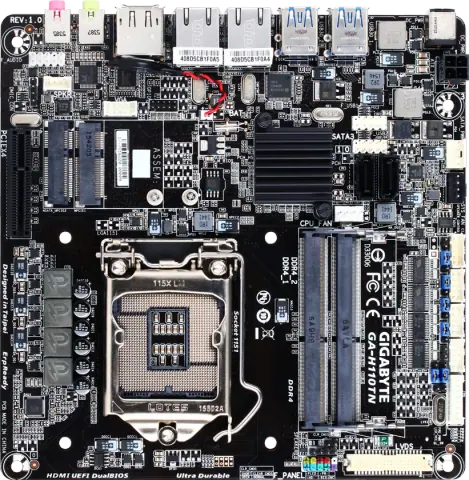
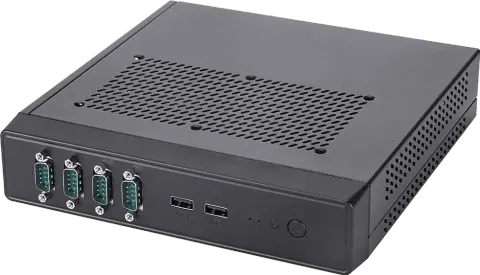
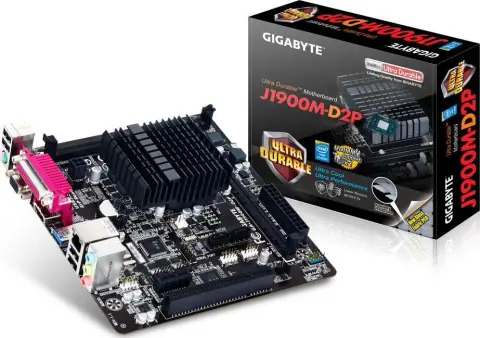
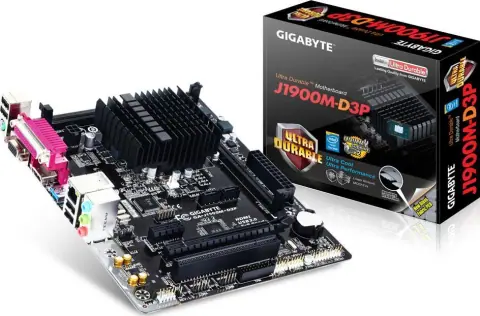
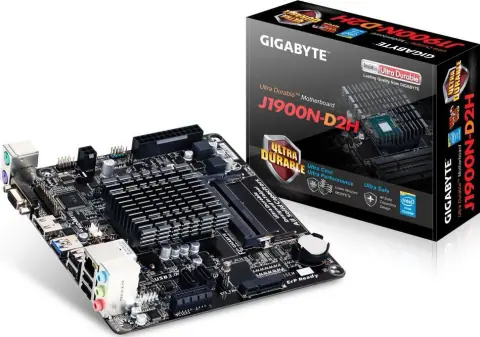
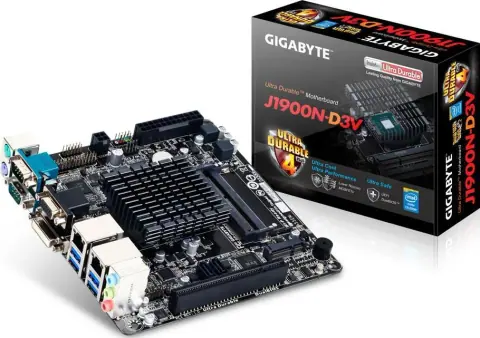
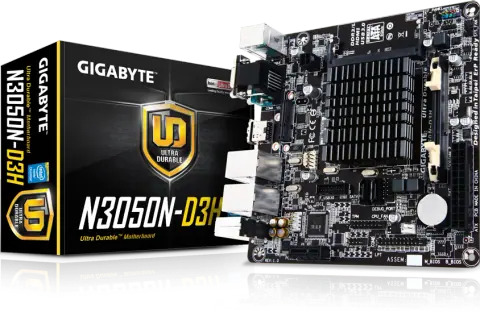
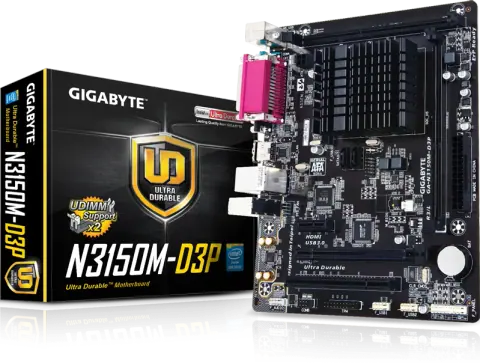
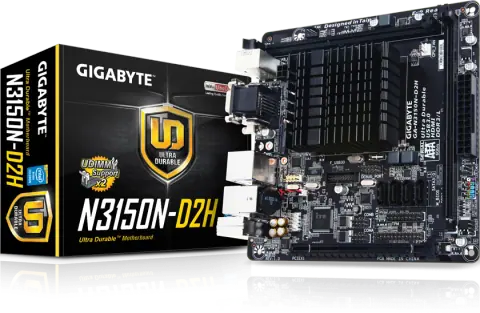
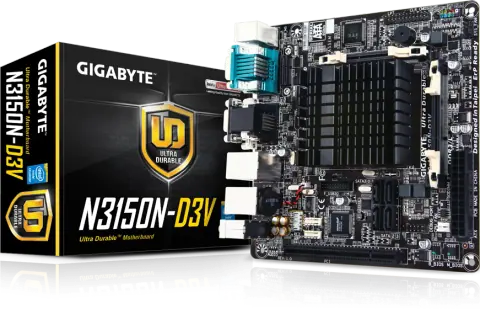
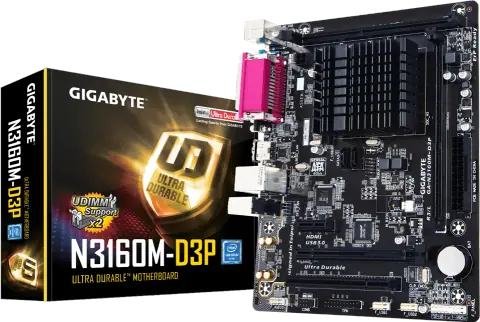
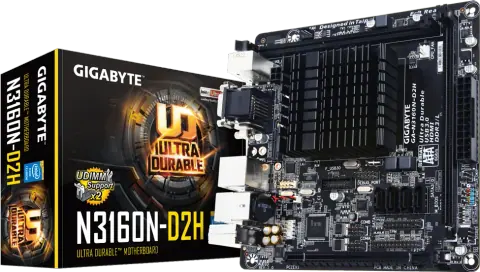
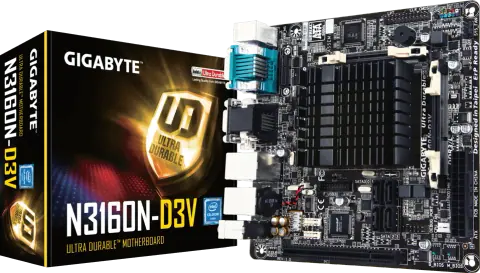
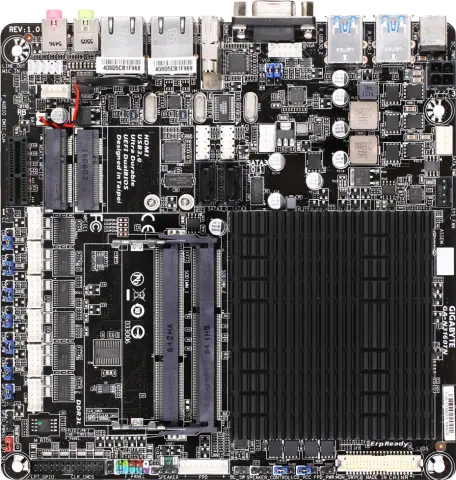
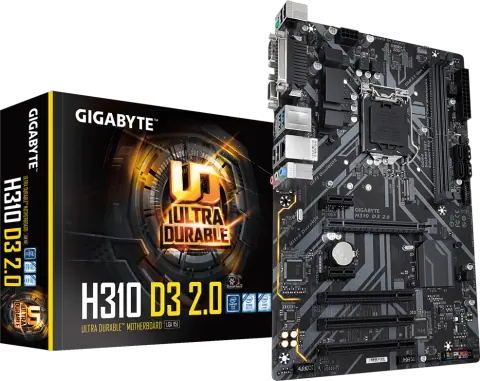
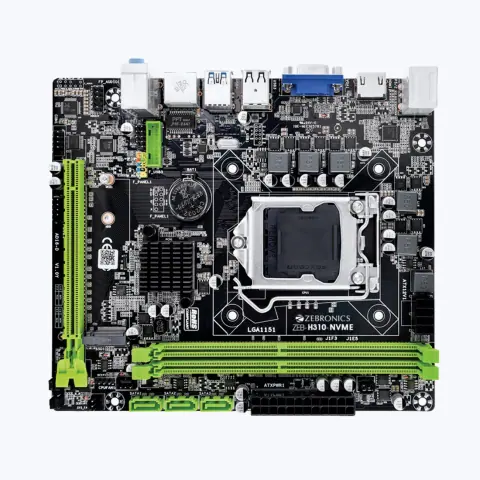
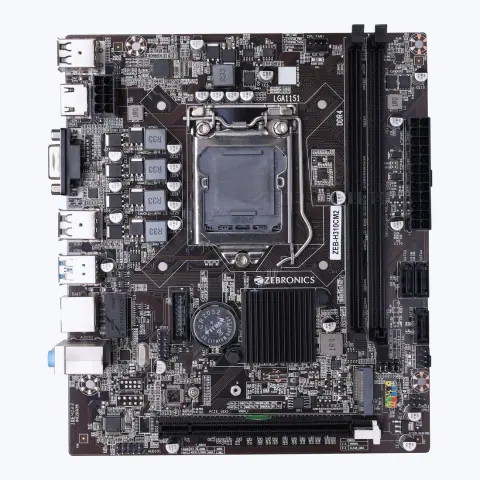
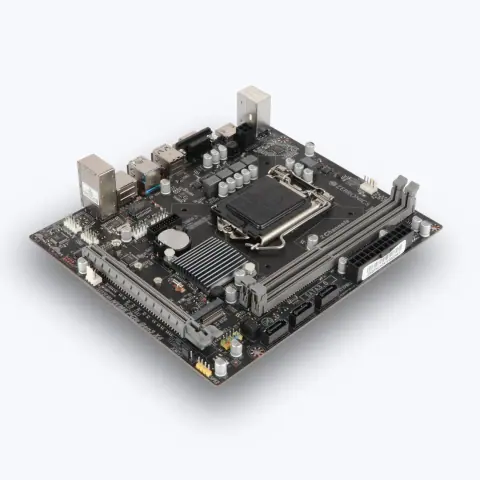
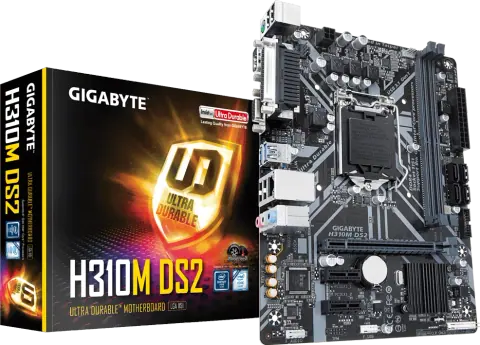
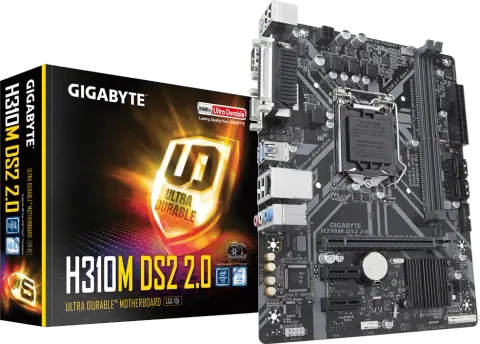
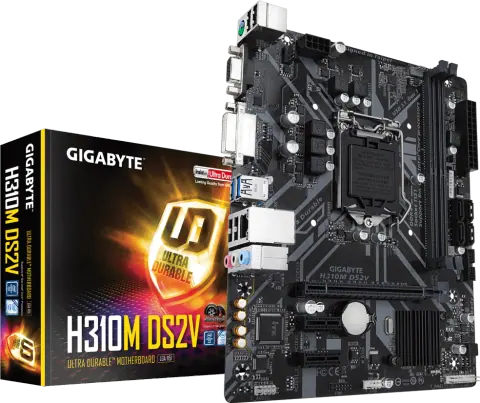
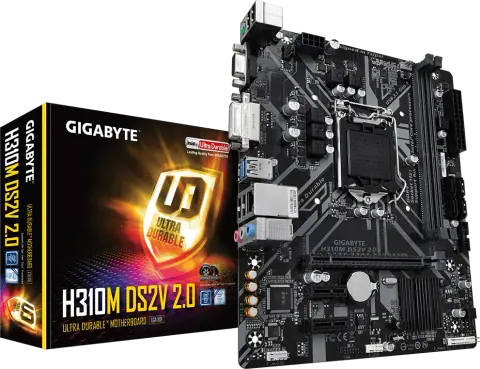
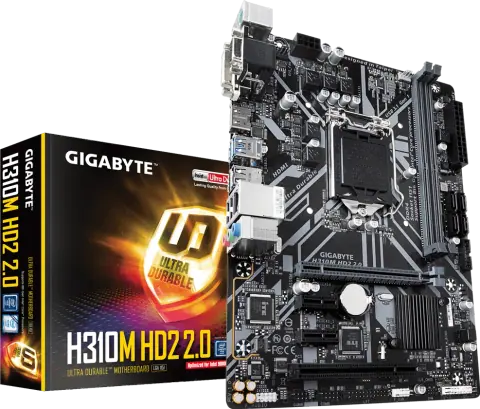
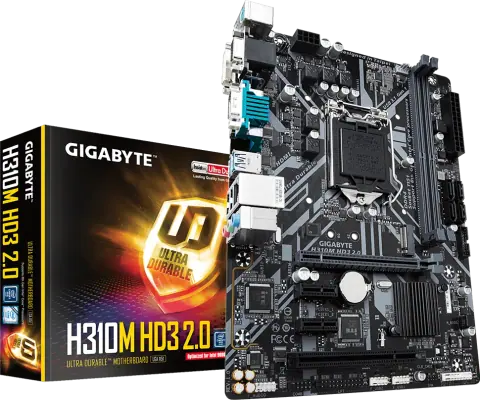
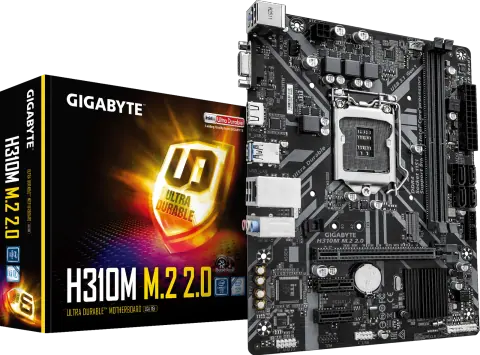
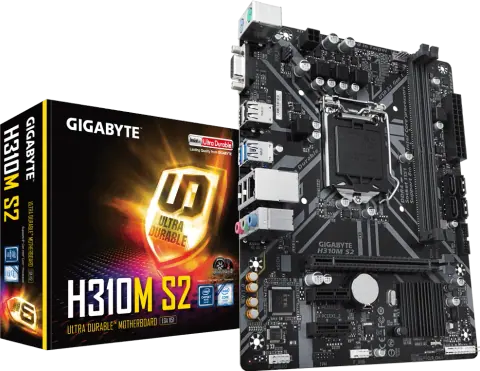
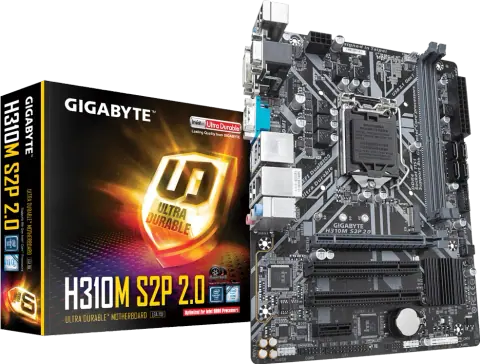
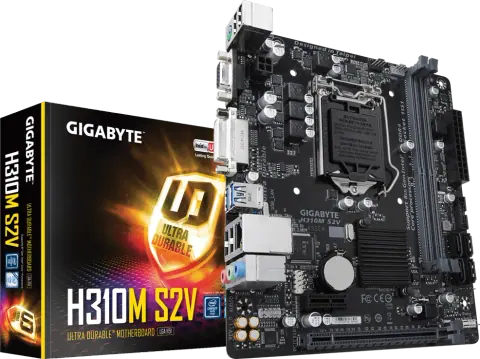
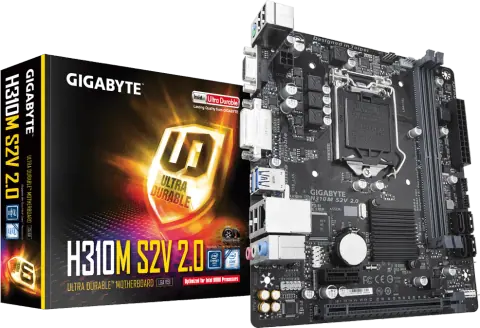
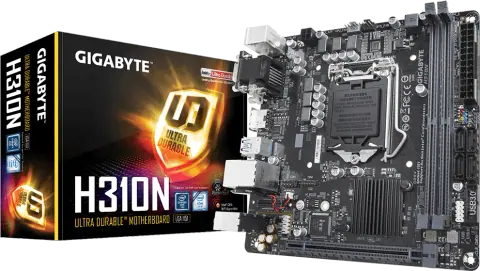
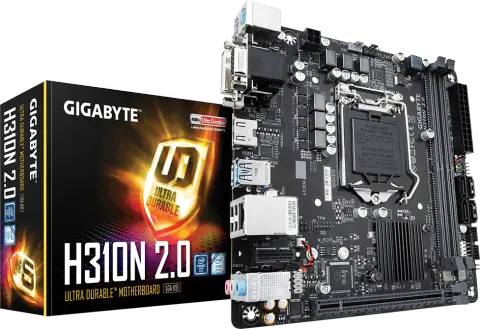
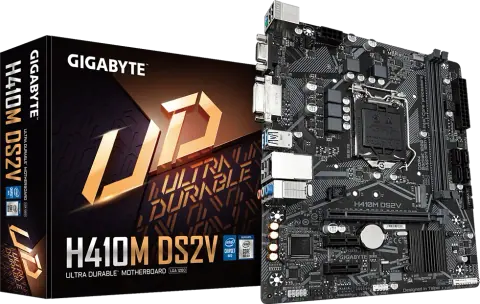
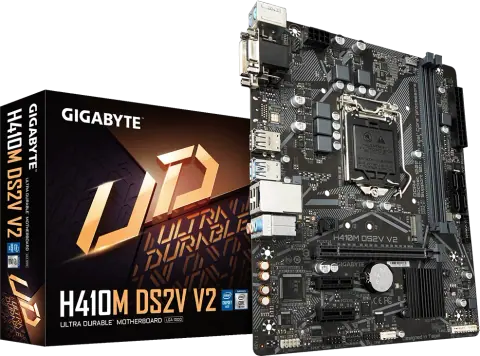
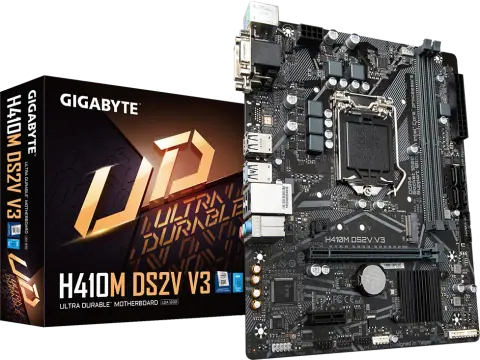
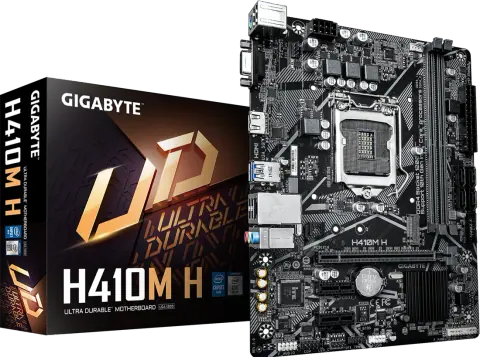
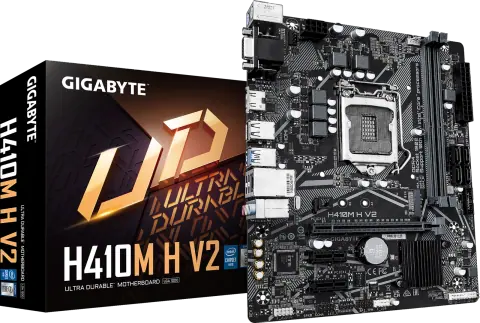
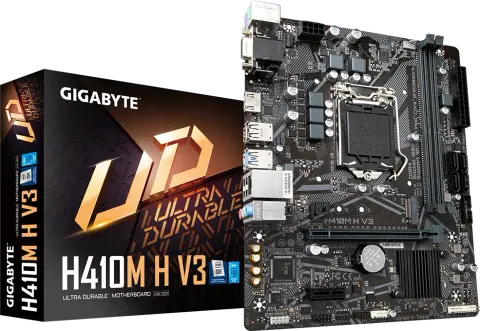
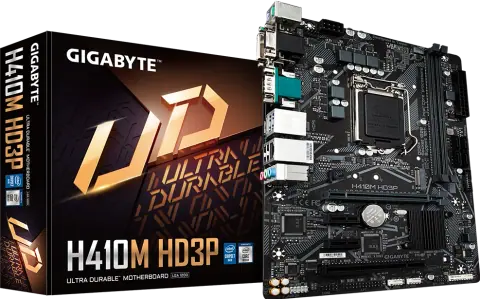
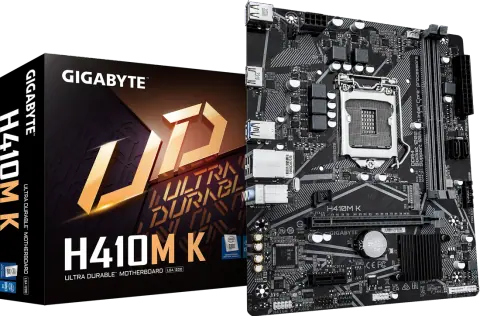
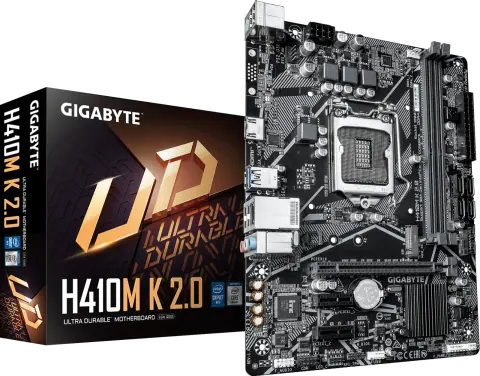
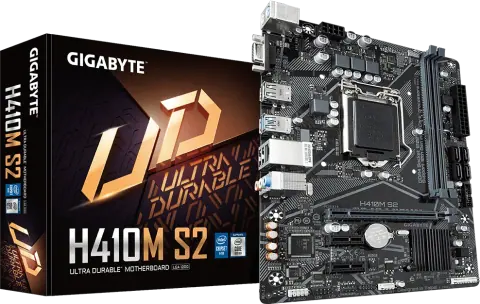
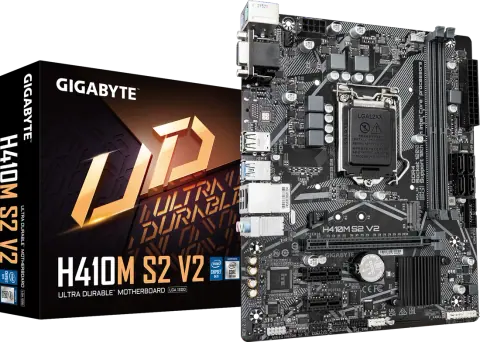
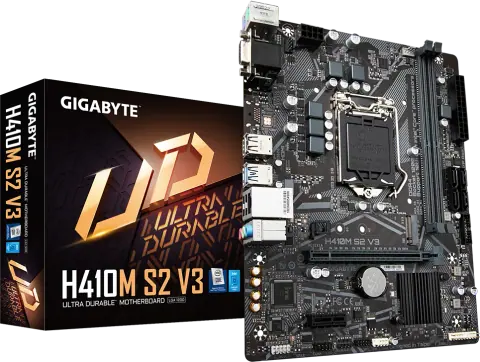
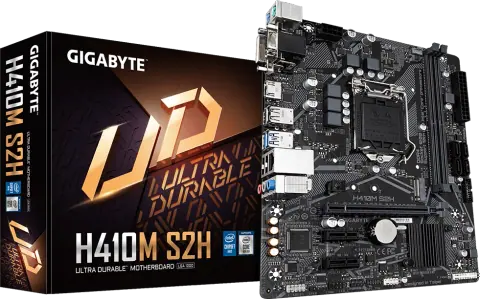
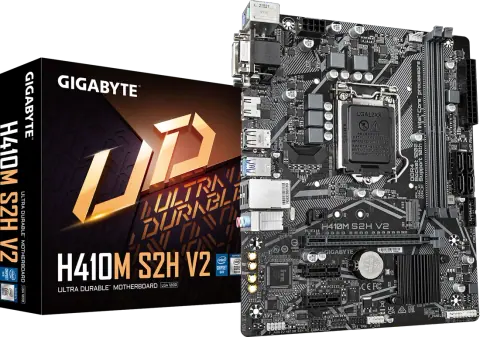
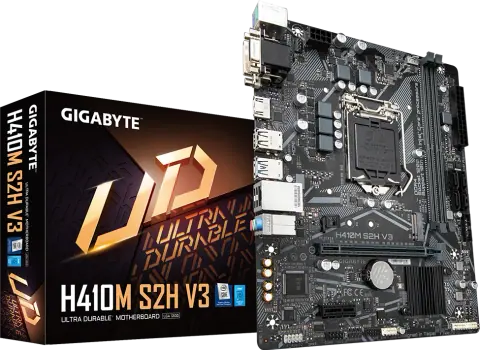
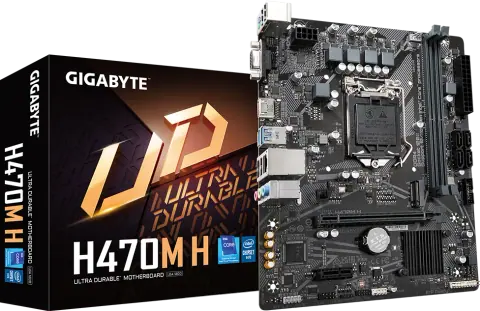
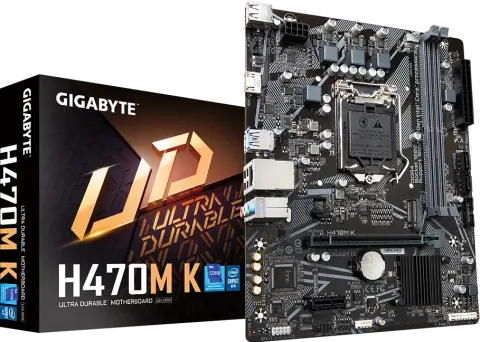
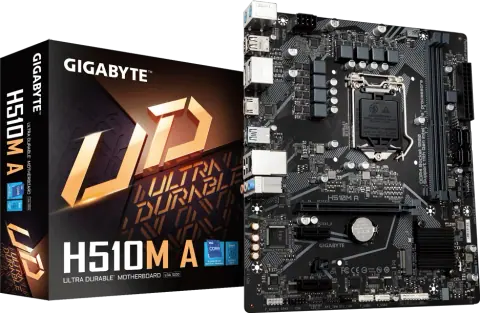
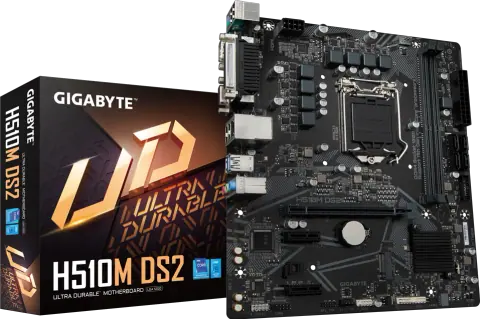
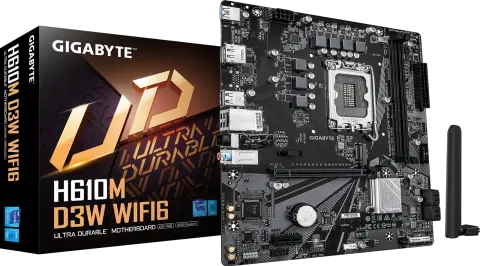
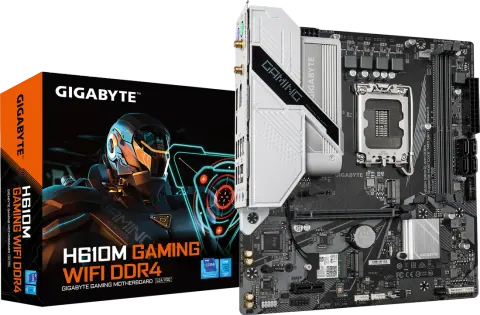
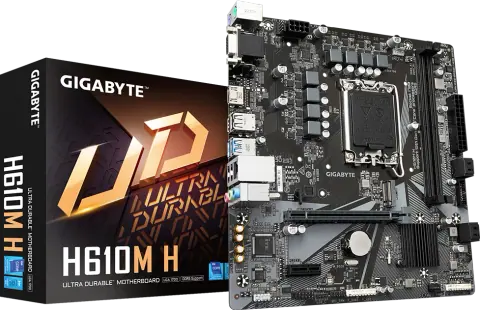
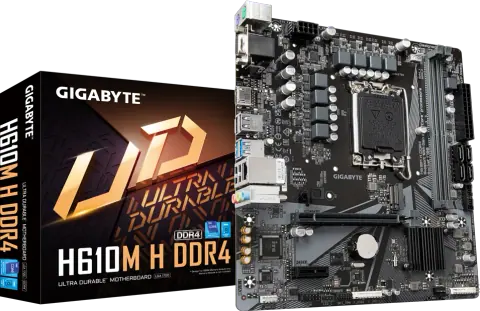
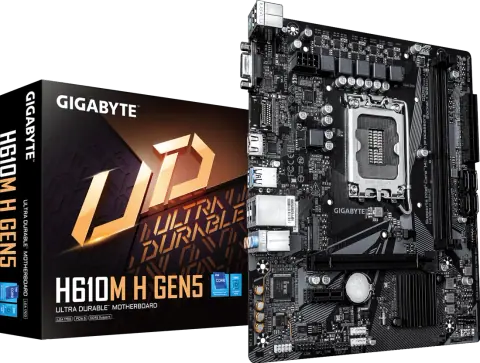
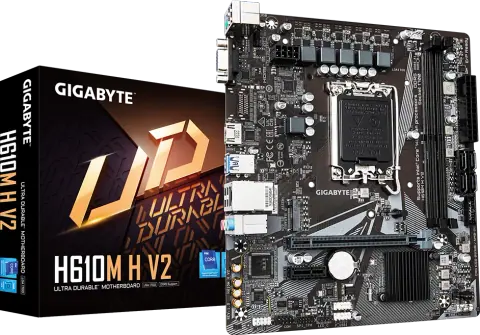
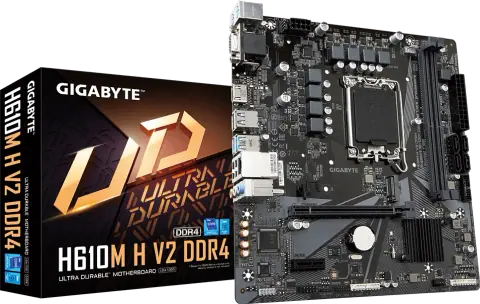
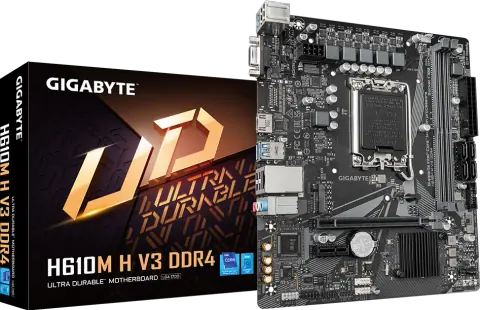
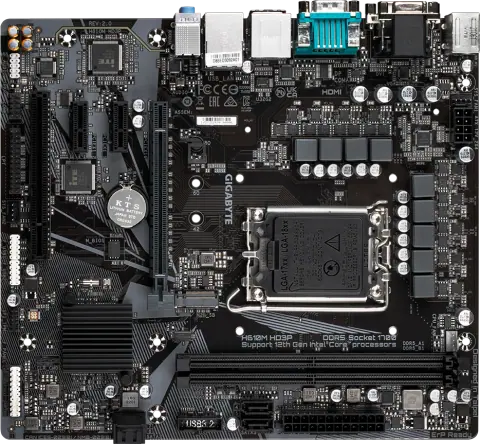
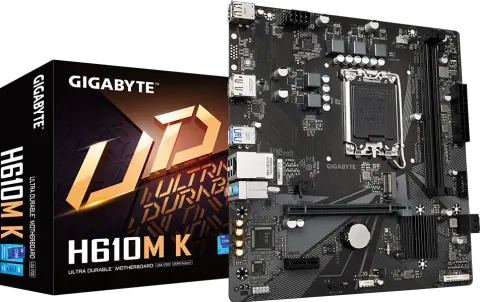
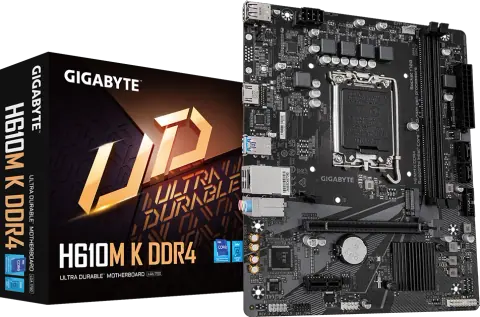
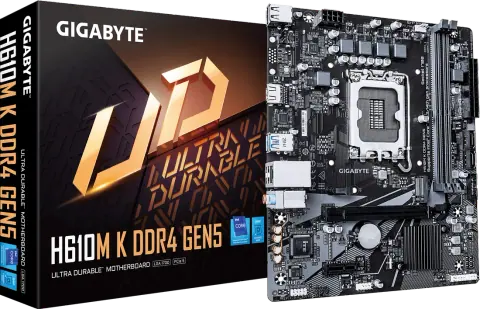
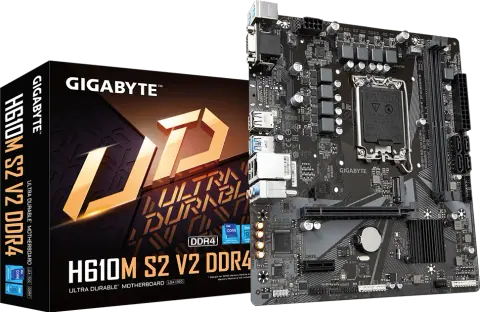
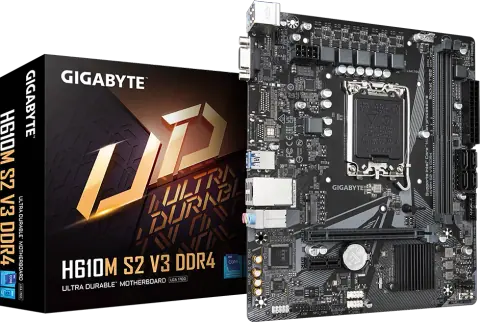
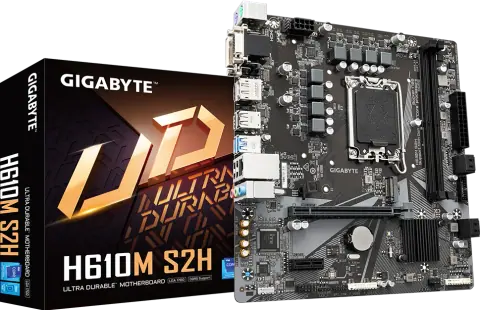
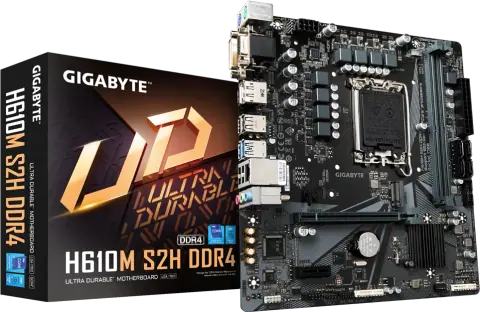
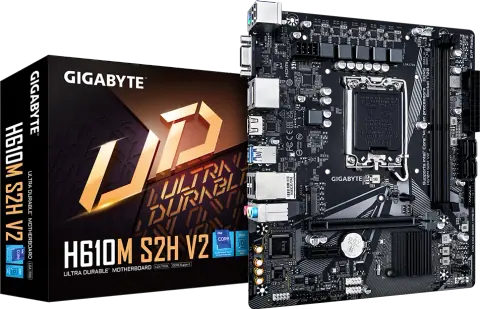
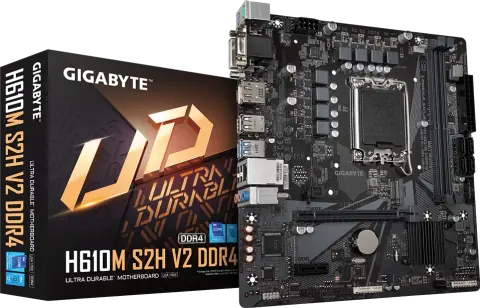
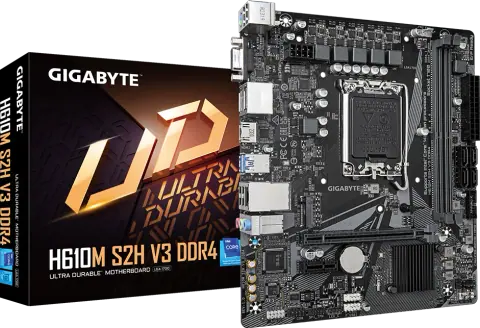
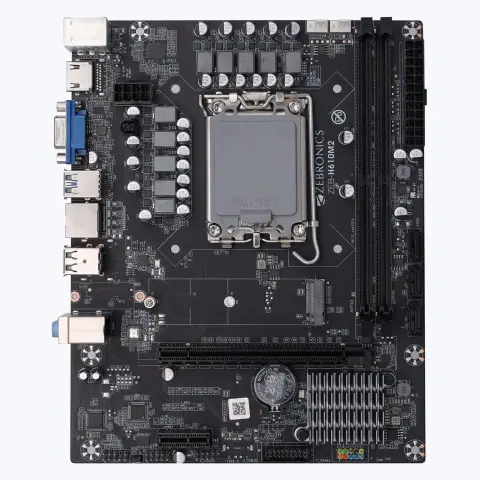
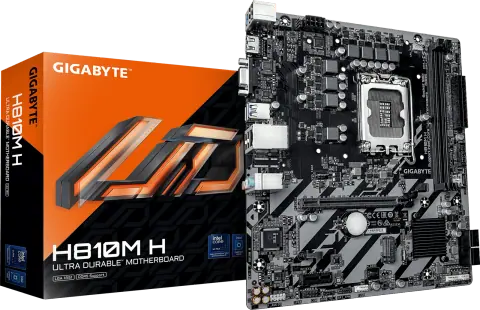
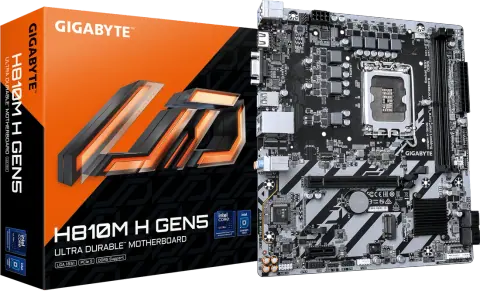
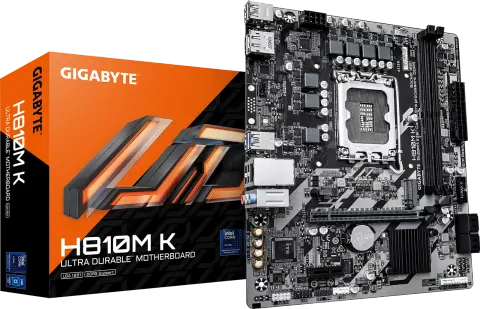
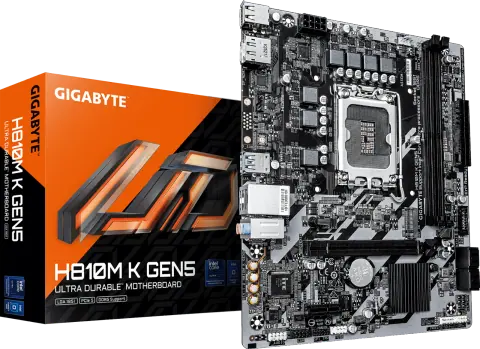
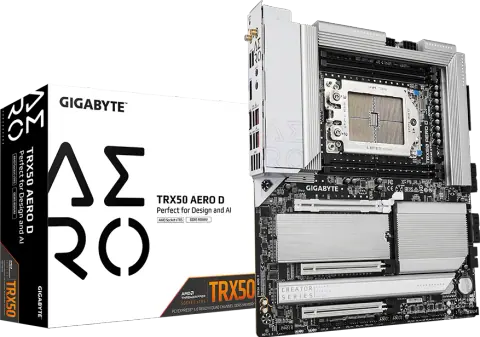
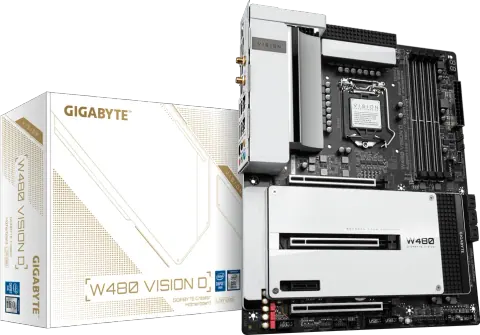
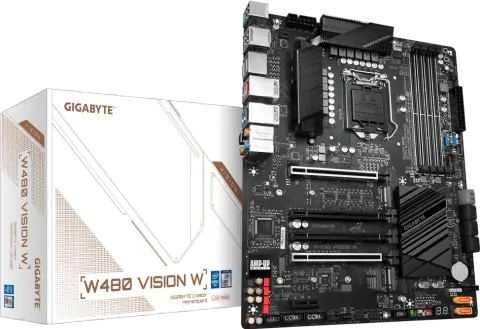
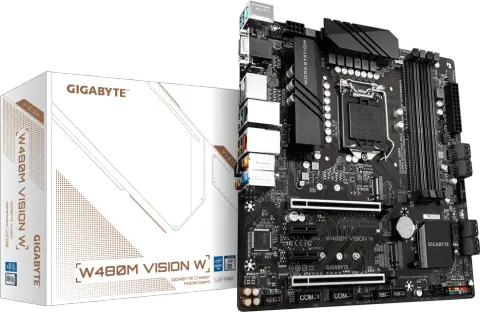
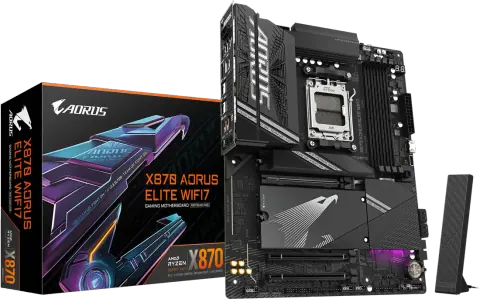
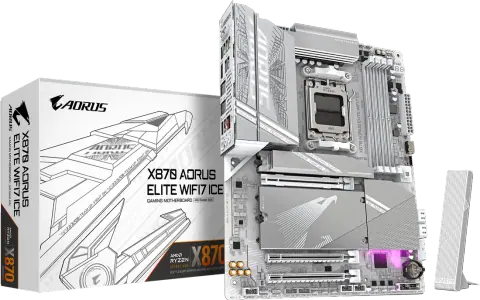
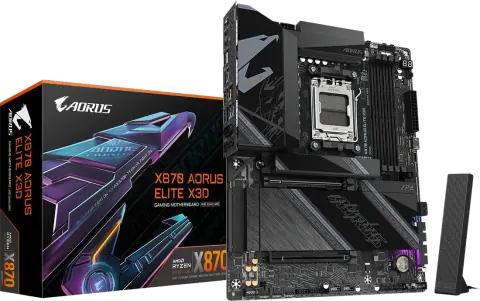
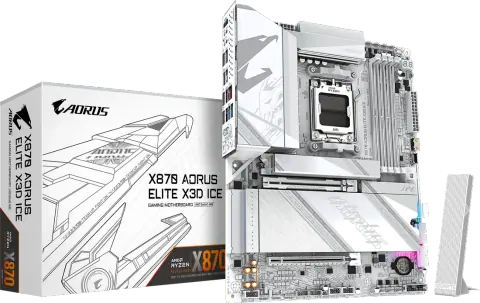
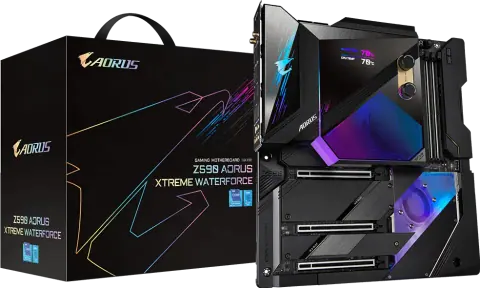
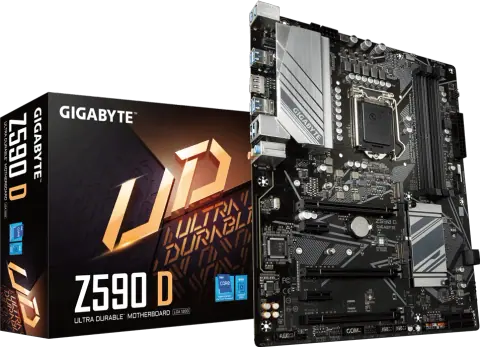
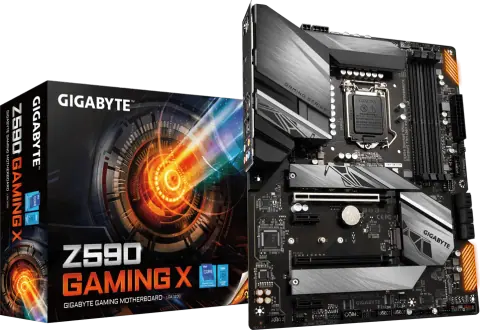
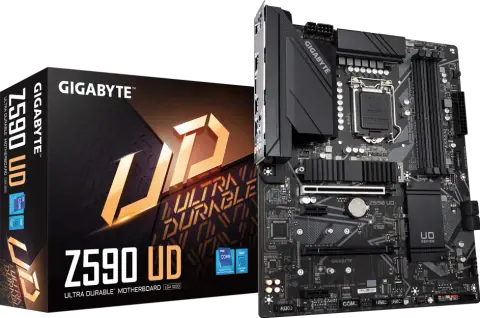
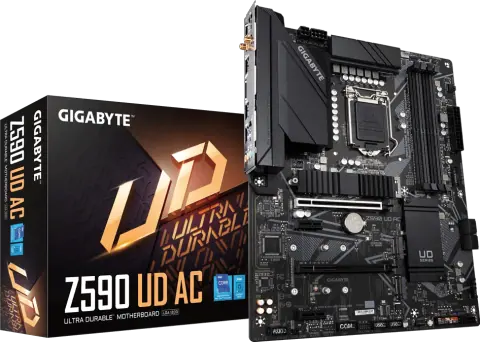
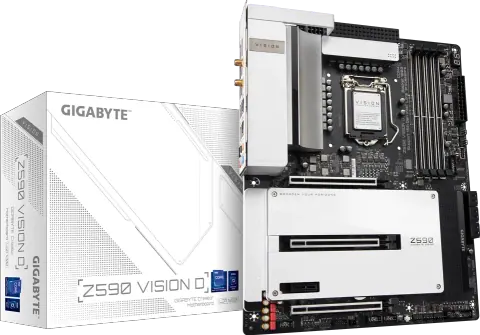
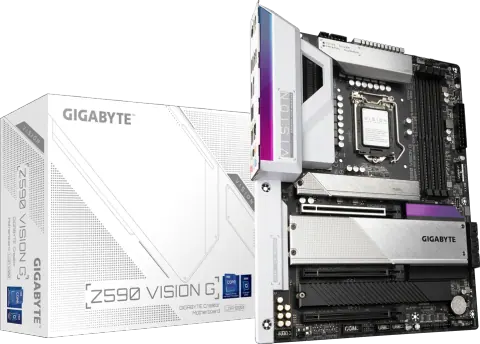
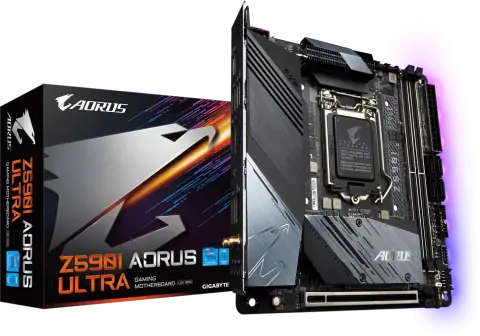
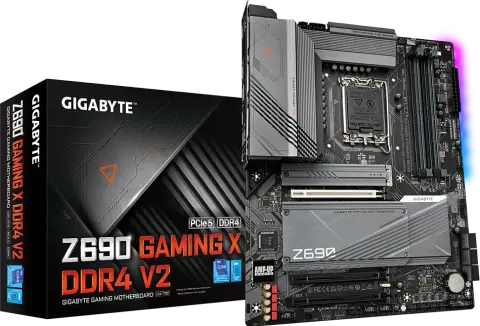
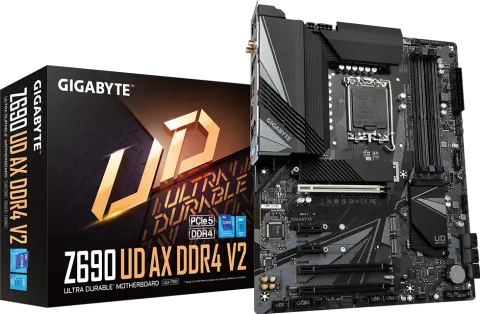
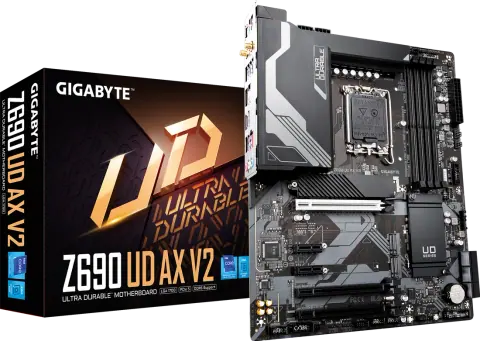
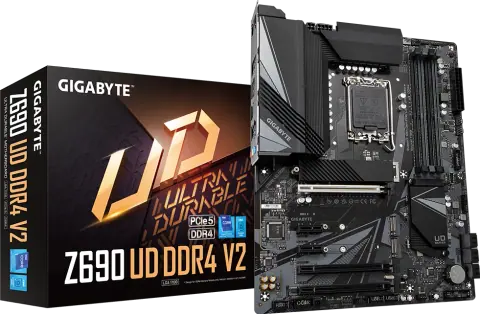
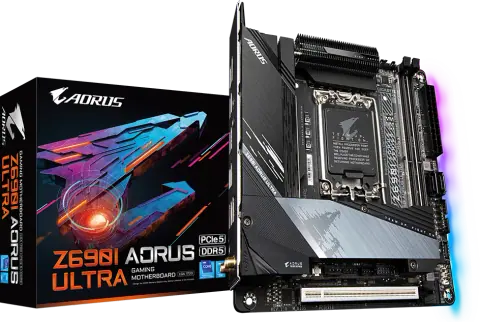
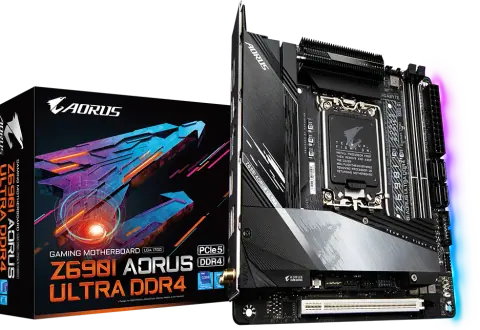
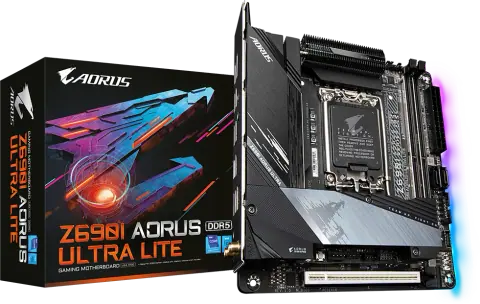
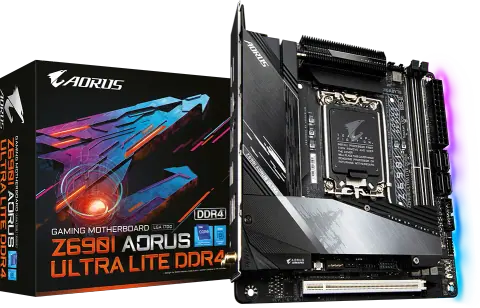
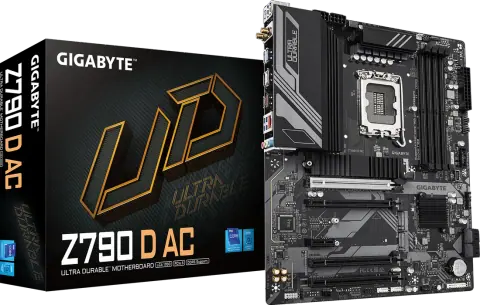
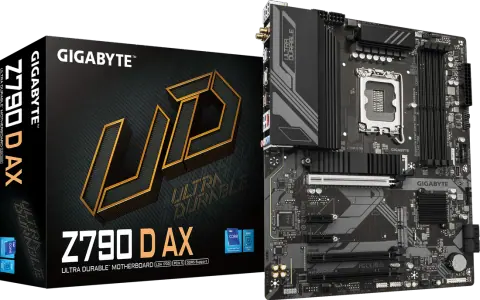
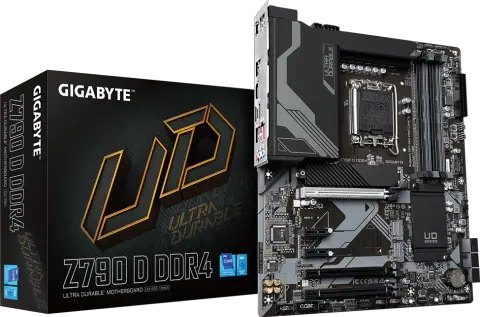
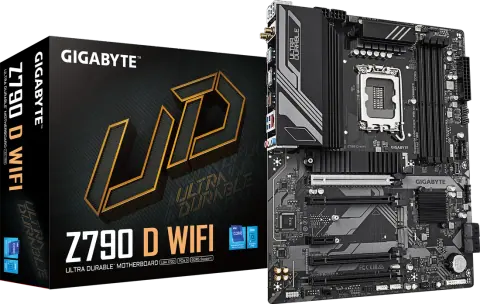
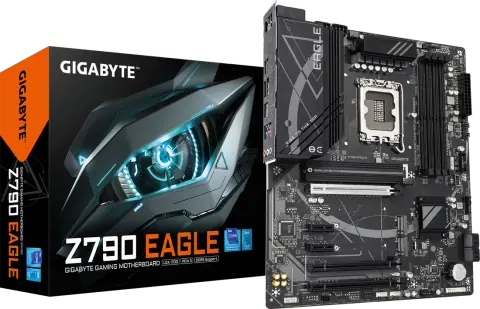
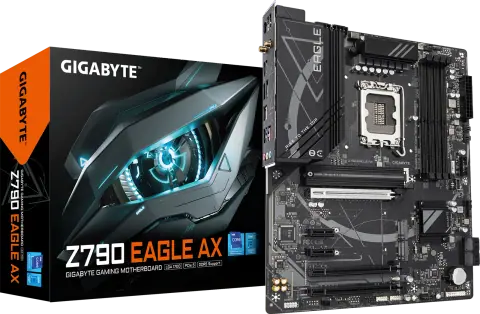
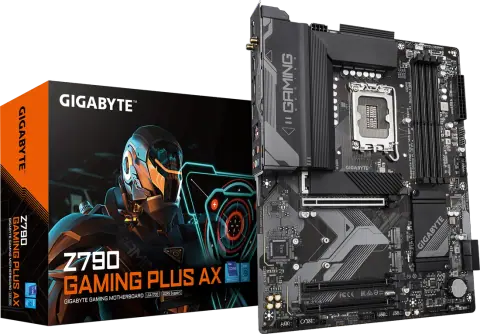
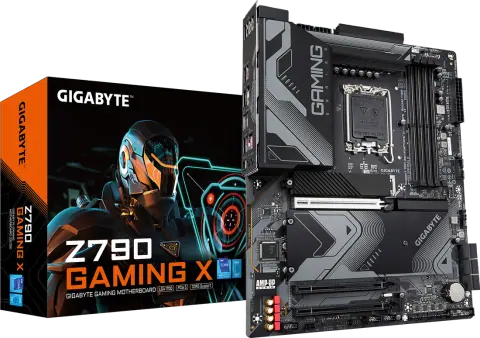
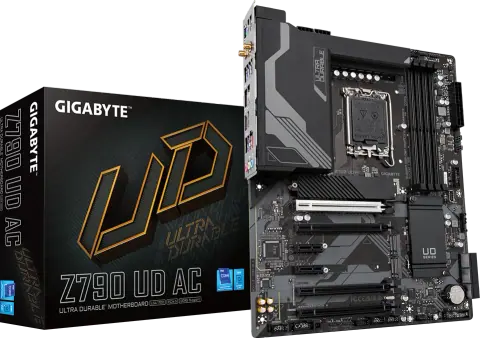
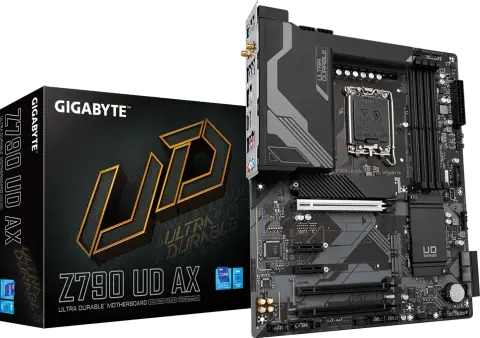
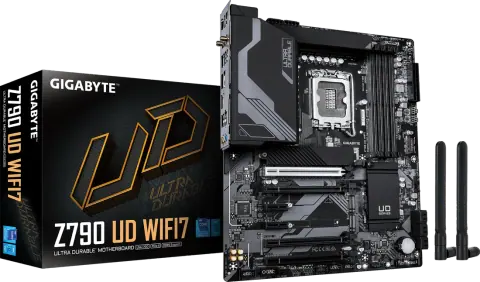
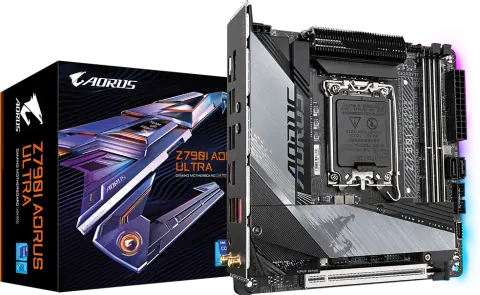
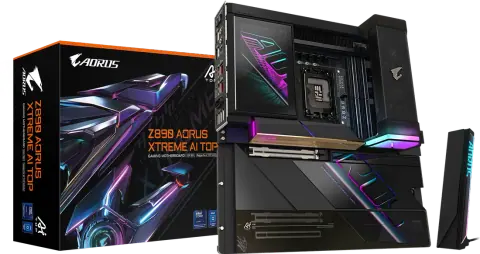
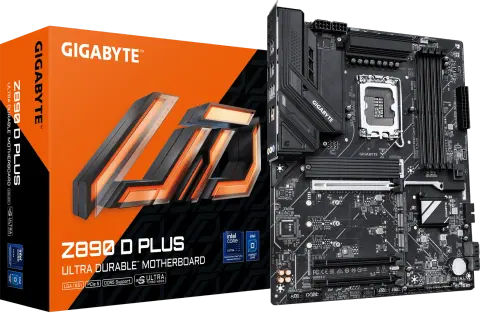
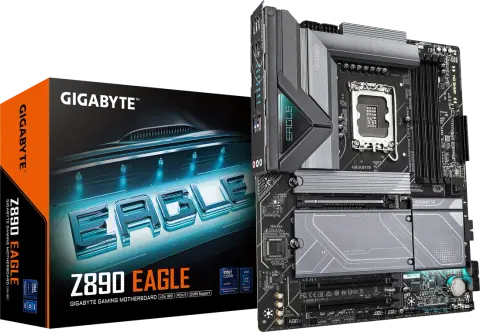
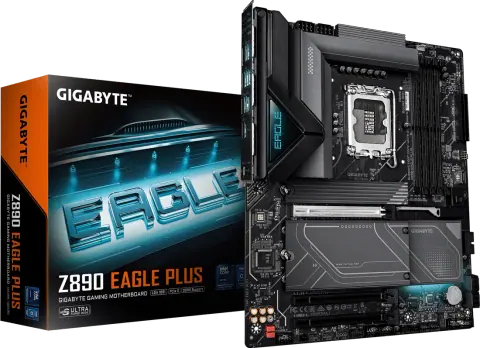
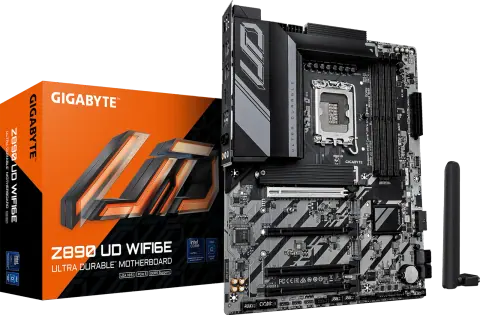
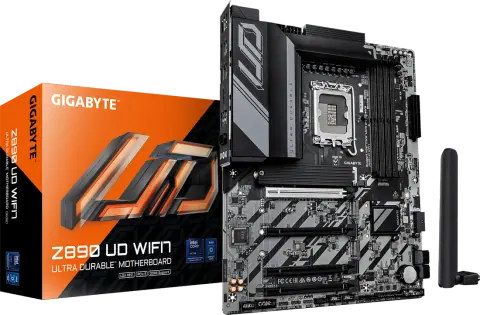
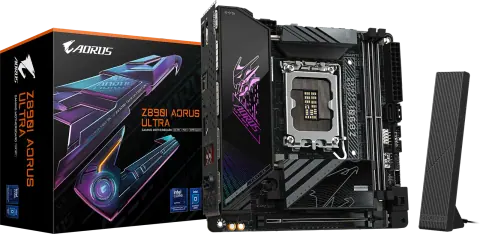
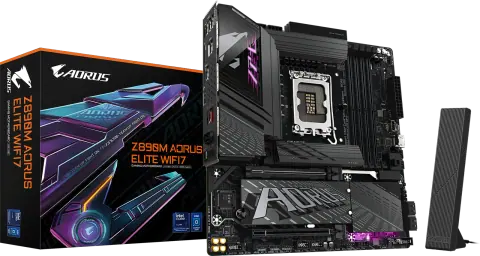
No models match these filters
Remove a filter or change the text. For models that are not listed, the sales desk can check availability.
Start with the processor socket and memory type, because they decide which CPUs and RAM a board accepts. Form factor, chipset and expansion then decide whether it suits the cabinet and the build.
Models from these brands are not listed on the site. Ask for a price list or send the model numbers you need.

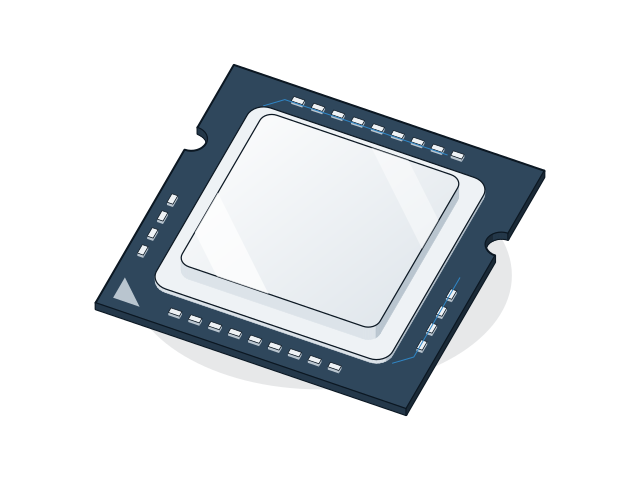
202 models
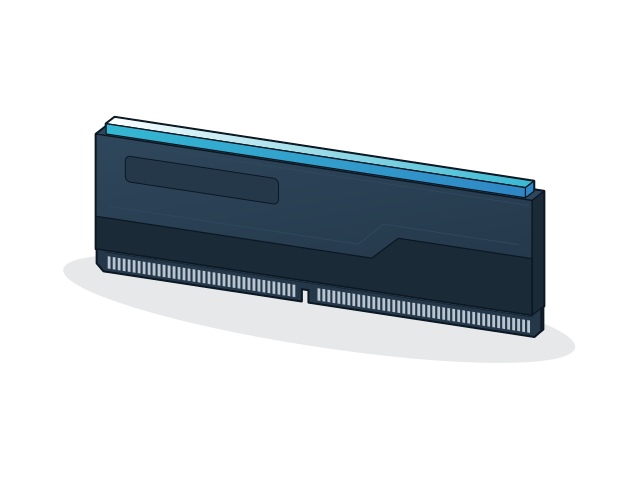
555 models
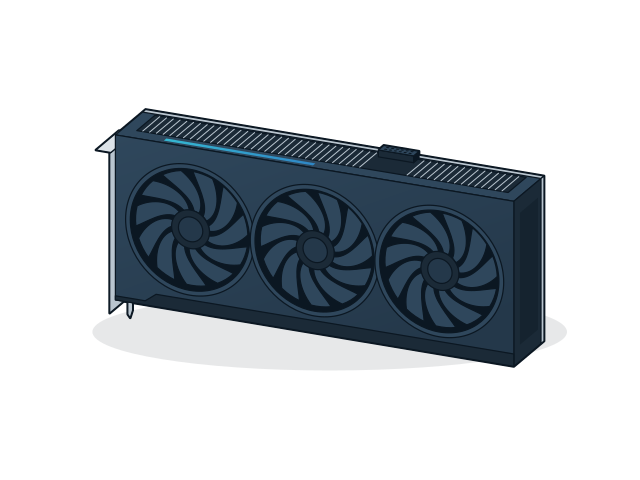
68 models
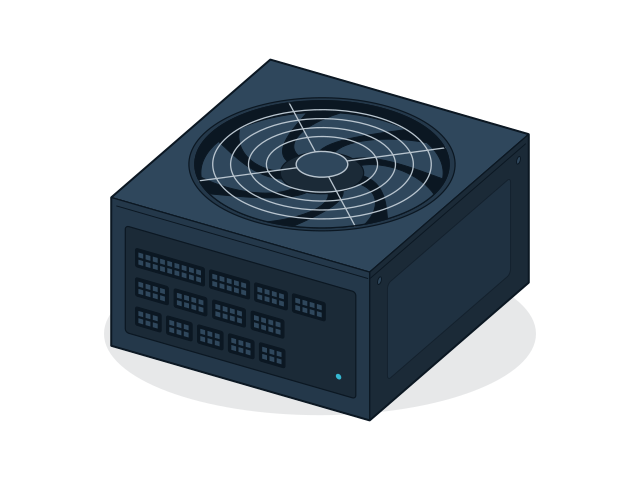
229 models
10 models
8 models
Send the models and quantities you need, or describe the requirement if the model is not listed. The sales desk will confirm price and availability.