Choosing connectors, boxes and tools
Connectors, boxes and tools finish a CCTV or network installation, and poor terminations are a common cause of faults. Choose by connector type, cable category, pack size and where each box will be mounted.
- RJ45 connectors and keystone jacks
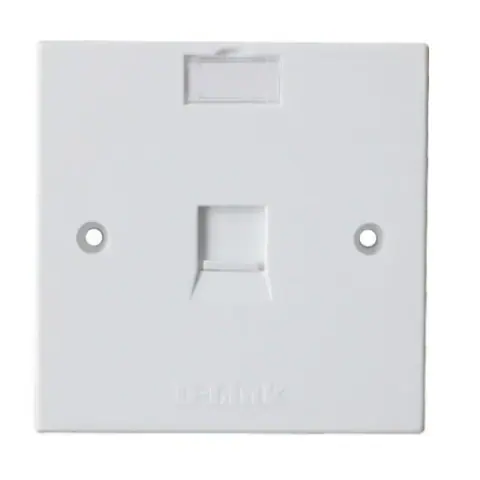
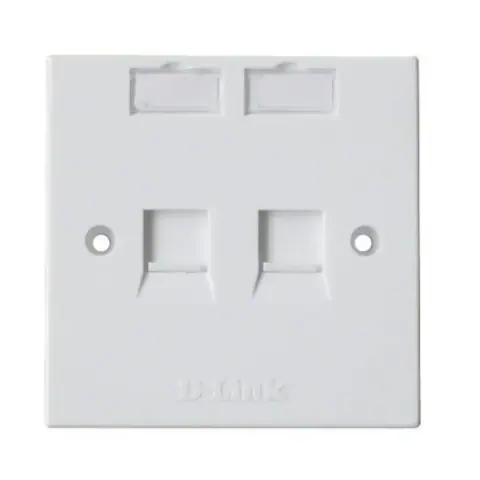
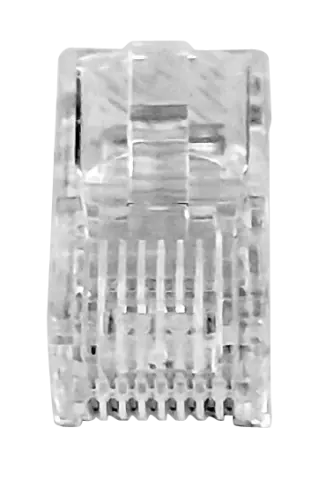
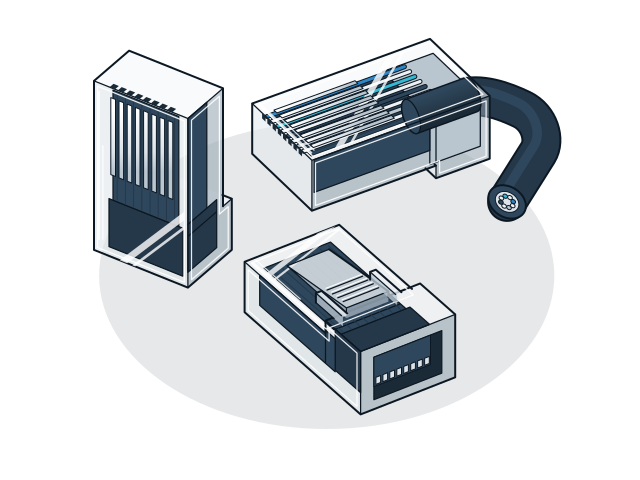
- Match the connector to the cable: Cat6 plugs and keystone jacks for Cat6 cable, Cat5e for Cat5e, and shielded connectors only with shielded cable. Use a face plate and keystone jack at the wall end, and plugs or patch cords at the equipment end.
- Patch panels
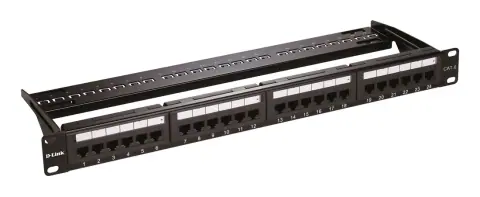
- A patch panel in the rack terminates the cable runs from each room, so equipment connects through short patch cords. Choose the port count for the runs plus spares.
- Tools
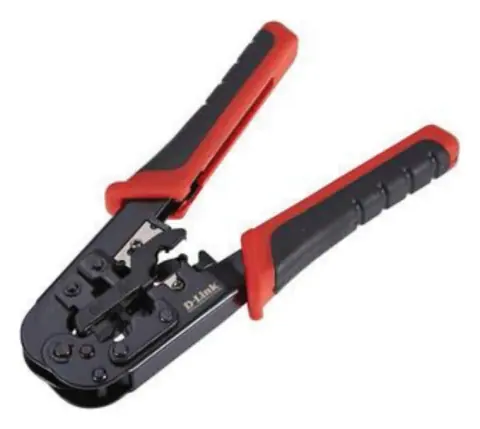
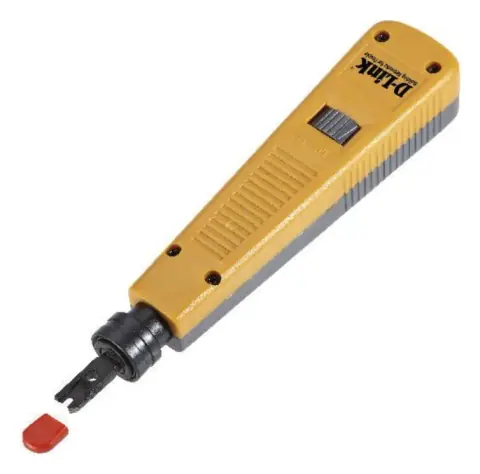
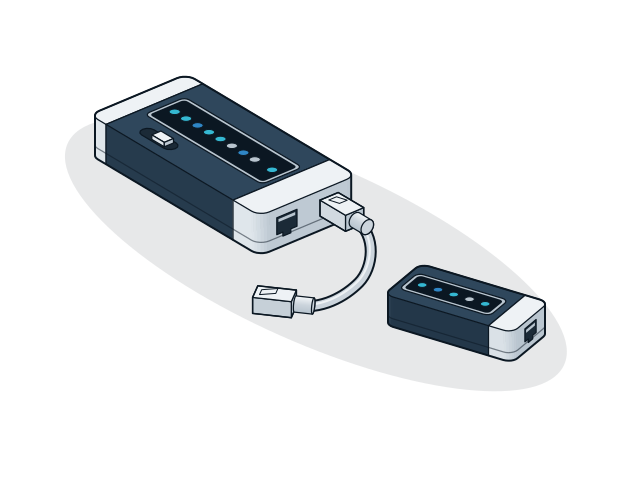
- A crimping tool fits RJ45 plugs, a punch down tool terminates keystone jacks and patch panels, and a cable tester confirms each run before handover.
- BNC connectors
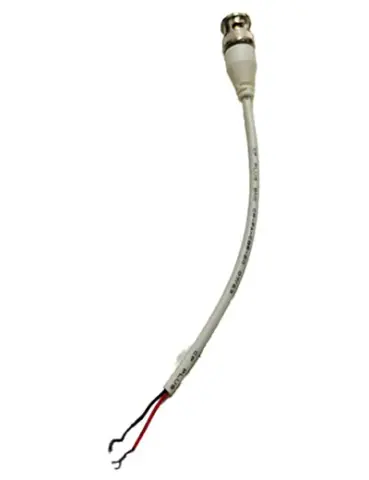
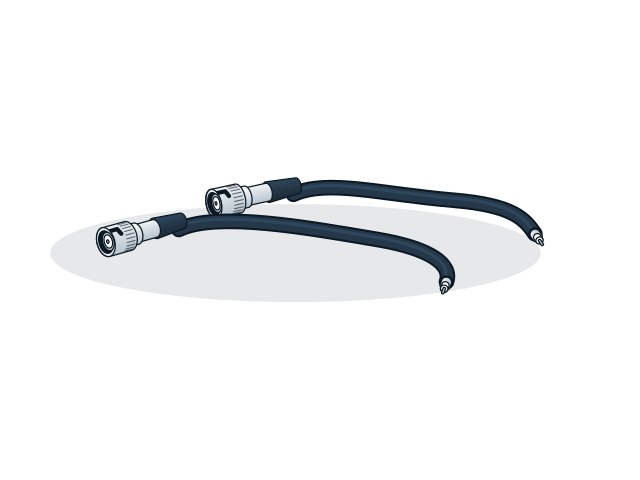
- A coaxial video cable ends in a BNC connector at the camera and at the DVR. Count two per camera, plus spares for failed terminations.
- DC connectors
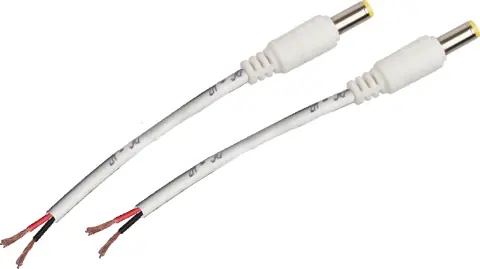
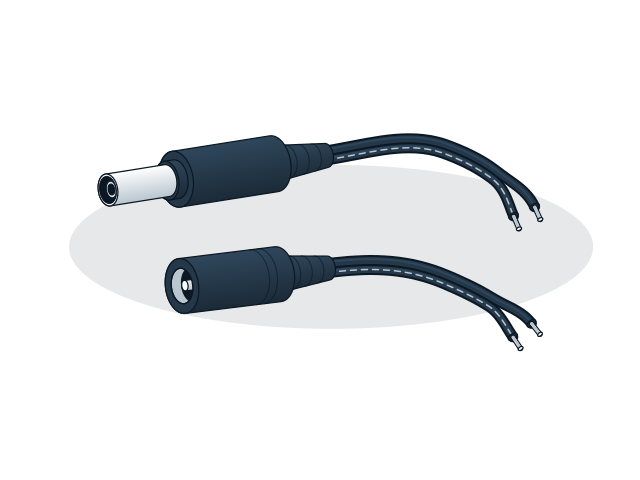
- DC connectors with cable tails carry 12 V power to the camera. Check the camera's plug size and polarity before you connect, because a reversed supply can damage the camera.
- Pack sizes
- Connectors are sold singly or in packs, depending on the model. Work out the count from the number of cameras or cable runs, and add spares for failed terminations.
- Junction box
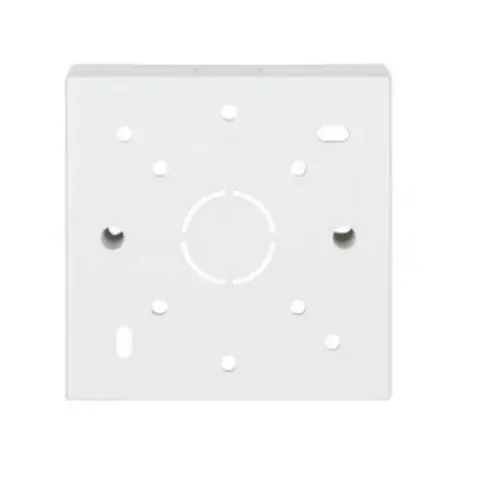
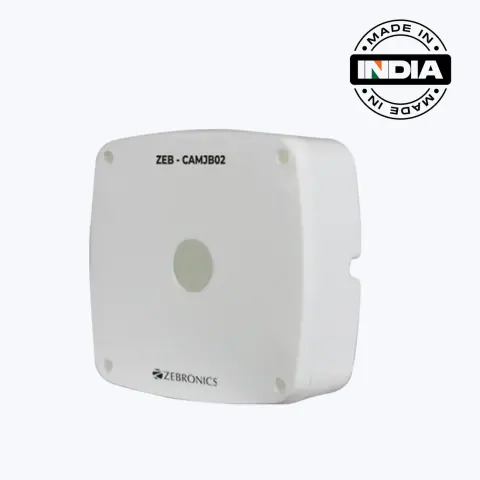
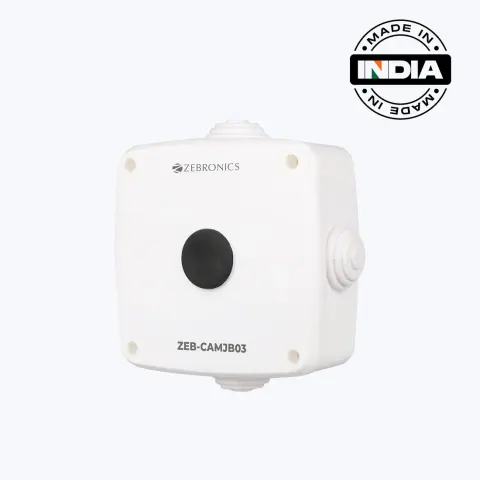
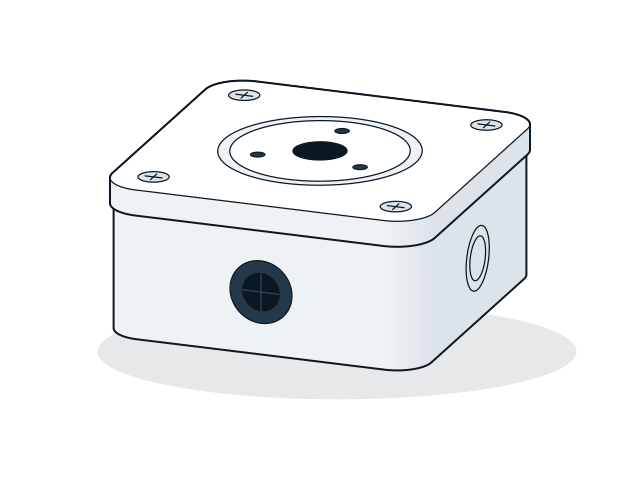
- A PVC junction box protects the joint between the camera cable and the camera lead from rain and dust. Choose one large enough for the camera base and the spare cable, and fix it with the cable entry facing down.