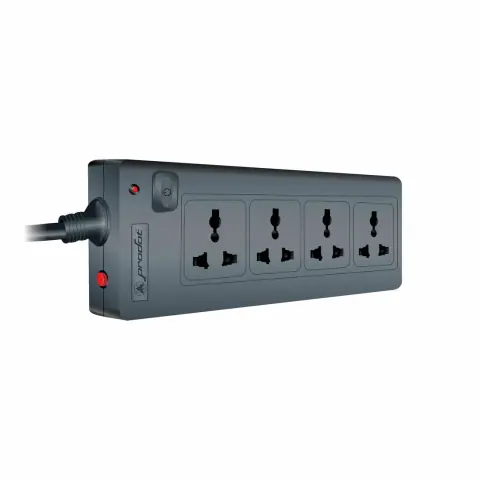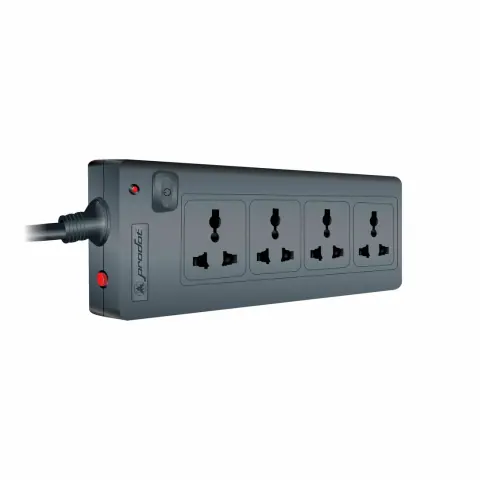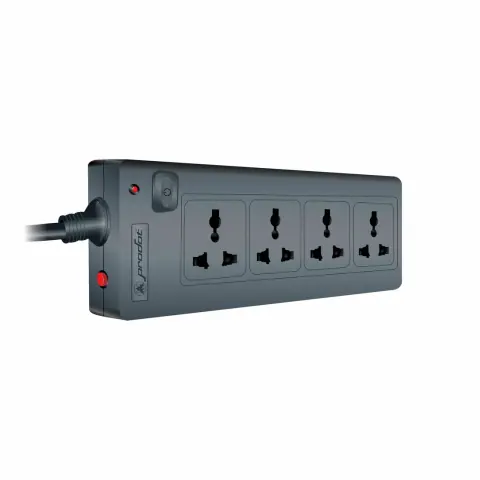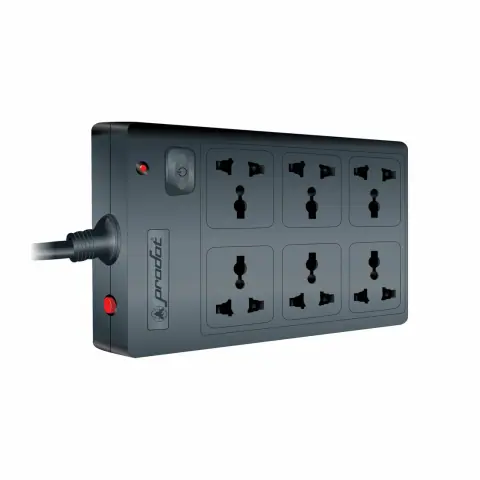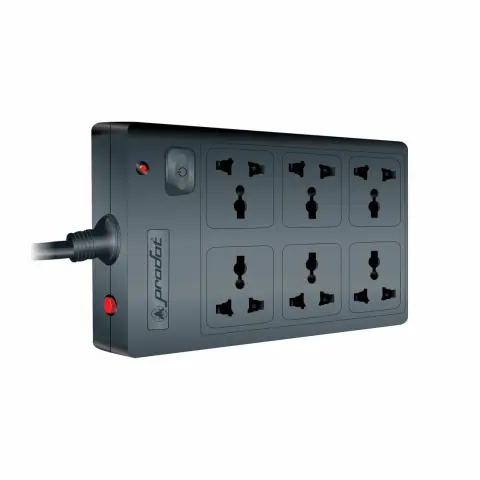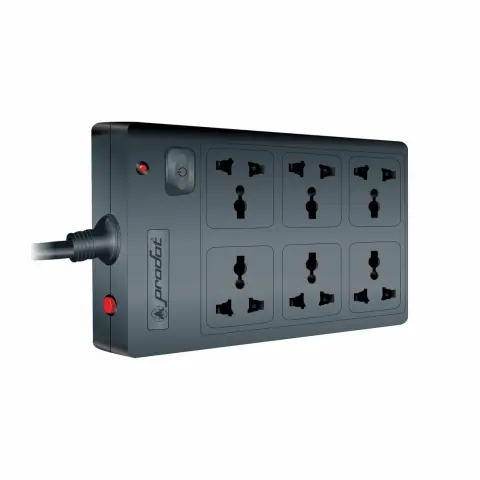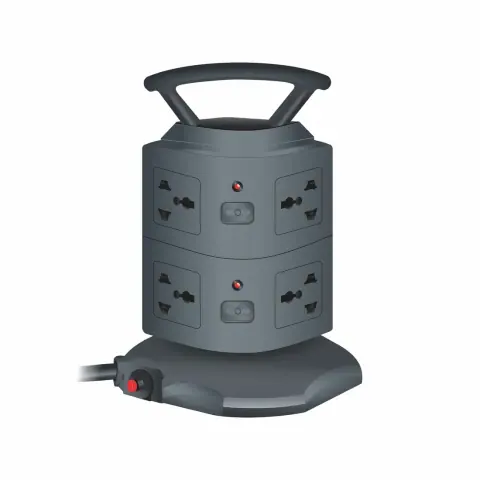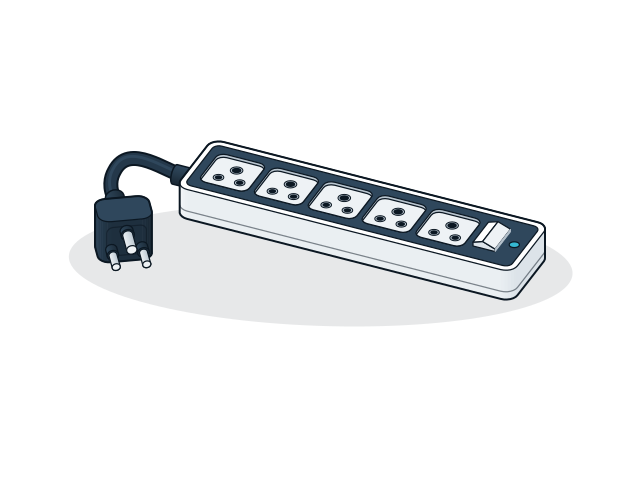
Spike busters and surge protectors models

13 models

    Filters

    Choosing spike busters and surge protectors

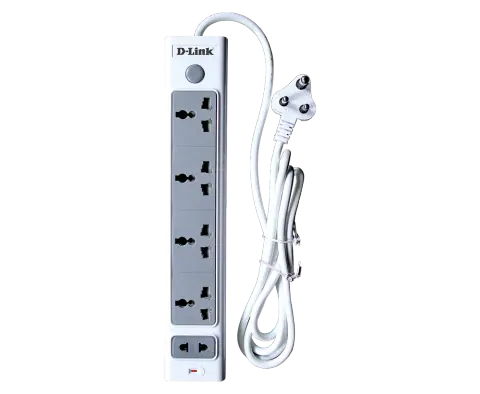
    Choose a spike buster or surge protector by the number of sockets you need, the cord length to the wall socket and the load it will carry. It protects against spikes but gives no backup during a power cut.
    Sockets and spacing
    Count the plugs, including adapters with wide bodies that cover the next socket, and add one or two spare sockets.
    Cord length
    Measure from the wall socket to the desk or rack. A longer cord avoids an extension board, which adds another weak joint in the circuit.
    Load rating
    Add up the power of the equipment and keep it well within the strip's rating. Computers, monitors, routers and recorders suit a surge protector; heaters, kettles and air conditioners do not.
    Surge protector or spike buster
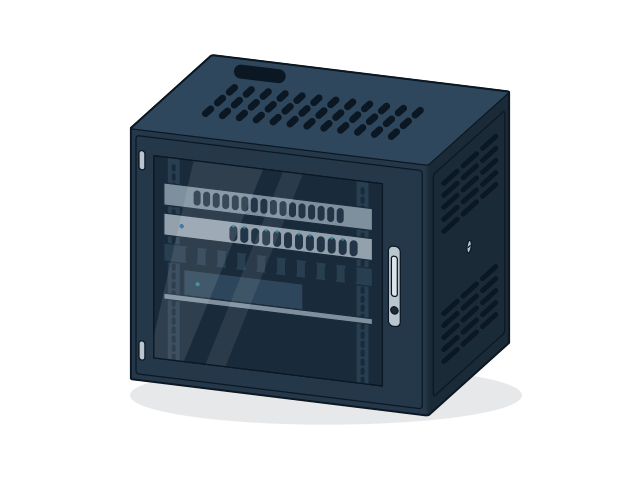
    A surge protector adds protection circuits against voltage spikes, while a basic spike buster is mainly a switched multi-socket strip. For network racks and CCTV recorders, choose a surge protector.

    Installation and compatibility

    • Plug the strip into an earthed wall socket. Surge protection depends on a working earth.
    • Do not plug one strip into another. Use one strip per wall socket.
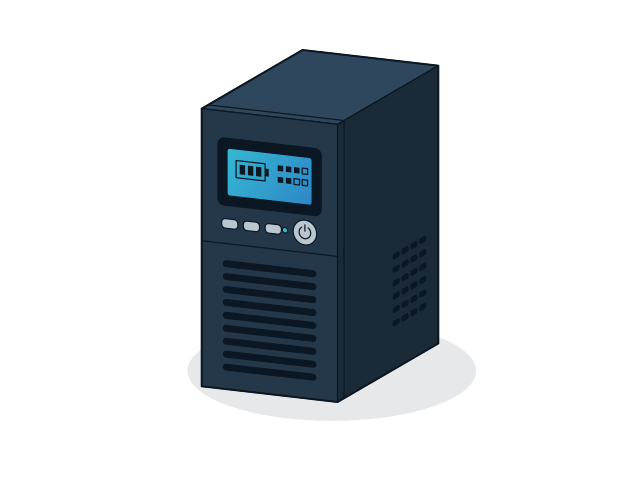
    • Put the strip after the UPS output only if the UPS manual allows it, and never plug a UPS into a surge protector strip.

    Enquire about spike busters and surge protectors

    Send the models and quantities you need, or describe the requirement if the model is not listed. The sales desk will confirm price and availability.

    You are a (optional)

    Sending opens WhatsApp with your enquiry filled in, ready to send to our sales desk.