Switches, routers and access points
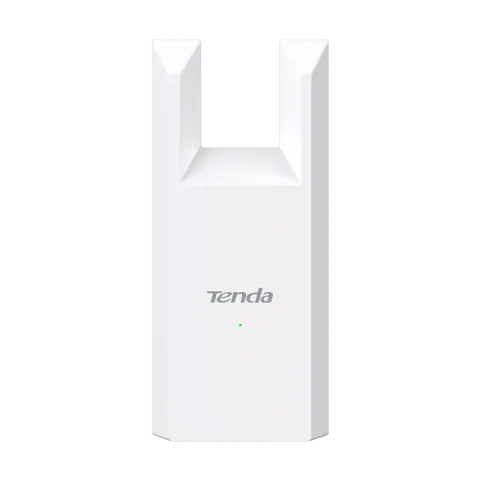
Unmanaged and managed switches, Wi-Fi routers, access points, outdoor CPE links, range extenders, media converters and USB Wi-Fi adapters.

Switches, routers and access points models
63 models
-
View details -
View details -
View details -
View details -
View details -
View details -
View details -
View details -
View details -
View details -
View details -
View details -
View details -
View details -
View details -
View details -
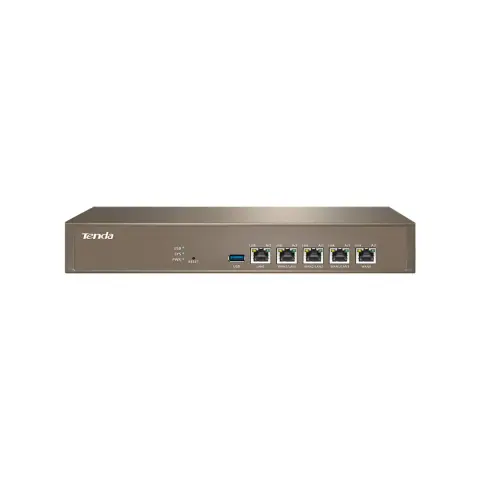
Wired enterprise router
G1
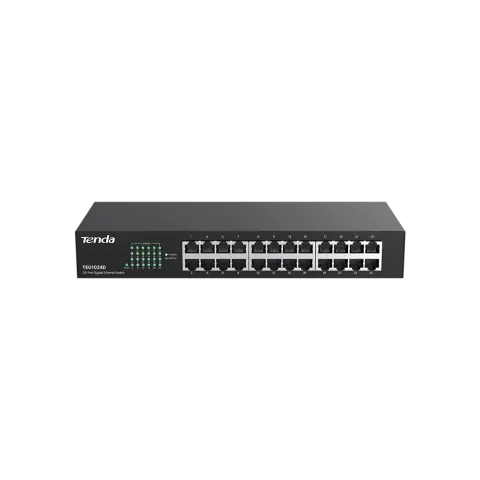
- 5 x Gigabit, up to 4 WAN
- 128 APs (router), 256 (AC mode)
- 150 max, 100 recommended
View details -
View details -
View details -
View details -
View details -
View details -
View details -
View details -
View details -
View details -
View details -
View details -
View details -
View details -
View details -
View details -
View details -
View details -
View details -
View details -
View details -
View details -
View details -
View details -
View details -
View details -
View details -
View details -
View details -
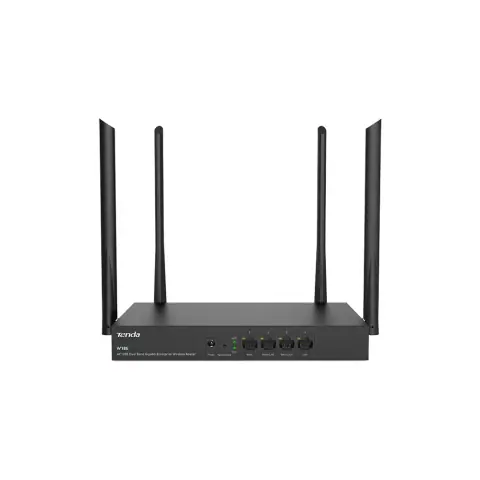
1200 Mbps gigabit multi-WAN enterprise router
W18E
- Wi-Fi 5, AC1200
- 4 x Gigabit, 1 to 3 as WAN
- Up to 80
View details -
View details -
View details -
View details -
View details -
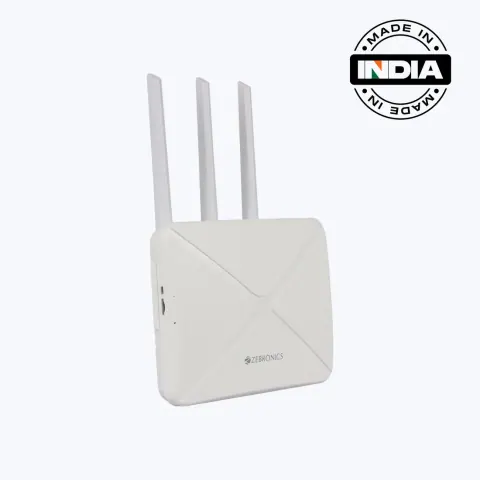
WR3004G wireless router
ZEB-WR3004G
- Wi-Fi 6 (802.11ax), 2.4 GHz
- Nano SIM slot (4G LTE)
- 1 x 10/100 LAN/WAN
View details -
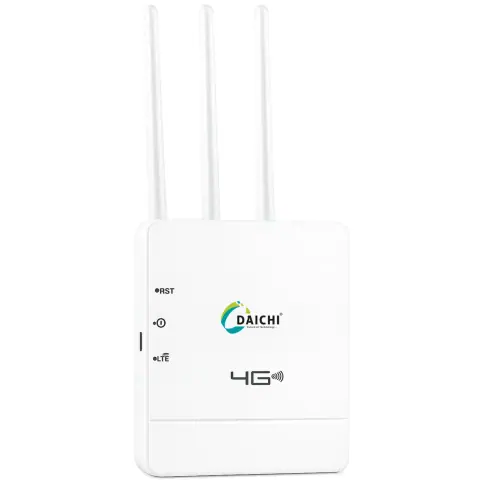
4G router
- 4G router, SIM based
- Up to 16
- 3 external
View details -
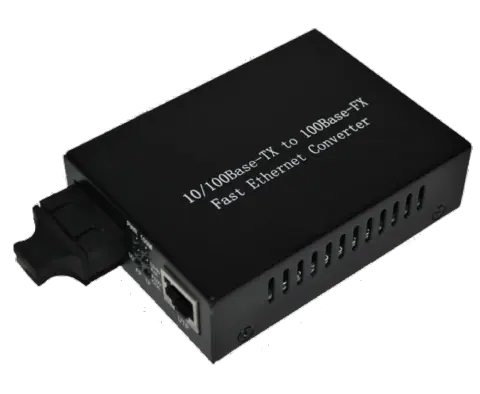
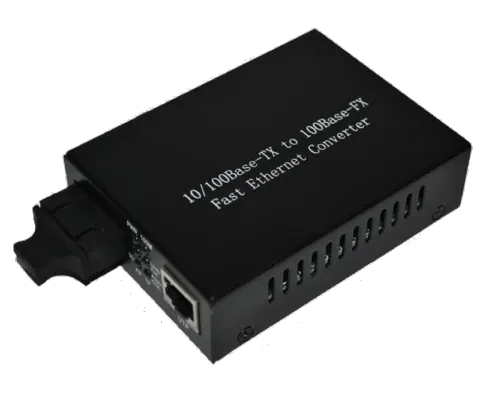
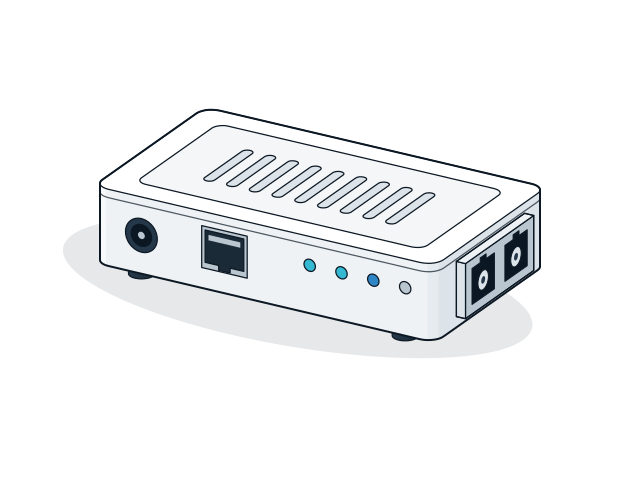
Single-mode fibre media converter
DFE-855S-15L
- 10/100BASE-TX to 100BASE-FX
- Single-mode, SC
- Up to 15 km
View details - View details
- View details
- View details
- View details
- View details
- View details
-
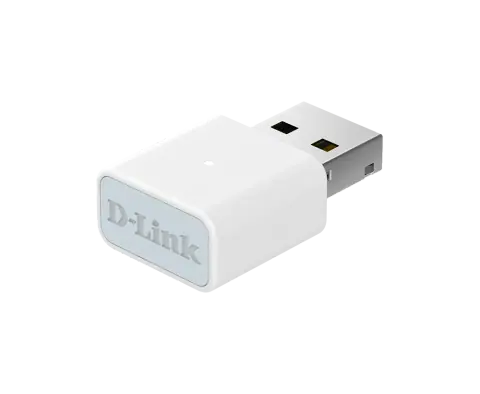
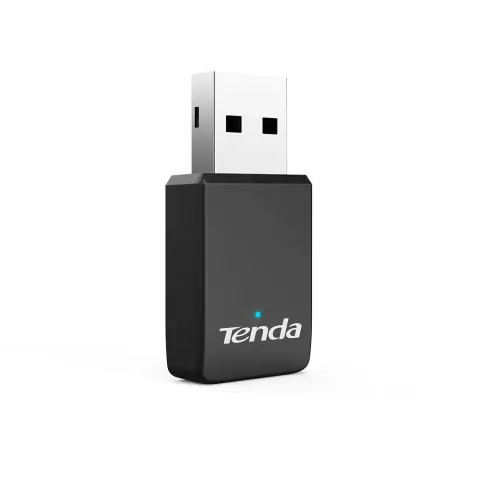
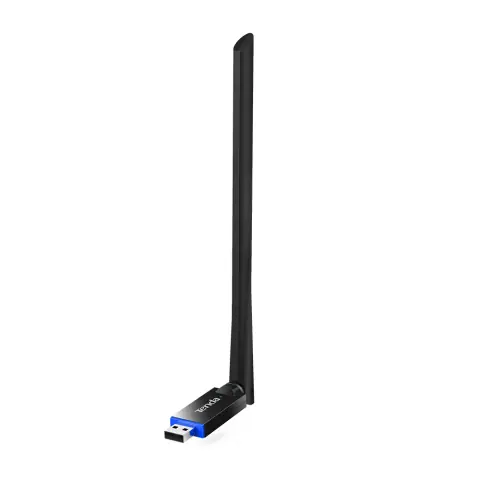
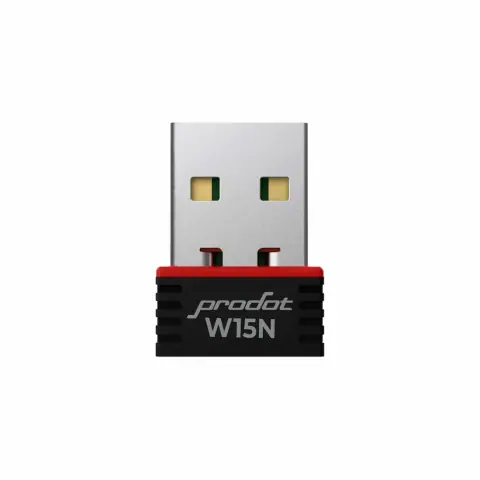
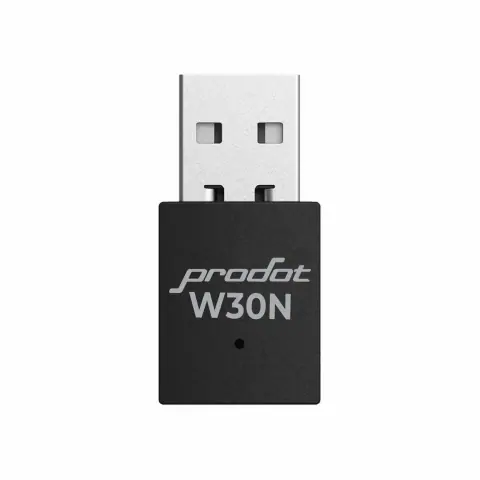
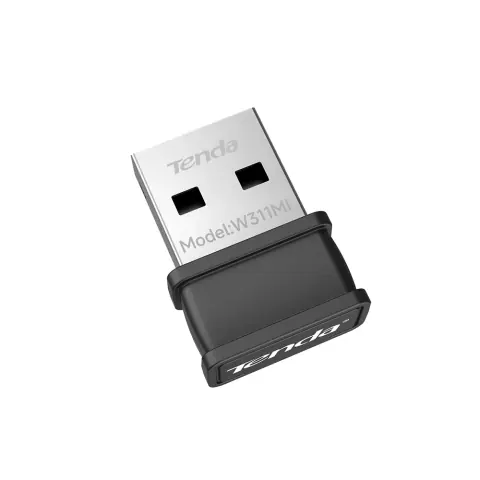
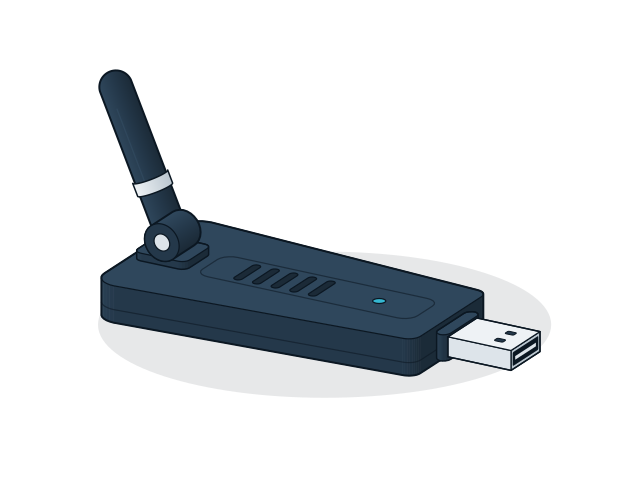
USB Wi-Fi adapter
- Wi-Fi adapter
- USB
View details - View details
- View details
- View details
No models match these filters
Remove a filter or change the text. For models that are not listed, the sales desk can check availability.
Choosing switches, routers and access points
Choose networking equipment by the speed of the internet connection, the number of wired devices and the area to cover. Port speed, Wi-Fi standard and management features matter more than headline speed ratings.
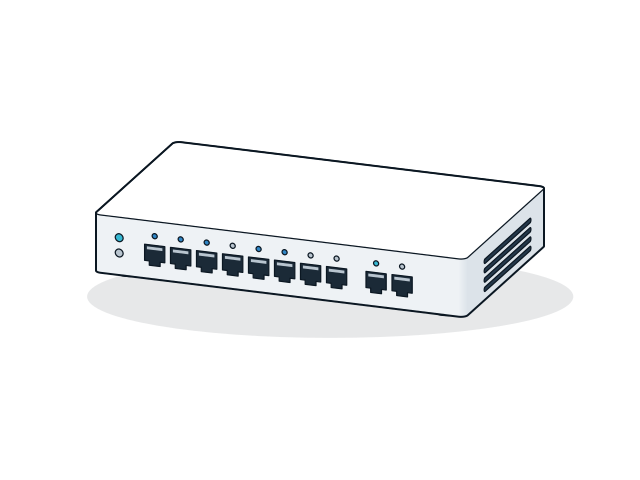
- Switch ports and speed
- Count the wired devices and add spare ports. Gigabit ports are the sensible standard for PCs, servers and cameras, Fast Ethernet (100 Mbps) ports only suit basic devices, and the uplink port should be at least Gigabit where many devices share it.
- Unmanaged or managed
- Unmanaged switches work as soon as they are plugged in, which suits most small offices. Managed and smart switches add VLANs, port monitoring and loop protection for larger networks, or for keeping camera and office traffic apart.
- Router WAN speed
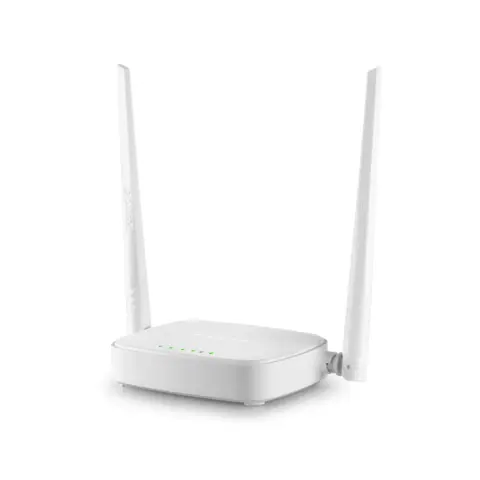
- The router's WAN port should match the broadband plan, so choose a Gigabit WAN port for plans above 100 Mbps. Check that the router supports the connection type your provider uses, such as DHCP, PPPoE or static IP.
- Wi-Fi standard and bands
- Wi-Fi 5 and Wi-Fi 6 routers are dual band, with 2.4 GHz for range and 5 GHz for speed. Ratings such as AX1800 add the speeds of both bands together, so a single device will not reach that figure.
- Access points and coverage
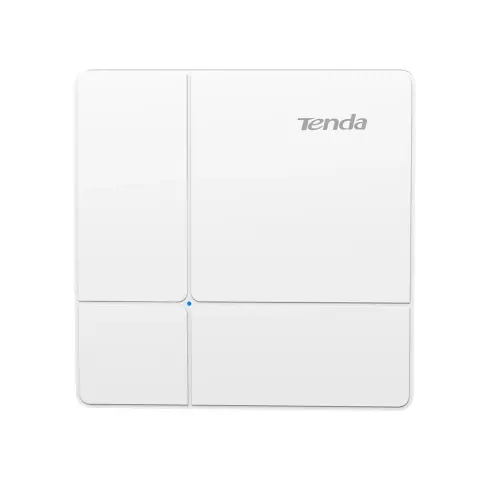
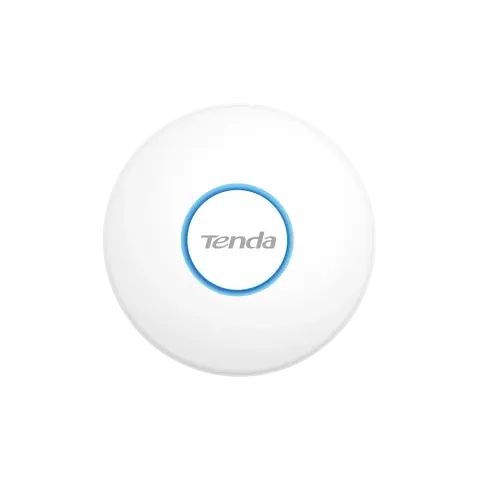
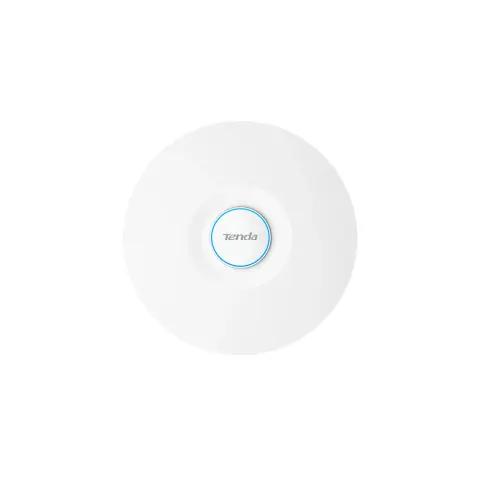
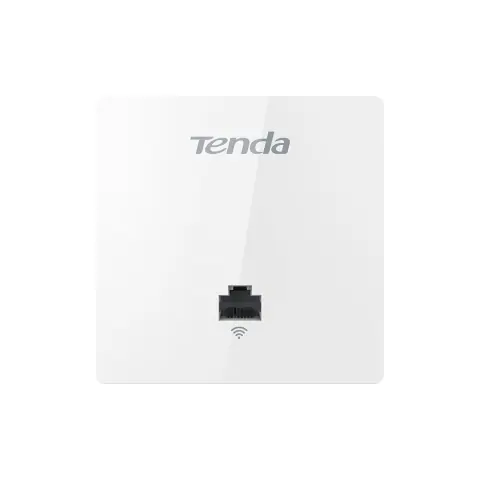
- One router covers a few rooms. For offices and shops, ceiling access points powered over PoE and placed centrally cover better than one strong router at the end of the building, and walls and floors cut range more than the listed figure suggests.
Installation and compatibility
- Use Cat5e or better for Gigabit links, and Cat6 for new cable runs. Keep each run to 100 m.
- Set neighbouring access points to channels 1, 6 and 11 in the 2.4 GHz band so that they do not interfere with each other.
- Change the default admin password, update the firmware and turn off remote management unless you need it.
Enquire about switches, routers and access points
Send the models and quantities you need, or describe the requirement if the model is not listed. The sales desk will confirm price and availability.