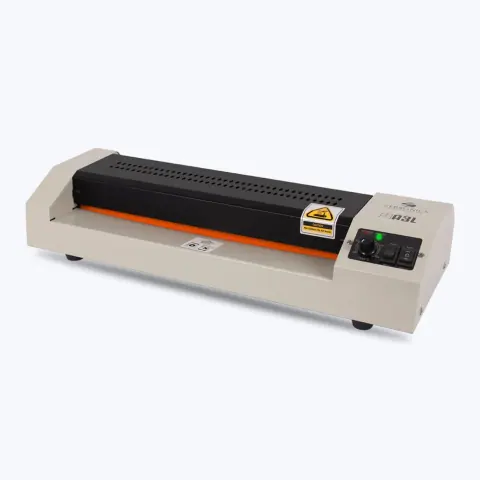
POS and office equipment models

7 models

    Filters

    Choosing a POS or office product

    Choose POS and office equipment for the counter it will serve: how many notes are counted in a day, how the cash drawer opens and how the billing system connects.
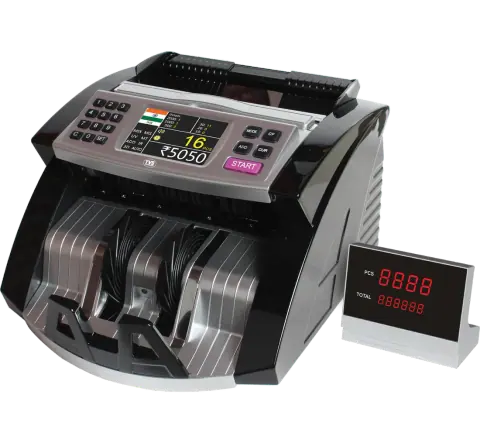
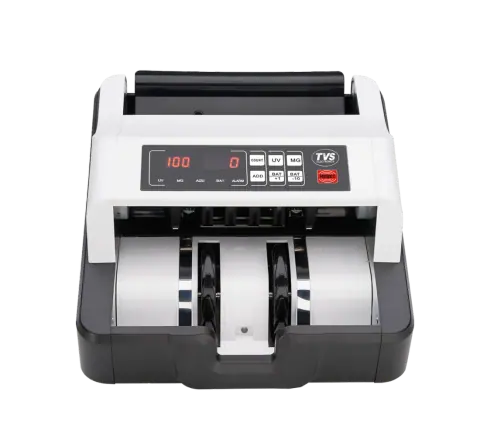
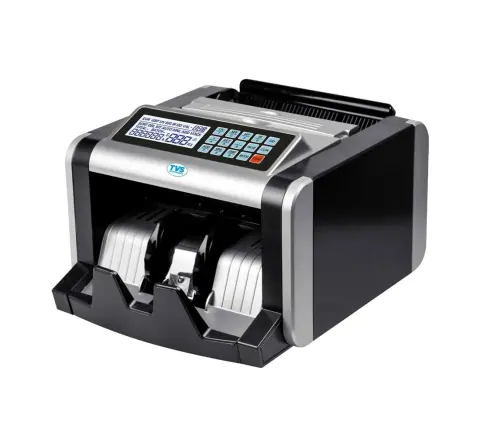
    Cash counting machines
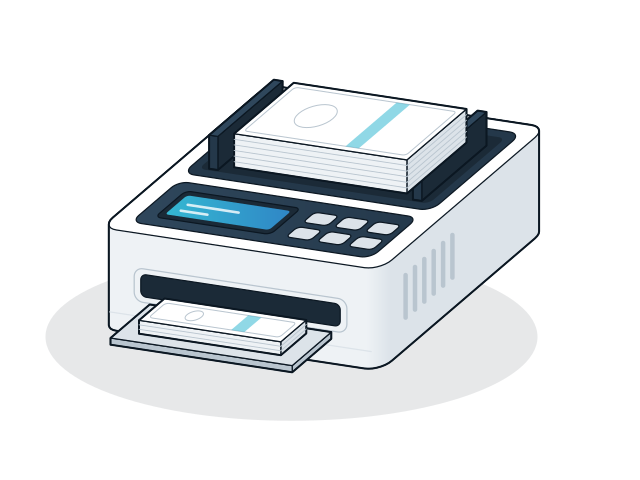
    Basic counters count notes of one denomination. Value counting (mix value) models count and total mixed denominations in one batch. Check the hopper capacity and the counting speed against the daily volume.
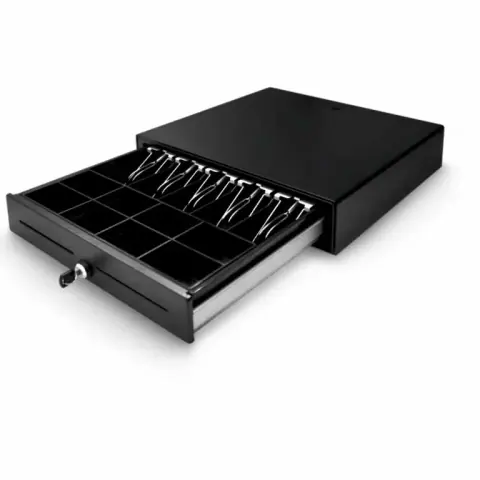
    Cash drawers
    Most POS cash drawers connect to the receipt printer's drawer port with an RJ11 cable and open when a bill is printed. Check that the printer has a drawer port and that the billing software sends the open command.
    Cash registers
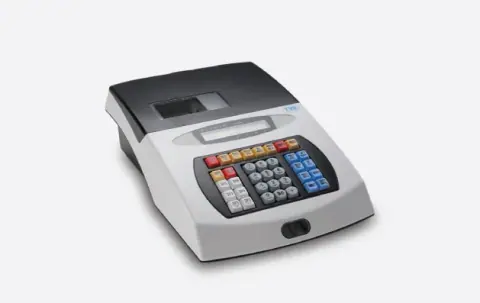
    An electronic cash register bills without a computer. Check how it connects to a PC for reports (serial, PS/2 or RJ11, as listed) and whether the billing software can read its data.
    Laminators
    Choose by the largest sheet you will laminate, for example A4 or A3, and use pouches of the thickness the machine is rated for.

    Installation and compatibility

    • Place a note counter on a firm, level surface away from fans, which can disturb the notes as they feed.
    • Keep the counter's sensors clean as described in the manual; dust is a common cause of miscounts.

    Enquire about POS and office equipment

    Send the models and quantities you need, or describe the requirement if the model is not listed. The sales desk will confirm price and availability.

    You are a (optional)

    Sending opens WhatsApp with your enquiry filled in, ready to send to our sales desk.