Projectors models

9 models

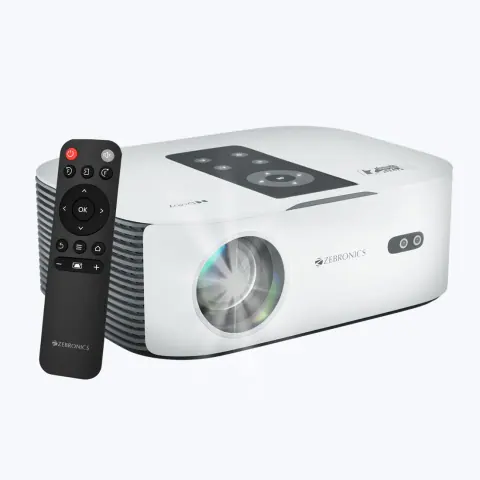
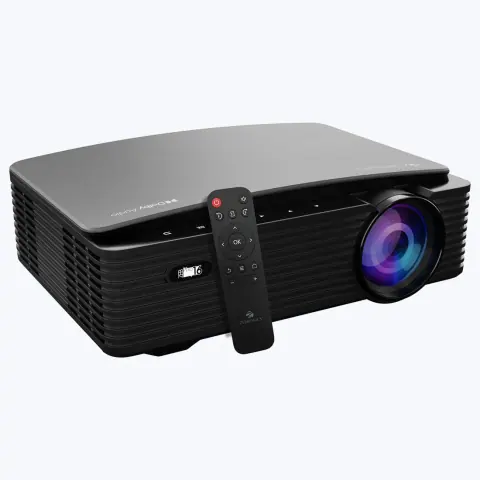
    • Zebronics PIXAPLAY 16

      Zebronics

      PIXAPLAY 16 projector

      • 11,000 lumens (as rated by the brand)
      • 1920 x 1080 (full HD)
      • 111 to 508 cm
      View details
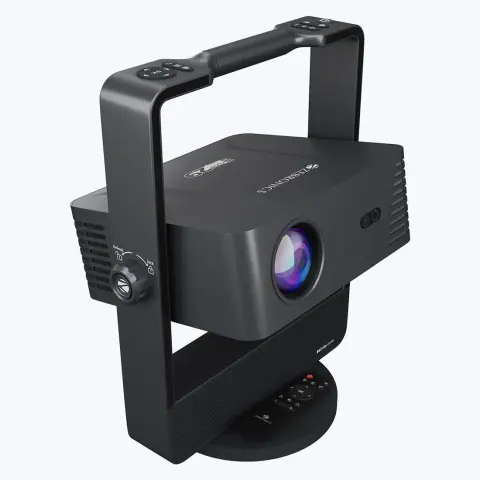
    • Zebronics PIXAPLAY 27

      Zebronics

      PIXAPLAY 27 projector

      • 7,500 lumens (as rated by the brand)
      • 1920 x 1080 (full HD)
      • 96.5 to 569 cm
      View details
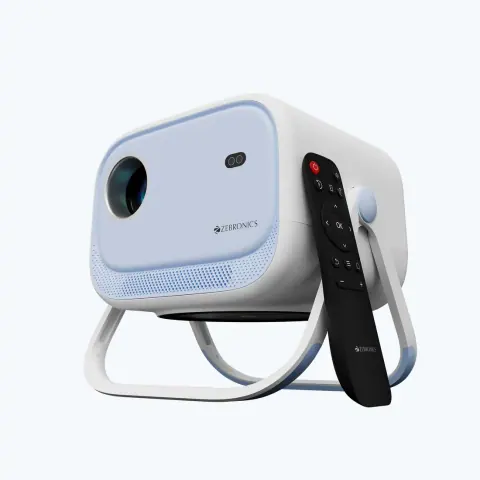
    • Zebronics PIXAPLAY 29

      Zebronics

      PIXAPLAY 29 projector

      • 14,500 lumens (max., as rated by the brand)
      • 1920 x 1080 (full HD)
      • 99 to 508 cm
      View details
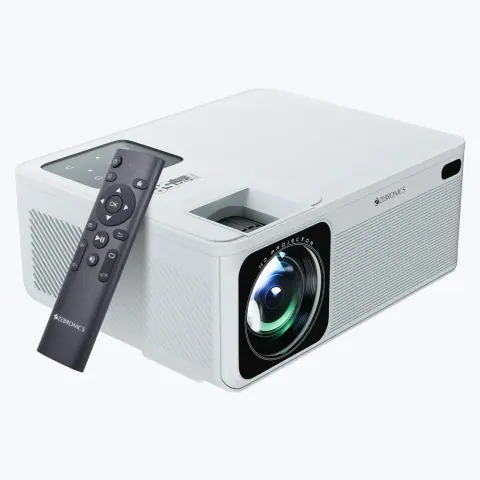
    • Zebronics PIXAPLAY 34

      Zebronics

      PIXAPLAY 34 projector

      • 5,200 lumens (as rated by the brand)
      • 1280 x 720 (HD)
      • 121.9 to 508 cm
      View details
    • Zebronics PIXAPLAY 58

      Zebronics

      PIXAPLAY 58 projector

      • 12,000 lumens (max., as rated by the brand)
      • 1920 x 1080 (full HD)
      • 127 to 533 cm
      View details
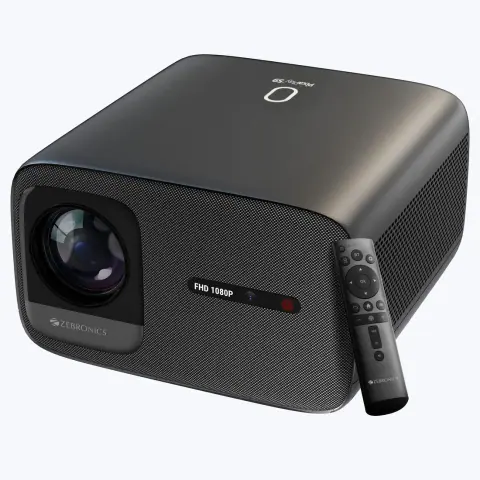
    • Zebronics PIXAPLAY 59

      Zebronics

      PIXAPLAY 59 projector

      • 20,000 lumens (max., as rated by the brand)
      • 1920 x 1080 (full HD)
      • 152.4 to 508 cm
      View details
    • Zebronics PIXAPLAY 66

      Zebronics

      PIXAPLAY 66 projector

      • 11,000 lumens (as rated by the brand)
      • 1920 x 1080 (full HD)
      • 124 to 508 cm
      View details
    • Zebronics PIXAPLAY 75

      Zebronics

      PIXAPLAY 75 projector

      • 4,600 lumens (as rated by the brand)
      • 1280 x 720 (HD)
      • 127 to 508 cm
      View details
    • Zebronics PIXAPLAY 768

      Zebronics

      PIXAPLAY 768 projector

      • 4,000 lumens (as rated by the brand)
      • 1280 x 720 (HD)
      • 101.6 to 381 cm
      View details

    Choosing projectors

    Choose a projector by room size, ambient light and the content you show. Brightness and resolution decide image quality, and throw distance decides where the projector can be mounted.

    Brightness
    Brightness is measured in ANSI lumens. About 2,000 to 3,000 lumens suits dim rooms, and 3,500 lumens or more suits classrooms and offices with ambient light. Larger screens need more brightness.
    Resolution
    SVGA (800 x 600) and XGA (1024 x 768) suit slide presentations. WXGA (1280 x 800) suits widescreen laptops, and Full HD (1920 x 1080) suits video and fine detail.
    Throw distance
    The throw ratio is the distance from the screen divided by the screen width. A standard-throw projector needs several metres, and a short-throw projector fills a screen from close up, so check the maker's throw table for your screen size and mounting position.
    Light source
    Lamp projectors need a replacement lamp after the rated hours, which are longer in eco mode. Laser and LED models avoid lamp changes, so check the rated hours and how the lamp is replaced.
    Connections
    HDMI is the main input for current laptops. Add VGA for older equipment, and a wireless option if presenters change often.

    Installation and compatibility

    • Mount the projector level and square to the screen to avoid keystone correction, which softens the picture. Use lens shift where the model has it.
    • Clean the air filter regularly, and let the fan finish running after shutdown before cutting power.
    • Beyond about 10 m, use an active HDMI cable or an HDMI extender over Cat6 for a stable picture.

    Also supplied by

    Models from these brands are not listed on the site. Ask for a price list or send the model numbers you need.


    Enquire about projectors

    Send the models and quantities you need, or describe the requirement if the model is not listed. The sales desk will confirm price and availability.

    You are a (optional)

    Sending opens WhatsApp with your enquiry filled in, ready to send to our sales desk.