Choosing pen drives and flash cards
Choose a pen drive or flash card by the device it will be used in, then by capacity and write speed. Read speed is what the pack quotes, but write speed decides how long copying a large folder or recording video takes.
- USB version and connector
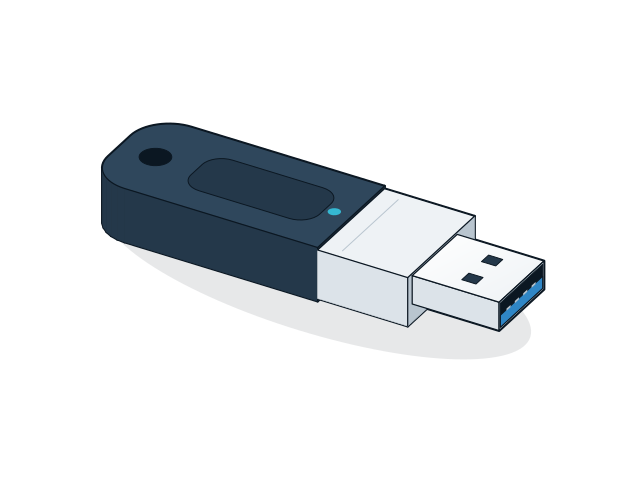
- USB 2.0 drives manage about 40 MB/s at best, and USB 3.0 and above are much faster. Check that the connector, USB-A, USB-C or both, matches the devices you use.
- File system
- Drives above 32 GB are usually formatted exFAT, and FAT32 limits each file to 4 GB. Check which file system a TV, car stereo or recorder reads before you copy files.
- SD and microSD cards
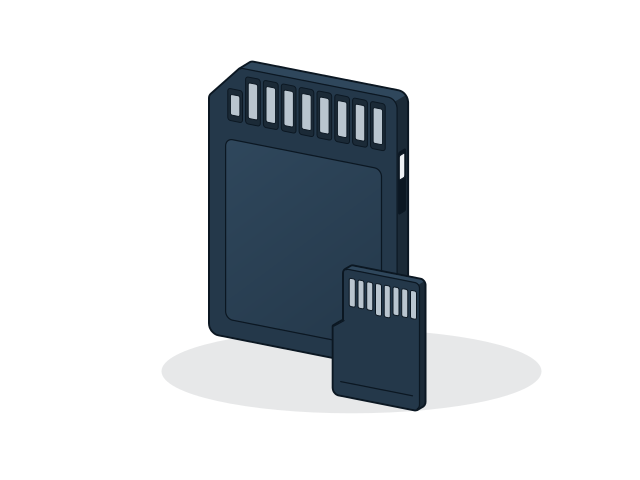
- Match the card format, SD or microSD, to the device. SDHC cards go up to 32 GB and SDXC cards above that, and older devices may not read SDXC.
- Speed class
- For video, look for U3 or V30 marks, which guarantee at least 30 MB/s of sustained writing. Class 10 guarantees 10 MB/s, and the A1 and A2 marks matter only if apps run from the card.
- Endurance
- Standard cards suit photos and occasional copying. A camera that records all day needs a high-endurance card.
- Security
- Pen drives are a common way for malware to spread. Scan new drives before use, and use encryption for sensitive data.