CPU coolers models

8 models

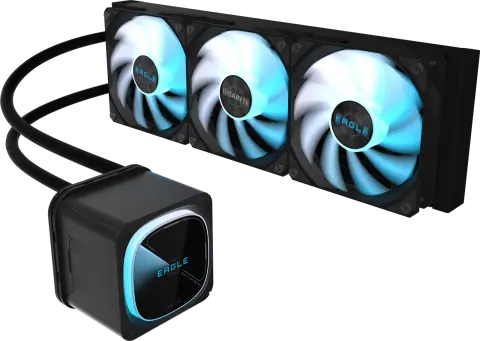
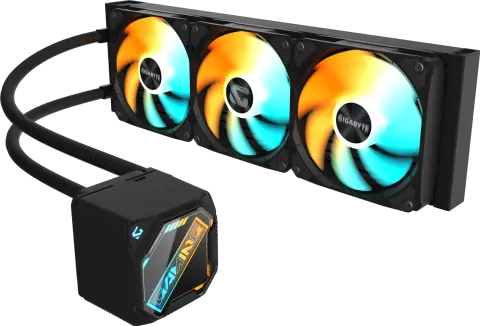
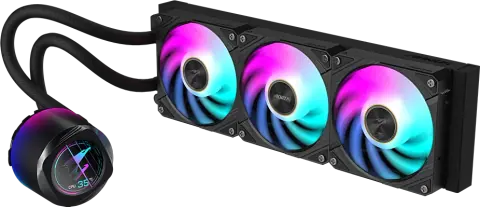
    • GIGABYTE GP-GIGABYTE EAGLE 360

      GIGABYTE

      EAGLE 360

      GP-GIGABYTE EAGLE 360

      • 360 mm
      • 3 x 120 mm
      • Intel 1851/1700/115X/1200, AMD AM5/AM4
      View details
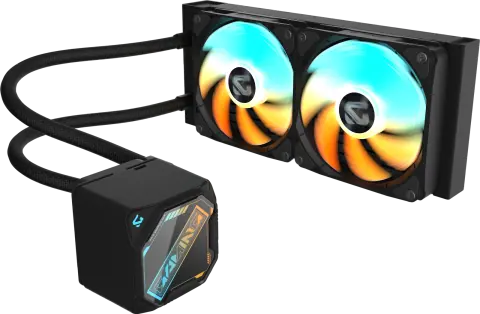
    • GIGABYTE GP-GIGABYTE GME 240

      GIGABYTE

      GAMING 240

      GP-GIGABYTE GME 240

      • 240 mm
      • 2 x 120 mm
      • Intel 1851/1700/115X/1200, AMD AM5/AM4
      View details
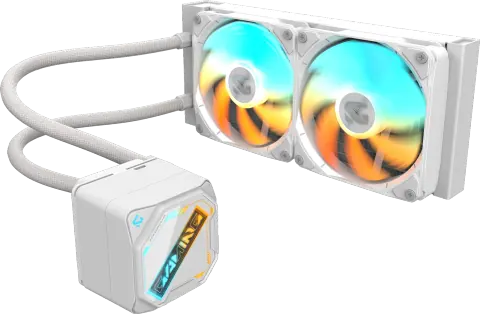
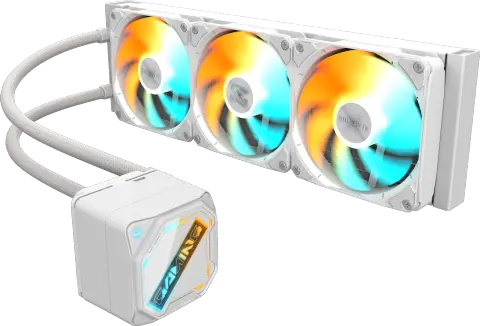
    • GIGABYTE GP-GIGABYTE GME 240I

      GIGABYTE

      GAMING 240 ICE

      GP-GIGABYTE GME 240I

      • 240 mm
      • 2 x 120 mm
      • Intel 1851/1700/115X/1200, AMD AM5/AM4
      View details
    • GIGABYTE GP-GIGABYTE GME 360

      GIGABYTE

      GAMING 360

      GP-GIGABYTE GME 360

      • 360 mm
      • 3 x 120 mm
      • Intel 1851/1700/115X/1200, AMD AM5/AM4
      View details
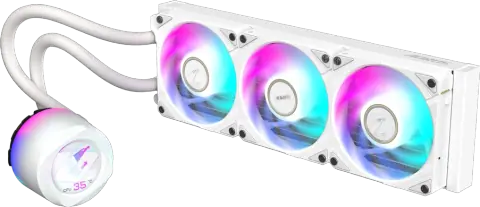
    • GIGABYTE GP-GIGABYTE GME 360I

      GIGABYTE

      GAMING 360 ICE

      GP-GIGABYTE GME 360I

      • 360 mm
      • 3 x 120 mm
      • Intel 1851/1700/115X/1200, AMD AM5/AM4
      View details

    Filters

    Choosing CPU coolers

    Choose a CPU cooler by the processor's heat output, the sockets it supports and the space in the cabinet. Radiator size sets the cooling capacity of a liquid cooler, so match it to the processor and to the cabinet's radiator mounts.

    Socket support
    Check the compatibility list for the exact socket: AM5, AM4, LGA1851, LGA1700 or LGA1200. Only selected models also support the Threadripper sockets.
    Radiator size
    A 240 mm radiator suits mid-range processors and compact cabinets. A 360 mm radiator removes more heat and suits high-power processors, but needs a cabinet with a 360 mm mount.
    Cabinet fit
    Check which cabinet positions take the radiator and its thickness, and leave clearance for the memory and the top of the board. Tubes of about 380 to 400 mm limit how far the pump block can sit from the radiator.
    Fans and noise
    Fan speeds run from about 500 to 2,400 rpm, with noise of about 12 to 38 dBA at the quoted figures. PWM control lets the board slow the fans when the processor is cool.
    Display and lighting
    Some coolers have an LCD or lighting on the pump block. These usually need a USB header and the maker's software, and they draw extra power from the board.
    Air or liquid
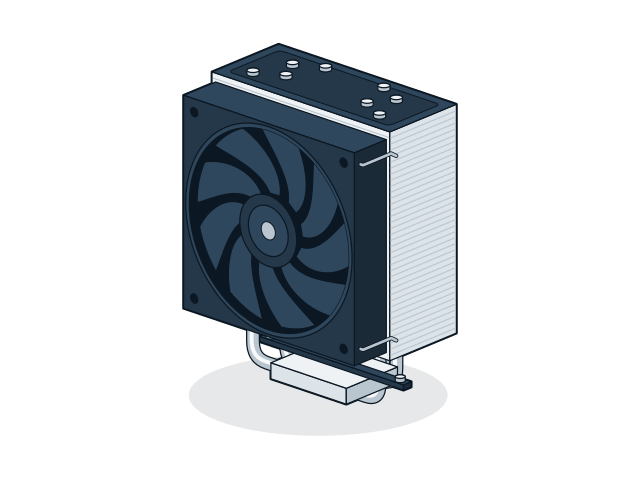
    Air coolers have no pump to fail and suit most mid-range processors. Liquid coolers suit high-power processors and clear space around the socket.

    Installation and compatibility

    • Do not mount the radiator with the pump at its highest point. Trapped air collects in the pump and causes noise.
    • Plug the pump into the CPU or pump header and set it to full speed in the BIOS. Connect the radiator fans to fan headers.
    • Remove any film from the cold plate, and use only the amount of thermal paste the maker specifies.

    Also supplied by

    Models from these brands are not listed on the site. Ask for a price list or send the model numbers you need.


    Enquire about CPU coolers

    Send the models and quantities you need, or describe the requirement if the model is not listed. The sales desk will confirm price and availability.

    You are a (optional)

    Sending opens WhatsApp with your enquiry filled in, ready to send to our sales desk.