Printers and scanners

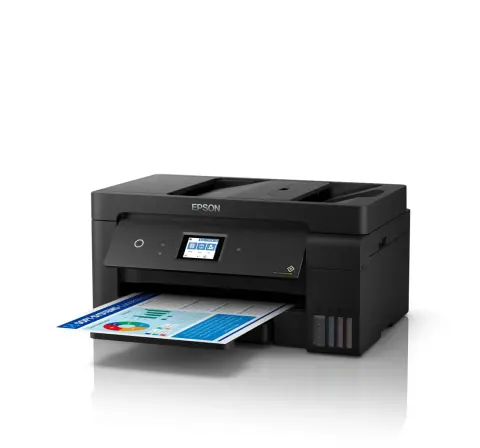
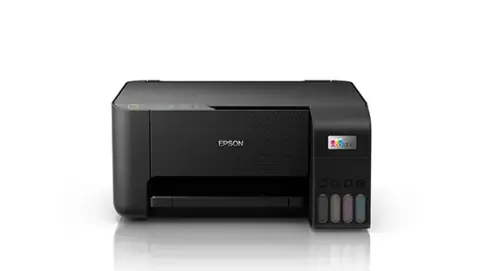
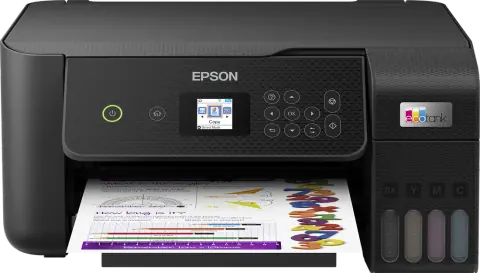
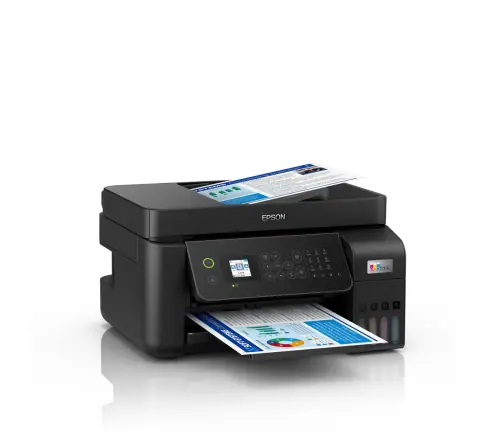
L3250 ink tank printer

Model L3250
Also listed as
L3256

A4 colour ink tank all-in-one that prints, scans and copies, with Wi-Fi and Wi-Fi Direct.

Function
Print, scan, copy
Print speed (ISO)
10.0 ipm black, 5.0 ipm colour
Ink yield
4,500 black, 7,500 colour pages
Connectivity
USB 2.0, Wi-Fi, Wi-Fi Direct

Overview

Highlights

  • Print, scan and copy from one unit
  • Wi-Fi and Wi-Fi Direct, with the Epson Smart Panel app for setup and control
  • Integrated ink tanks refilled from bottles
  • Ink bottle yield of 4,500 black pages and 7,500 colour pages (composite yield)
  • Borderless printing up to 4R photo size

Draft print speed is up to 33 ppm black and 15 ppm colour, and the ink bottles are rated for 4,500 black pages and 7,500 colour pages.

At a glance

Type
Colour ink tank
Used with
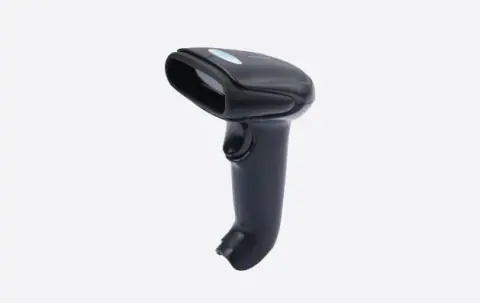
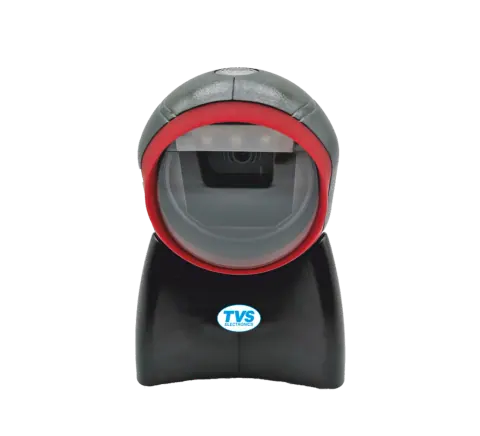
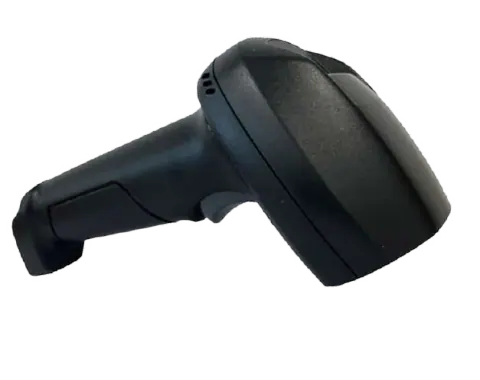
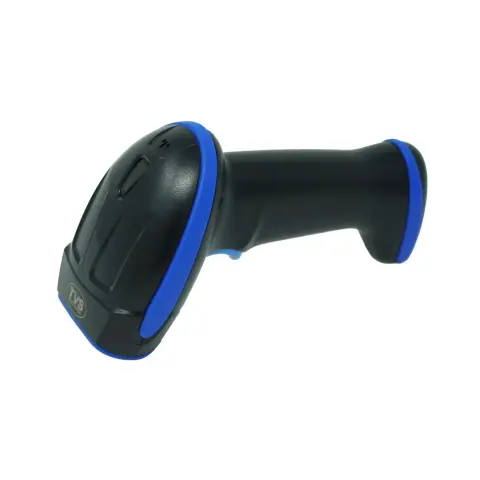
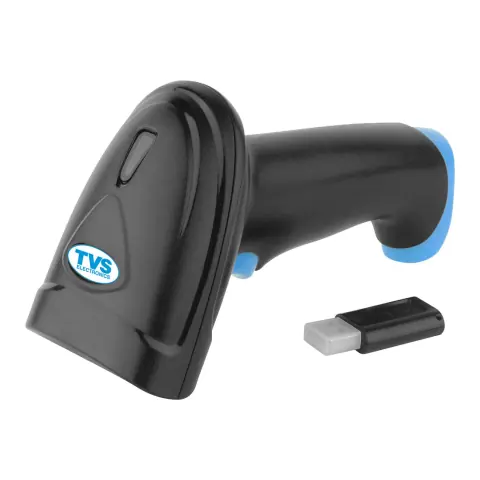
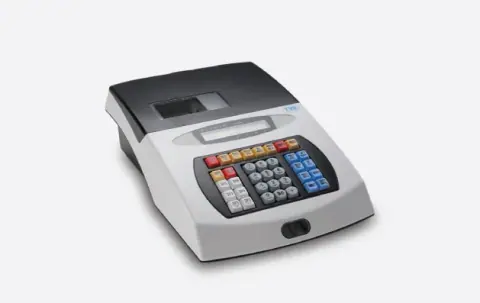
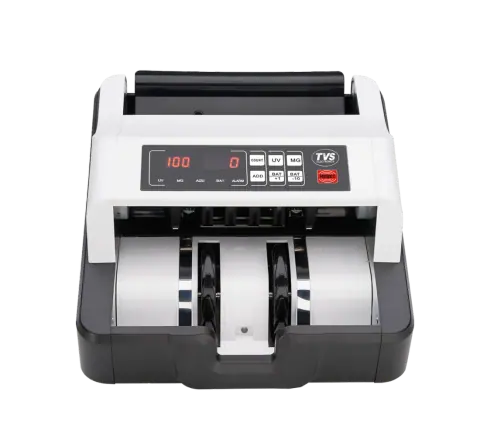
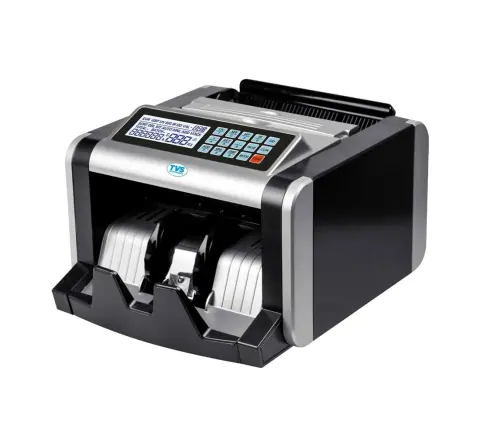
Toner, ink and ribbons, barcode scanners and POS and office equipment See products

Specifications

Printing

Printer type
Print, Scan, Copy
Print method
On-demand inkjet (Piezoelectric)
Printer language
ESC/P-R, ESC/P Raster
Nozzle configuration
180 x 1 nozzles Black, 59 x 1 nozzles per Colour (Cyan, Magenta, Yellow)
Maximum resolution
5760 x 1440 dpi
Automatic 2-sided printing
No
Photo default, 10 x 15 cm / 4 x 6"
Approx. 69 sec per photo (Border) / 90 sec per photo (Borderless)
Draft, A4 (black / colour)
Up to 33.0 ppm / 15.0 ppm
ISO 24734, A4 simplex (black / colour)
Up to 10.0 ipm / 5.0 ipm
First page out time from ready mode (black / colour)
Approx. 10 sec / 16 sec

Copying

Maximum copies from standalone
20 copies
Maximum copy resolution
600 x 600 dpi
Maximum copy size
A4, Letter
ISO 29183, A4 simplex (black / colour)
Up to 7.7 ipm / 3.8 ipm

Scanning

Scanner type
Flatbed colour image scanner
Sensor type
CIS
Optical resolution
1200 x 2400 dpi
Maximum scan area
216 x 297 mm
Scanner bit depth (colour)
48-bit input, 24-bit output
Scanner bit depth (greyscale)
16-bit input, 8-bit output
Scanner bit depth (black & white)
16-bit input, 1-bit output
Flatbed (black / colour)
Up to 11 sec / 28 sec

Paper handling

Number of paper trays
1
Standard paper input capacity
Up to 100 sheets of Plain Paper (80 g/m2); Up to 20 sheets of Premium Glossy Photo Paper
Output capacity
Up to 30 sheets of Plain Paper (80 g/m2); Up to 20 sheets of Premium Glossy Photo Paper
Maximum paper size
215.9 x 1200 mm
Paper sizes
Legal (8.5 x 14"), Indian-Legal (215 x 345 mm), 8.5 x 13", Letter, A4, 16K (195 x 270 mm), B5, A5, B6, A6, Hagaki (100 x 148 mm), 5 x 7", 5 x 8", 4 x 6", Envelopes: #10, DL, C6
Print margin
0 mm top, left, right, bottom via custom settings in printer driver

Connectivity

Epson Connect features
Epson iPrint, Epson Email Print, Remote Print Driver
Other mobile solutions
Epson Smart Panel
USB
USB 2.0
Network
Wi-Fi, Wi-Fi Direct
Network protocol
TCP/IPv4, TCP/IPv6
Network management protocols
SNMP, HTTP, DHCP, APIPA, PING, DDNS, mDNS, SLP, WSD, LLTD

Software and compatibility

Operating system compatibility
Windows XP / XP Professional / Vista / 7 / 8 / 8.1 / 10; Windows Server 2003 / 2008 / 2012 / 2016 / 2019; Only printing functions are supported for Windows Server OS; Mac OS X 10.6.8 or later
Printer software
Epson ScanSmart

Consumables and options

Black ink bottle
4,500 pages; order code 003
Cyan ink bottle
7,500 pages (composite yield); order code 003
Magenta ink bottle
7,500 pages (composite yield); order code 003
Yellow ink bottle
7,500 pages (composite yield); order code 003

Power

Rated voltage
AC 220-240 V
Rated frequency
50-60 Hz
Power consumption, operating
12.0 W
Power consumption, sleep
0.7 W
Power consumption, power off
0.2 W
Power consumption, standby
4.5 W

Noise

PC printing, premium glossy photo paper, best photo
Sound Power (Black / Colour) 5.1 / 5.2 B(A); Sound Pressure (Black / Colour) 38 / 39 dB(A)
PC printing, plain paper, default mode
Sound Power (Black / Colour) 6.4 / 6.2 B(A); Sound Pressure (Black / Colour) 50 / 48 dB(A)

Physical

Dimensions (W x D x H)
375 x 347 x 179 mm
Weight
3.9 kg

Specifications are taken from the manufacturer's published information and may change. Confirm critical values with our sales desk before ordering.

Epson product page

Works with

Consumables for Epson printers

Check the cartridge or ribbon code against the printer model.
Barcode scanners

POS and office equipment

Support

Warranty and repairs

Warranty is as per Epson’s terms for this model. For products bought from us, call our service team with the invoice number, the model and the product’s serial number.

From Epson

Practical notes

  1. Install drivers from the brand’s official support site.
  2. Use consumables made for the printer model.

Request a quote

Share the quantity and delivery location for L3250. Our sales desk replies with price and availability, subject to stock.
You are a (optional)

Sending opens WhatsApp with your enquiry filled in, ready to send to our sales desk.

Pairs with